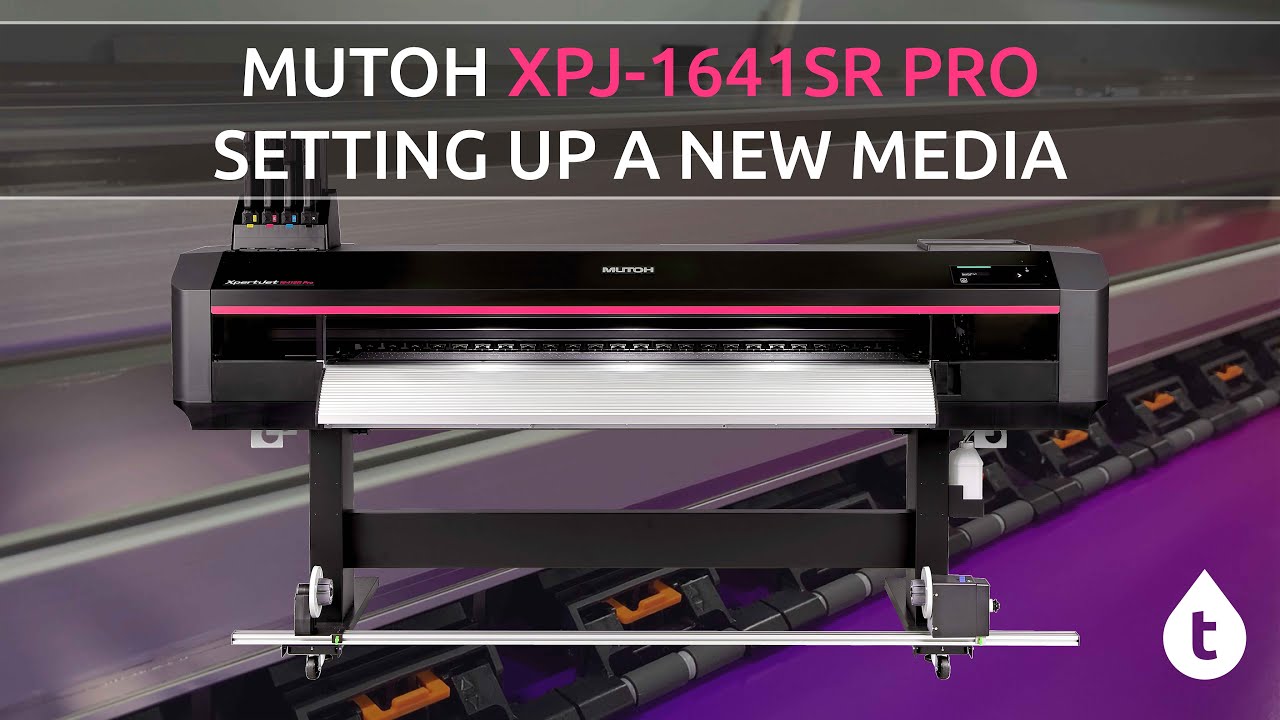
XPJ-1641SR PRO - SETTING UP A NEW MEDIA
Автор: Total Image Supplies Pty Ltd.
Загружено: 2024-12-02
Просмотров: 776
Описание:
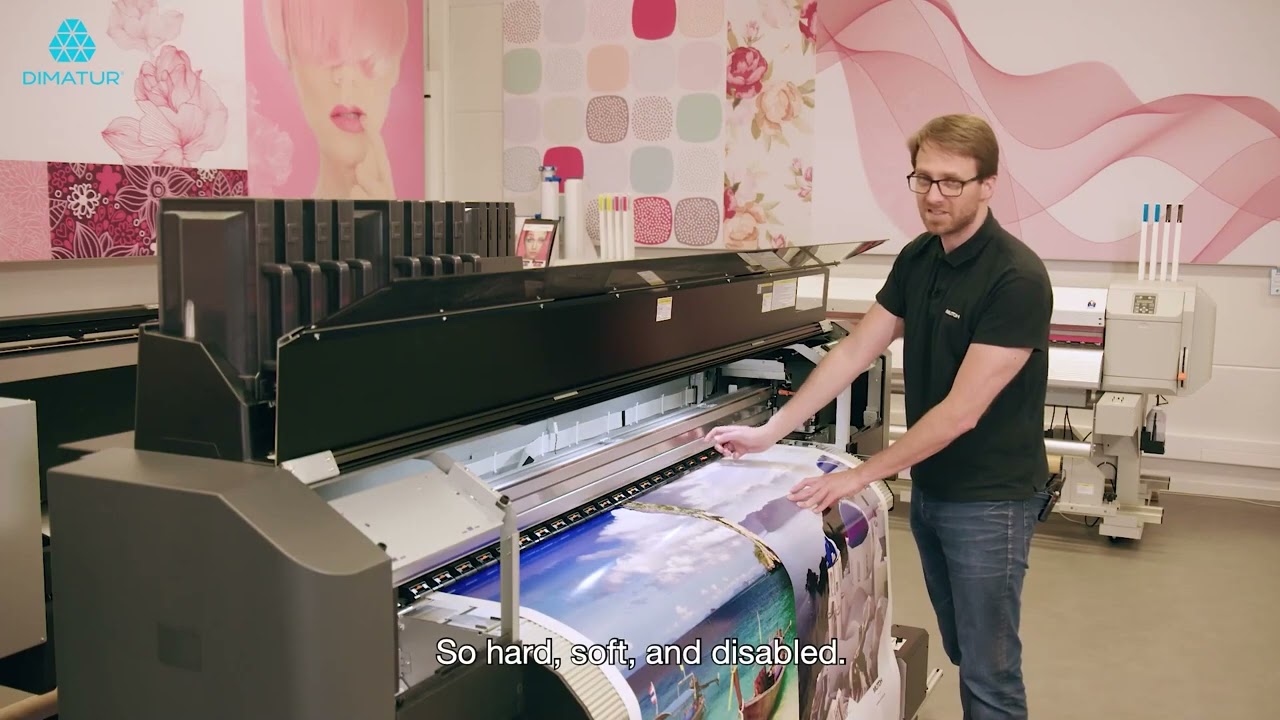
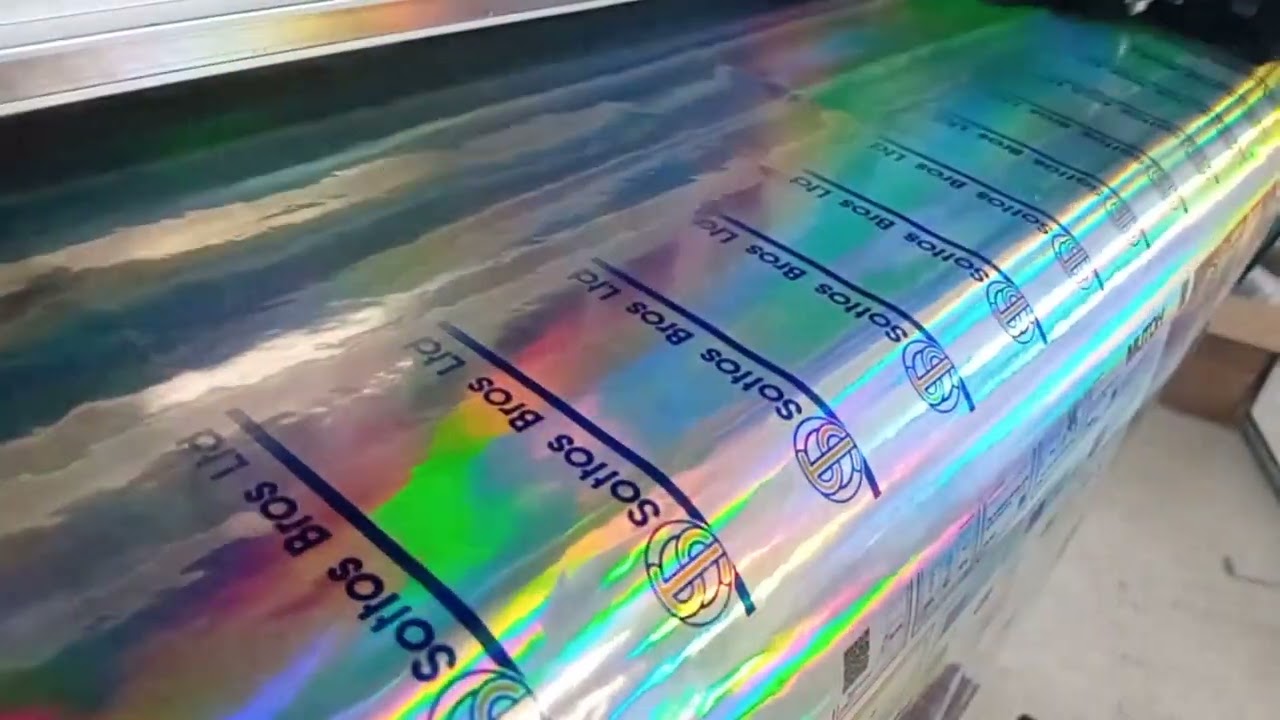
A quick video to show how to set up the alignment for new media on the XpertJet 1641SR PRO. The process takes about ten minutes and will make a huge difference in the quality of your prints!
The same method applies for the XPJ-1641SR, XPJ-1682SR, XPJ-1341SR & XPJ-1682SR PRO.
Set your User Type's default heater and vacuum settings before you complete the steps in the video.
1 – Bi-Directional Alignment
This ensures your ink drops land in the same position when the carriage is moving left as when it is moving right.
Home - Setup - User Type - “Select Your User Type” - Adjust Print - Auto - All
2 – Feed Adjustment
This ensures that you don’t get banding in your prints and that your prints come out the right size.
Home - Setup - User Type - “Select Your User Type” - PF Adjust - Auto
3 – Change the names of the User Types in MSM
This ensures you can pick the correct user type for the correct media. Watch the steps in the video.
4 – When making major changes always turn off and reboot the printer. Sudden outages like power outages that aren’t a proper printer shut down can cause the printer to lose new settings. Power Cycling the printer locks these settings in.
For queries on this or any other Mutoh printers contact [email protected]
Повторяем попытку...
Доступные форматы для скачивания:
Скачать видео
-
Информация по загрузке: