How To Change Your Standard Yahoo Mail Back To Basic Mail Version Update 2025
Автор: Edmund Mindaros
Загружено: 2025-02-24
Просмотров: 12155
Описание:
How To Change Your Standard Yahoo Mail Back To Basic Mail Version Update 2025
Yahoo Mail comes in two versions: full featured and basic. The full featured version is newer version and is, of course, recommended by Yahoo. However, if you prefer a more streamlined, simple version of mail, you can use Yahoo’s Basic Mail.
The Standard view will be the most current up to date setting with all the elements loading on the page such as animations and buttons. The Basic HTML view is a simpler layout of your mail that loads the page using Basic HTML. This can help anyone that has a slow connection, or possibly a browser that doesn’t support it.
How to Switch to Yahoo Basic Mail Version View:
1. First start by first logging into your email.
2. Once you’re logged in, look in the right-hand corner for the ‘Settings’ button with the gear icon, click this.
3. In the drop-down menu toward the bottom, you’ll find and click ‘More Settings’ with the 3 horizontal dots next to it.
4. This should give you a new page.
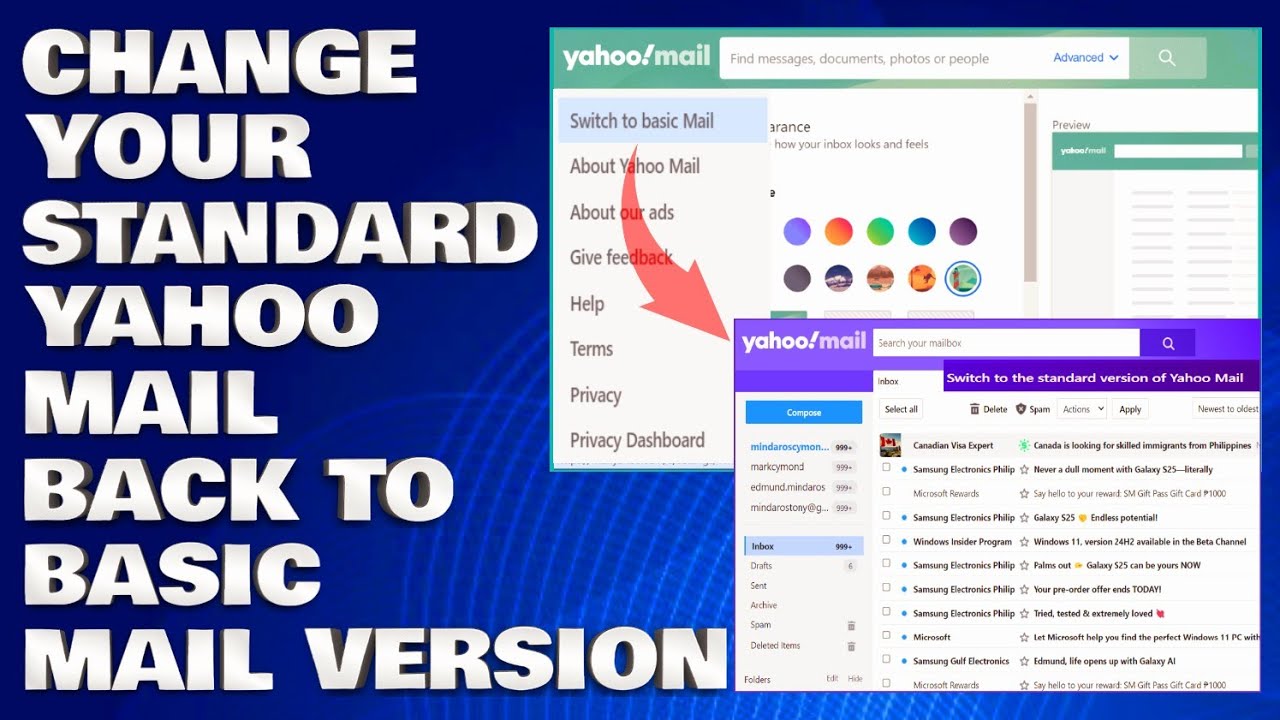
5. In the left-hand side panel, toward the bottom should be ‘Switch to basic Mail’ in small text.
6. When you click this, it will take you to the login page to log in and confirm these changes.
7. Log into your email as you normally would, with your Username and Password and once your email loads, it should load the page in the Basic view for you. Simple as that!
Issues Addressed In This Tutorial:
how do i change yahoo to classic view
how to change back to classic yahoo email
how to change yahoo mail back to classic
change back to old yahoo mail
how to switch back to classic yahoo mail
change yahoo mail back to classic view
how do i change yahoo mail back to classic view
change back to classic view yahoo mail
how do i change yahoo back to classic view
Thank you for watching this tutorial! I hope you found the information valuable and that it helps you on your journey. If you have any questions or suggestions, please leave them in the comments below. Don't forget to like and subscribe for more content like this. Stay curious, keep learning, and we'll see you in the next video!
Disclaimer: This channel doesn't promote any illegal contents, all content are provided by this channel is meant for educational purposes only and share my knowledge with everyone that is totally Legal, informational. And followed all the YouTube community guideline rules. The videos are completely for Legal.
Join this channel to get access to perks:
/ @edmundmindaroschannel
#yahoomail #yahootutorial #howto
Повторяем попытку...
Доступные форматы для скачивания:
Скачать видео
-
Информация по загрузке: