Скачать
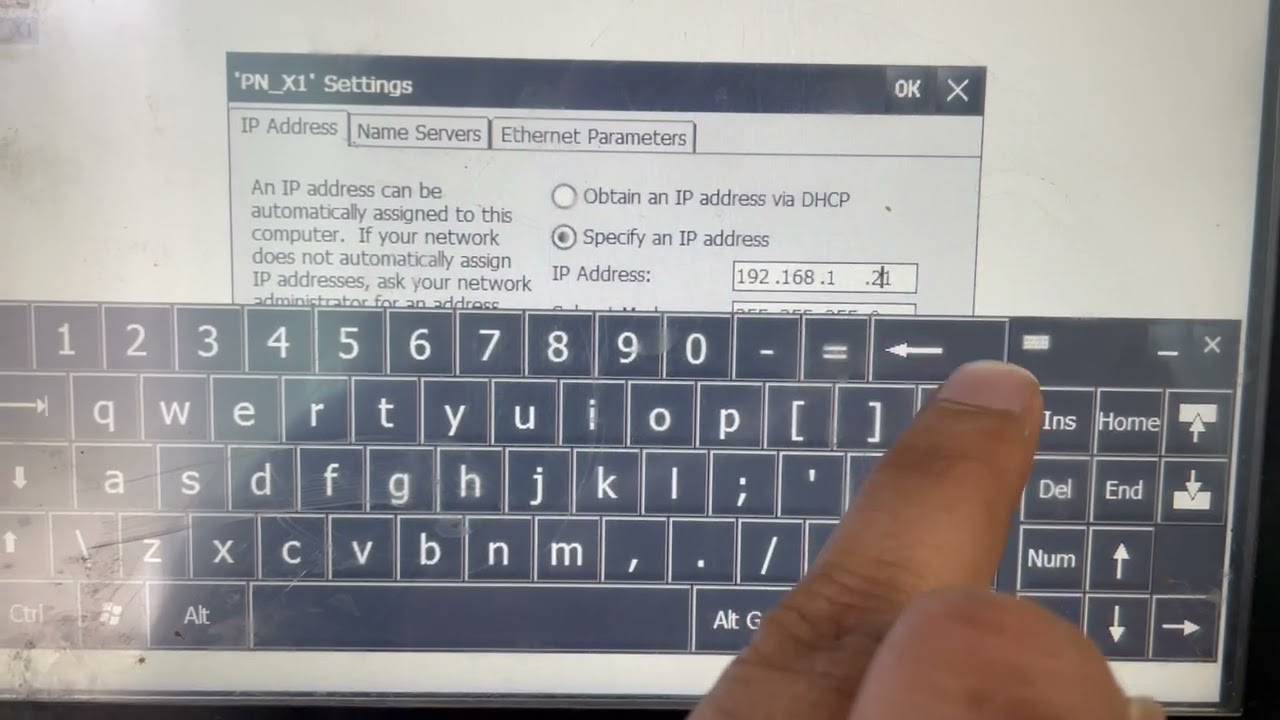
Change IP addresses of S71200 and TP900 Comfort using HMI settings,
Автор: SharpInfoTech Solutions
Загружено: 2022-10-31
Просмотров: 2760
Описание:
4. When scan completes it shows PLC IP address
5. Change IP and select save online, this will change PLC IP address
6. To change HMI IP address, go to settings and select Transfer
7. Select PN network and change IP address of HMI
PLC and HMI IP address and Connection changed using HMI only
Comment if you have any question
Не удается загрузить Youtube-плеер. Проверьте блокировку Youtube в вашей сети.
Повторяем попытку...
Повторяем попытку...
Доступные форматы для скачивания:
Скачать видео
-
Информация по загрузке: