LawMate Covert Mini Hidden Spy Camera - Review
Автор: SpyCentre Security
Загружено: 2021-06-02
Просмотров: 851
Описание:
Click here to purchase this product - https://spycentre.com/products/mini-b...
Call us: 1-800-292-7748
Mon-Sat 9 am to 5 pm CST
Visit our website: https://spycentre.com/
Follow us:
Facebook - / thespygearsuperstore
Twitter - / scs4plano
Timestamps:
00:00 Intro
00:35 LawMate Covert Mini Hidden Spy Camera
01:18 Unboxing
01:54 Device Setup
02:23 Windows Time and Date Set up
02:59 Mac Time and Date Set up
04:02 Device Operation
04:52 Disclaimer and Demo Intro
05:22 Body Worn Demo
05:54 Stationary Demo
06:23 Overall
06:56 Outro
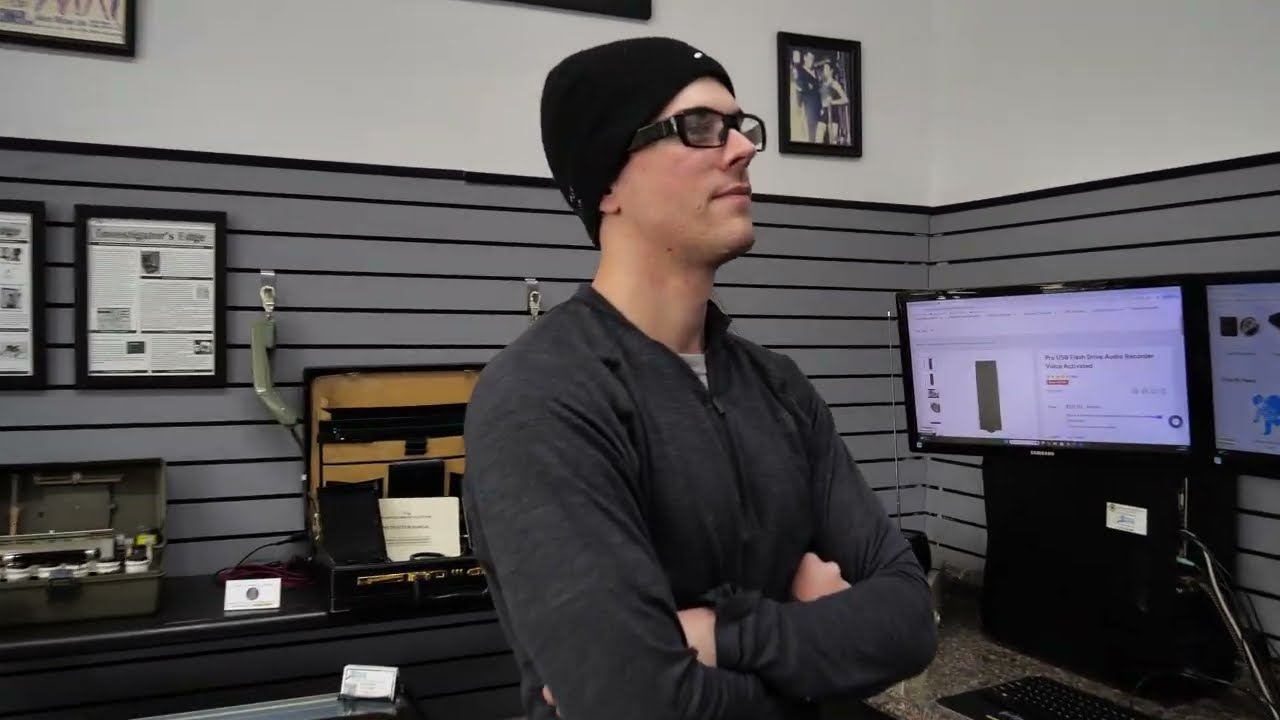
Hello everyone, my name is MJ and I am one of the product specialists here at Spy Centre Security, the Spy Gear Super Store. I’m here today to talk to you about the LawMate covert mini hidden spy camera.
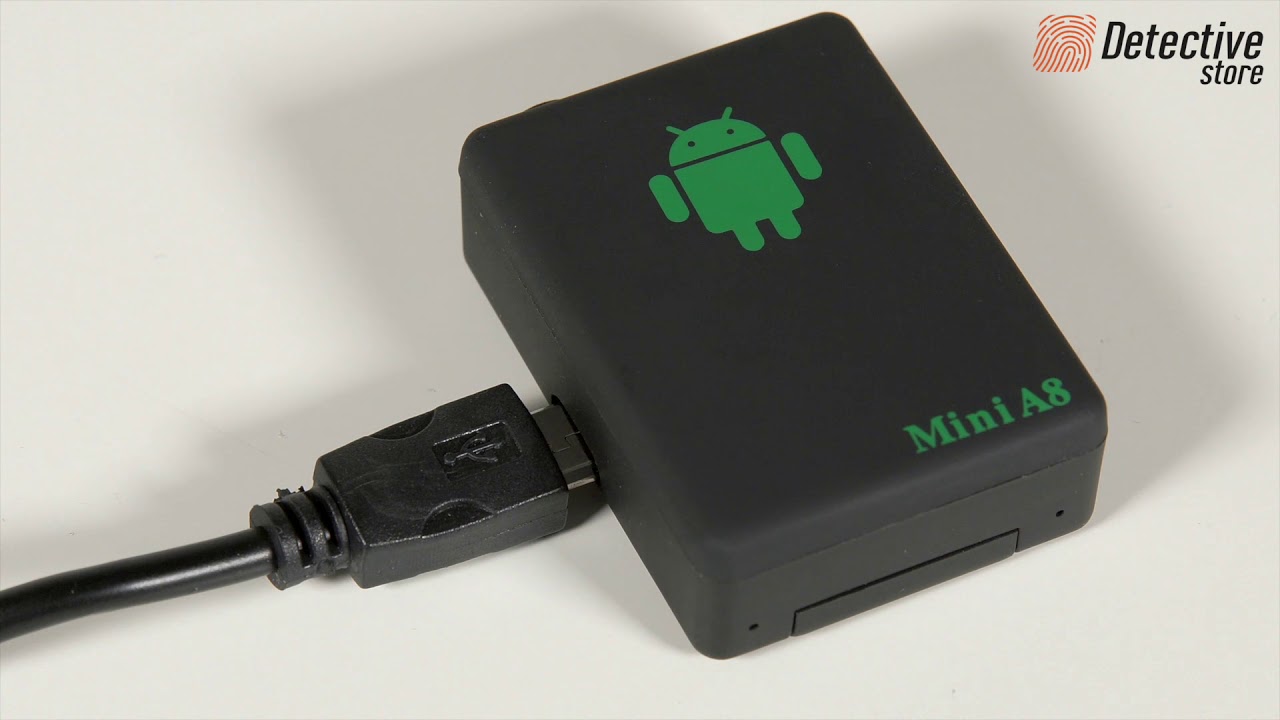
Introducing our newest covert mini hidden spy camera from the LawMate American made series, the LawMate covert hidden mini spy cam! This mini body worn or stationary camera offers a small sleek design that is super user friendly and offers easy accessibility for capturing video and audio. A one-touch on/off capability enables quick recording whenever it suddenly becomes necessary. With amazing 1080P video quality and 5 megapixel snapshot picture capabilities, you can truly do it all. My favorite attributes of this camera are the overall size and ease of use, being one of the smallest body-worn cameras on the market, this cam offers effortless capture with fantastic quality. Let's check out what comes in the box and how it works.
First, we will need to make sure we have fully charged the device before using it, which will only take about an hour to gain a 60-65 minute battery. Now, we will want to make sure we have put our micro SD card into the camera, keep in mind the unit will take a maximum 32GB card. Once the SD card has been inserted, we can begin recording. Press and hold the on/off button for about 5 seconds; you should see the blue LED turn on at the backside of the camera indicating that it's in standby mode.
To start a recording, make sure the switch on the right-hand side of the camera is set to the "REC" option, then do a single click on the on/off button to begin recording. A solid blue and red LED will turn on, telling you it is recording. Once finished, click the same button, and the red LED turns off to indicate it has stopped and saved the recording. If you need to take snapshot pictures, flick the switch on the side to the "PHOTO" option before turning the device on, then click the on/off button to snap a high-resolution photograph. The captured videos and photos are automatically time and date stamped. Let me show you through the time and date setup for both PC and Mac.
The only other thing we will need to set up is the time and date. Go ahead and create a notepad .txt (Windows) or a TextEdit (Mac) file within the device memory and name it "settime" before opening it. Enter the date as shown: YYYY.MM.DD 15:00:00, such that 3 pm, April 7th, 2021 is shown as 2021.04.07 15:00:00. When using a Mac, enter the TextEdit preferences to select "save as plain txt" and disable "wrap to page" before saving the file. Now that we have it all set up, we can begin recording!
No matter what the circumstances may be, it is never a bad idea to have high quality body worn footage. This LawMate product will capture video and audio recording in beautiful 1080P at 30FPS and high-resolution pictures! Clip it to your chest or place it on a counter; you truly can use this camera for anything. With an easy one-touch operation, you will be able to use this in the heat of the moment, ensuring your peace of mind no matter what the situation may be. I definitely think this camera is amazing for many different applications and could mean the difference in proving or disproving innocence.
Повторяем попытку...

Доступные форматы для скачивания:
Скачать видео
-
Информация по загрузке: