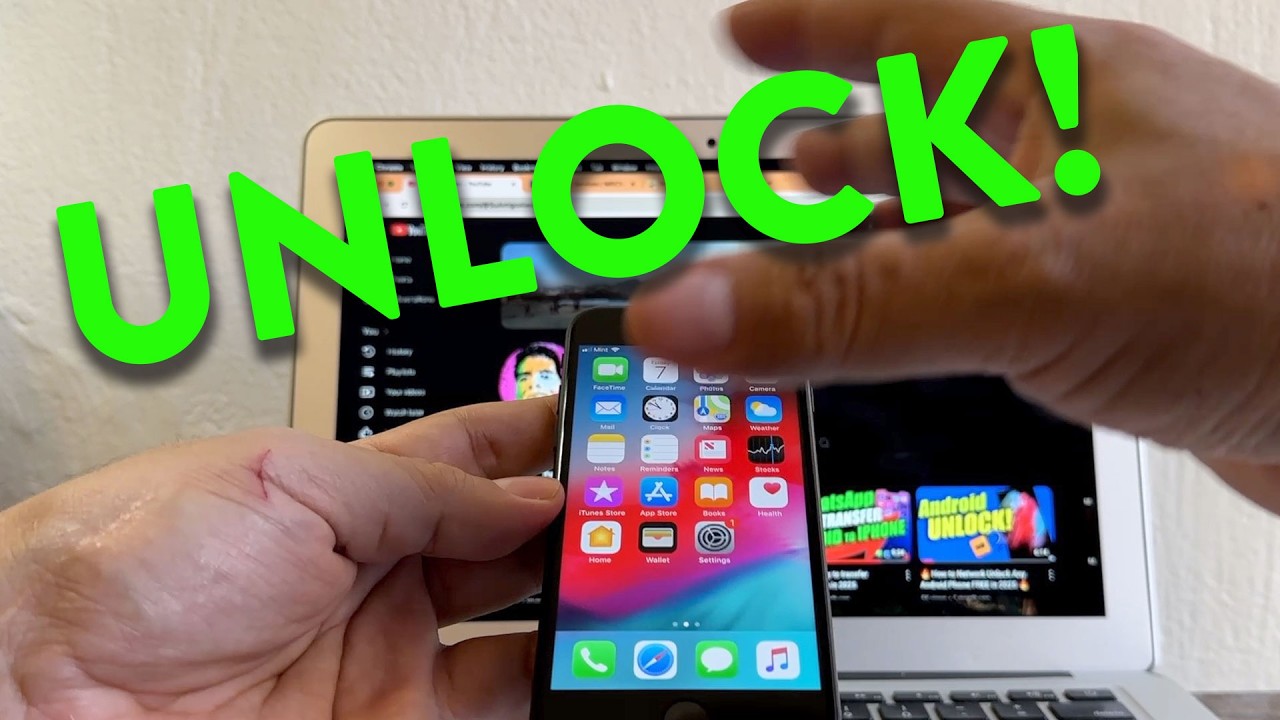
How to unlock iPhone from carrier
Автор: Su Amigo Alex
Загружено: 2025-05-24
Просмотров: 3782
Описание:
SIM Not Supported? Unlock your iPhone from your current carrier so you can use it with any cellphone carrier of your choice.
AT&T Unlock Portal:
https://www.att.com/deviceunlock/
iPhone Carrier Check:
https://imeicheck.com/iphone-carrier-...
Each carrier has their own unlock policy that you will need to read before requesting a device unlock.
Here is a list of the major carriers in the USA and their unlocking policies:
AT&T: https://www.att.com/support/article/w...
T-Mobile: https://www.t-mobile.com/responsibili...
Verizon: https://www.verizon.com/about/consume...
UScellular: https://www.uscellular.com/legal/mobi...
Spectrum: https://www.spectrum.net/support/mobi...
Tracfone: https://www.tfwunlockpolicy.com/wps/p...
Boost Mobile: https://help.boostmobile.com/docs/unl...
Metro by T-Mobile: https://www.metrobyt-mobile.com/terms...
Cricket Wireless: https://www.cricketwireless.com/legal...
If you go to Settings - General - About
Under Carrier Lock:
If you see "No SIM Restrictions" that means the iPhone is Unlocked.
If you see "Carrier Locked" that means the iPhone is Locked. This device might be restricted to the original carrier and/or have certain capabilities limited.
Contact your provider for more info.
#unlock #iphone #free
Повторяем попытку...
Доступные форматы для скачивания:
Скачать видео
-
Информация по загрузке: