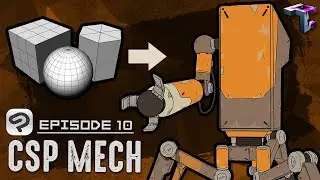
How to use 3D primitives in clip studio paint (mini-course)
Автор: DIGITAL THREE NINE
Загружено: 2022-11-15
Просмотров: 1315
Описание:
This is a mini course on working with the 3D primitives in Clip studio paint.
Table of Contents:
00:00 - Introduction
00:10 - Examples of What can be done with 3D pr
06:01 - Usng Billboards
07:10 - Changing Images on Bill boards
07:26 - Adding planes
07:55 - Placing an image on a plane
09:43 - Texture settings
10:36 - Casting a shadow with the plane Image
11:57 - Adding the Cube Primitive
12:27 - Understanding the quick menu
13:15 - Switching camera views
13:47 - Removing the wireframe
13:51 - Adjusting the wireframe
14:24 - CHanging the cube color
16:20 - Applying light and casting shadows
16:55 - Adding the Sphere primitive
18:07 - Using the 3D Gizmo
18:23 - Scaling
19:36 - Moving the object
20:02 - Rotating the object
21:04 - Adding the Prisim
21:35 - Increasing the size count
22:08 - Duplicating objects
22:35 - Resizing the primitive
22:56 - Building a simple castle gatehouse
24:20 - Resizing different primitives
26:22 - Changing the wireframe count
28:10 - Adding textures to our primitives
29:58 - Adjusting the textures
31:11 - Saving the texture primitives materials
35:02 - I did not forget the pyramid
36:09 - Adding a grass texture to a plane
37:56 - Adding a panorama
Повторяем попытку...

Доступные форматы для скачивания:
Скачать видео
-
Информация по загрузке: