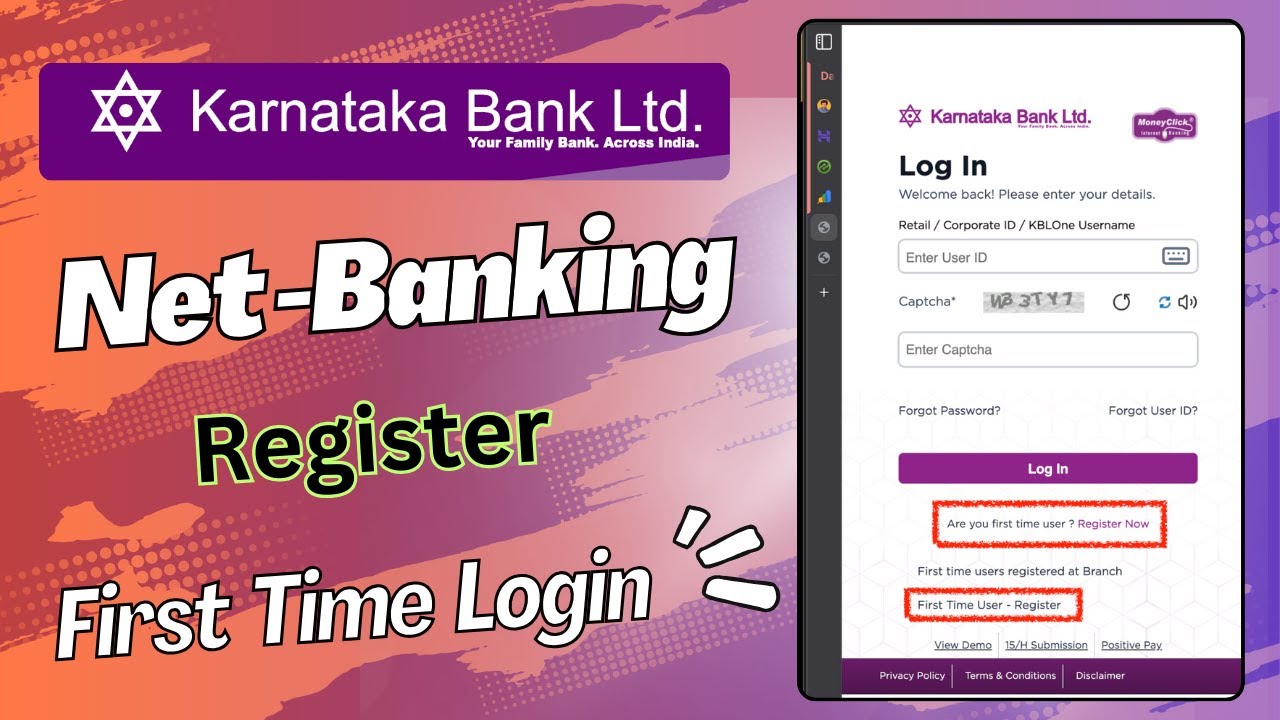
Karnataka Bank Net Banking Register/SignUp | First Time User
Автор: Kingfisher Tech Tips
Загружено: 2026-02-04
Просмотров: 3124
Описание:
H e y G u y s !
📌 In this video we will see how to do Karnataka Bank Net Banking Registration Process
To register for Karnataka Bank Net Banking online, follow these steps:
1. Visit the Official Website: Go to the official Karnataka Bank website: https://karnatakabank.com.
2. Navigate to Internet Banking: Click on the Internet Banking tab located in the top section of the homepage.
3. Start Registration: Select Personal Net Banking and then click on the New Online Registration option.
4. Choose Registration Type: Select the option "First-time user (register online)".
5. Enter Account Details: On the self-registration page, fill in your Account Number, Registered Mobile Number, and Customer ID (found on your passbook or account statement).
6. Authenticate with Debit Card: Choose the Debit Card option for authentication. Enter your Debit Card Number, Cardholder Name, and Expiry Date as printed on the card.
7. Verify with OTP: An OTP (One-Time Password) will be sent to your registered mobile number. Enter this OTP to verify your identity.
Wait for Activation: Your registration request will be submitted. The activation process takes up to 48 hours. Note down the Request ID displayed on the screen for future reference.
8. Generate Your Password: After activation, return to the homepage and click on the "Generate a Password" link under Self-Registration.
9. Set Your Credentials: Enter your Request ID and Account ID, then re-enter your Debit Card details. You will receive another OTP. After verification, you will be directed to the User Access Credentials page.
10. Create Login & Transaction Passwords: Set your new Internet Login Password and Transaction Password (if required). Confirm both passwords and submit. You will receive a confirmation message and your User ID will be displayed.
===== R E L A T E D V I D E O S =====
Change/Update Email In Karnataka Bank: • Karnataka Bank Email-ID Register/Update/Ch...
Download Karnataka Bank Statements: • Karnataka Bank Statement Download In 1 - C...
🔶🔸 M Y G E A R 🔶🔸
→ https://kit.co/imvickeyrajpoot
🔶🔸 S T A Y C O N N E C T E D 🔶🔸
Instagram → / imvickeyrajpoot
Twitter (X) → / imvickeyrajpoot
Linkedin → / imvickeyrajpoot
Facebook → / imvickeyrajpoot
My Website → https://kingfishertechtips.com
Business Email Only (Not For Questions & Tech Support)
[email protected]
#KarnatakaBank #KarnatakaBankNetBanking
~~🇮🇳 Greatness Lies In Simplicity! 🇮🇳~~
Повторяем попытку...
Доступные форматы для скачивания:
Скачать видео
-
Информация по загрузке: