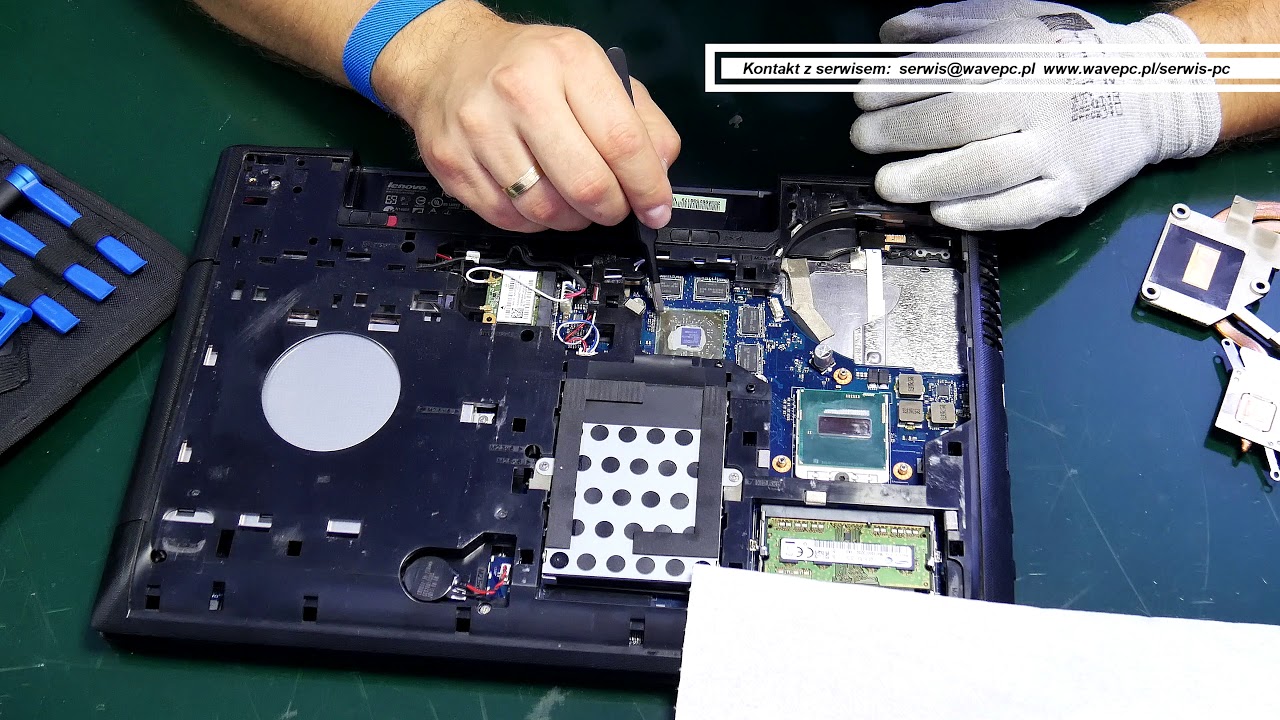
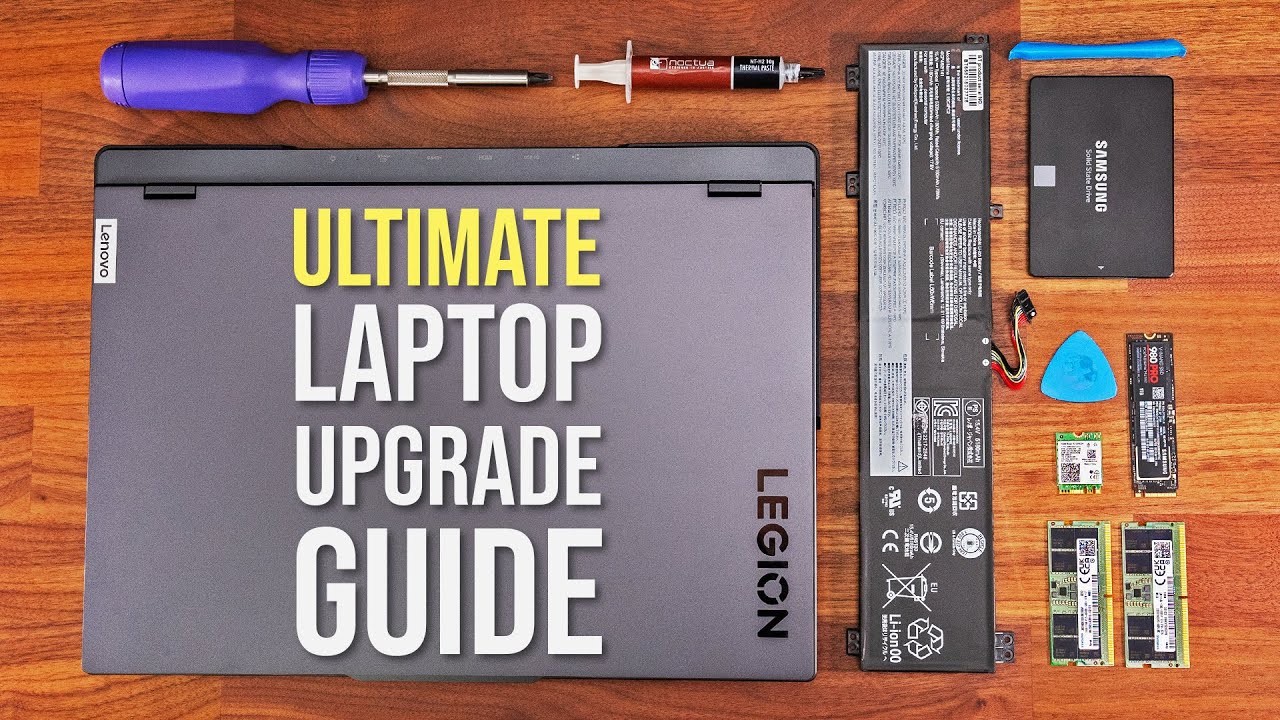
How to change thermal paste and clean fan on laptop. BEFORE & AFTER shown on a Lenovo G510.
Автор: DiyRoby
Загружено: 2019-03-14
Просмотров: 7012
Описание:
In this tutorial video, I show you how to change the thermal paste on your laptop.
This is the thermal paste I used: Noctua NT-H1 you can find it here on amazon https://amzn.to/2XUm8yY
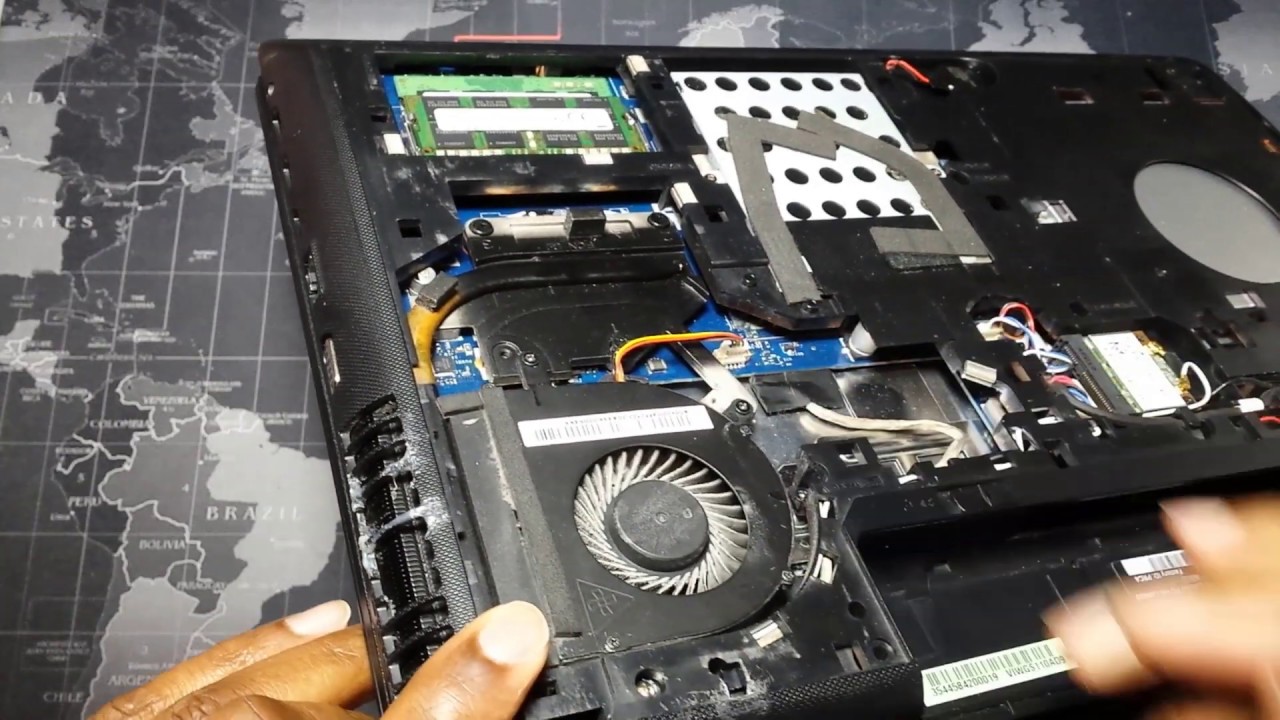
I am using a Lenovo G510 laptop and this procedure specifically for this type of laptop but you can find this installation and dismantle instructions on the Internet for your laptop then you can follow up and continue with the steps shown here.
This is a very simple procedure that can highly increase the efficiency and efficacy of your laptops cooling system. You can see in this video a sharp drop off temperature, even up to 10°C. I also show the cleaning of my laptop fan and combined with the change of thermal paste you get a very efficient cooling system and this is reflected in the video. Feel free to jump to the various sections of the video shown in the timeline description below if you need to get to a specific part of the video.
Timeline of key video sections.
Introduction: 00:10
Temperatures at Idle before thermal paste change 01:45
Resting on prime 95 before thermal paste change 02:45
resting temperatures after running prime 95 before thermal paste change: 04:20
Opening the laptop: 05:00
Removing the heatsink: 08:00
A look at the dried up thermal paste: 09:00
Cleaning of the CPU and heatsink: 10:25
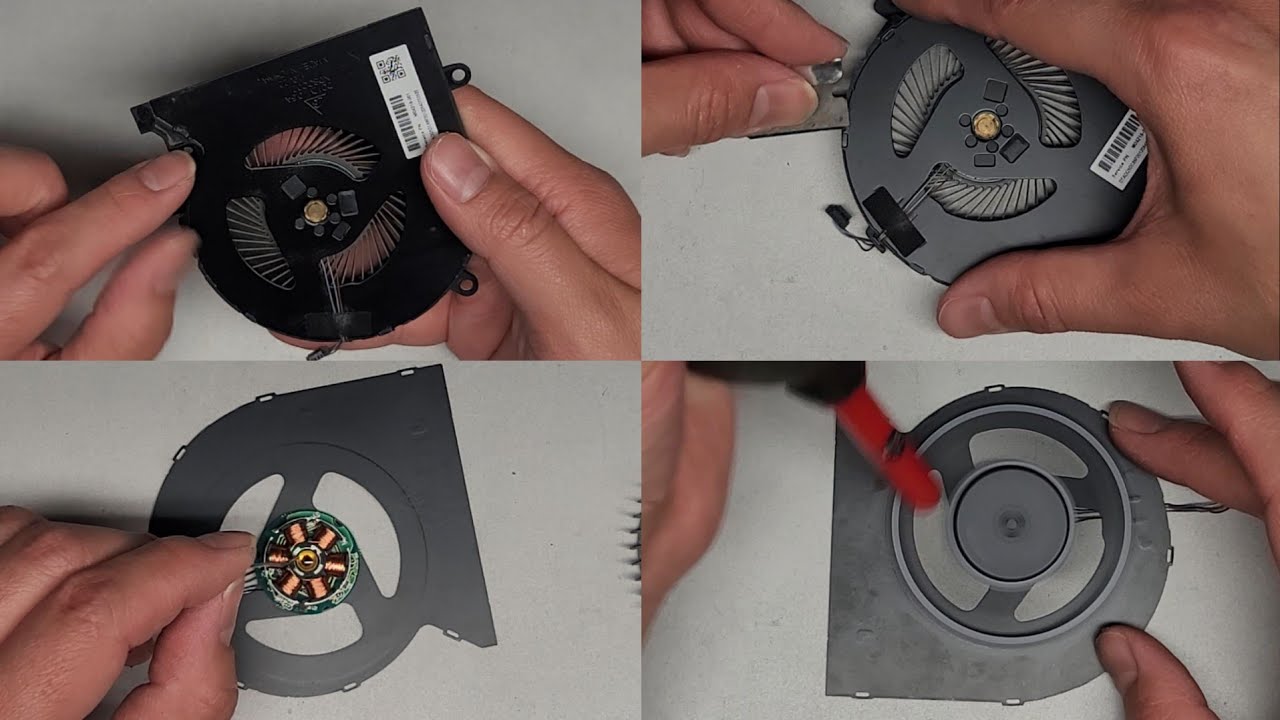
Cleaning of the fan: 11:30
Application of thermal paste to CPU die: 13:35
Putting back the heatsink: 15:17
1st switch on of the laptop after thermal paste change: 17:40
Idling temperatures after thermal paste application: 18:20
Running of prime 95: 19:20
New prime 95 temperatures: 22:10
New Resting temperatures after running prime 95: 22:55
If you liked the content and want to support the channel for free, please click a link below next time you need to make a purchase of anything on Amazon US or UK. It will be at no extra cost to you and I'll greatly appreciate the small commission this will send my way. Thank you
USA https://amzn.to/36pD98t
UK https://amzn.to/2NBpKBH
Stuff I use to make videos (for those curious/want to start youtube)
Videos shot on my trusted 2014 Galaxy S4
Lapel Mic: DIY made from old headset parts
Microphone for voiceover: Guitar Hero Konami microphone
Video editing software: Movavi video editor plus 15 http://www.theprofitfans.com/movavied...
PC Screen capture & secondary editing software: Camtasia 9 http://www.theprofitfans.com/camtasia
Audio editing and speedup: https://www.audacityteam.org/
Main laptop: 2014 Lenovo G510 with i5-4210M CPU and 12GB ram (all working smooth and lovely)
Disclaimer: Some links above are affiliate links and can be used at no extra cost to you if you wish to support this content. If you dont want to use them, please proceed to your local amazon website / google and do a product search on it directly. As always, my advice is to go to a local store and touch and feel any physical product so you know what you are about to order online.
Повторяем попытку...
Доступные форматы для скачивания:
Скачать видео
-
Информация по загрузке: