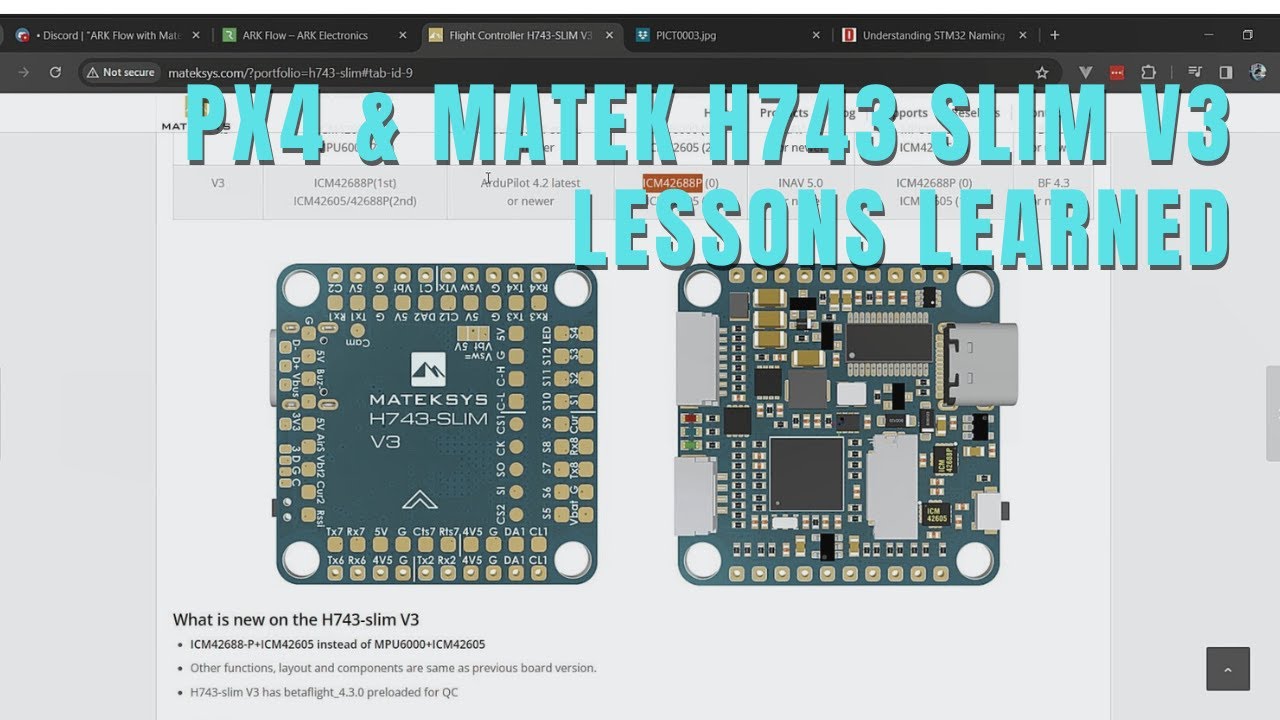
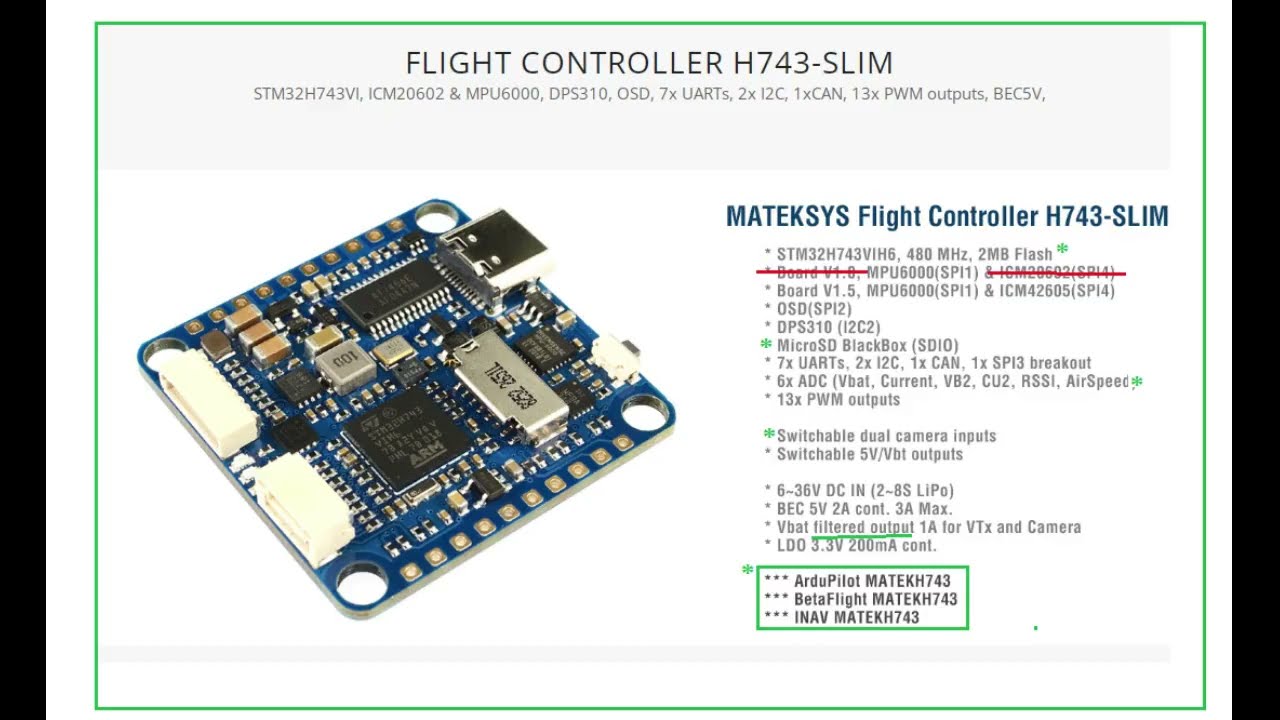
Matek H743 Slim Flight Controller wire diagram
Автор: MACDsky
Загружено: 2022-05-01
Просмотров: 3068
Описание:
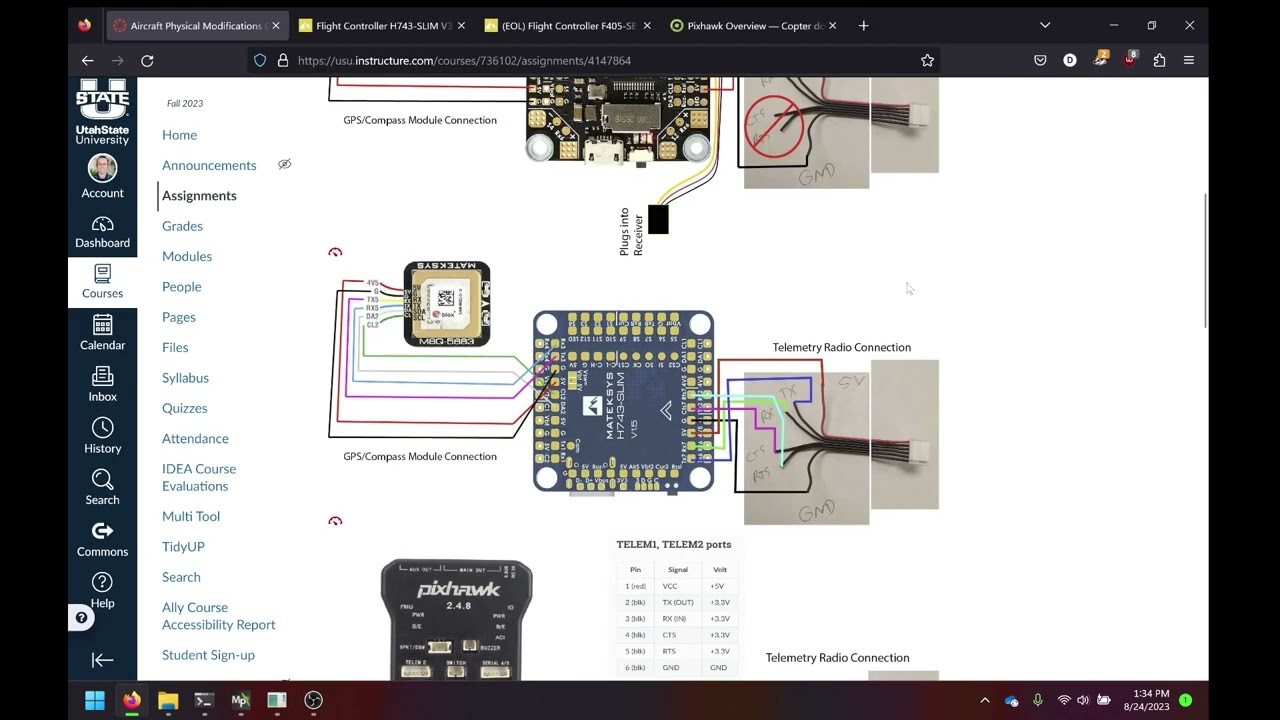
This is my wire diagram plot for Mateksys H743 slim flight controller
for 5 inch quad copter fpv drone. i will up date video description box with status updates.
{ UPDATE 5-3-22 well it did not blow up , however after doing a continuity test before wiring leds i chose to deviate from led wiring on this diagram, i wired leds in-series instead , and glad i did because they are fully programmable and functional . gps working great so far on the bench , i still need to figure out how to configure sd card black box recording, and how to change vtx power and channel through remote controller. vtx &osd working great on bench, tomorrow is test flight. *********I[update test flight went great .. the buzzer with its own battery just keeps buzzing no matter what ,so going to replace it with mateksys buzzer tomorrow 5-4-22.*****update new buzzer works fine ..also barometer not working*****update you need to use betaflight 4.3 rc6 to get barometer to work , i only have windows 7 you need windows 8 or better to use betaflight 4.3 ..
it is the same barometer in all mateksysh743 which it the DPS310 hunting for solution https://github.com/betaflight/betafli...
https://github.com/betaflight/betafli...
MATEKSYS commented on Jul 24, 2020 •
DPS310 on F405-SE/F405-WING doesn't work with latest 4.3.0, same issue on F405-STD after replacing onboard BMP280 with DPS310.
DPS310 on F405-SE/F405-WING is verified to work with INAV/Ardupilot.
DPS310 on F411/F722/F765/H743 series FC is verified to work with latest 4.3.0
#9957
////// i am on betaflight 4.2.11 :(
Entering CLI Mode, type 'exit' to return, or 'help'
#
Building AutoComplete Cache ... Done!
#
get baro_i2c_address
baro_i2c_address = 0
Allowed range: 0 - 119
get baro_hardware
baro_hardware = AUTO
Allowed values: AUTO, NONE, BMP085, MS5611, BMP280, LPS, QMP6988, BMP388
get baro_spi_device
baro_spi_device = 0
Allowed range: 0 - 5
get baro_tab_size
baro_tab_size = 21
Allowed range: 1 - 48
get baro_i2c_device
baro_i2c_device = 2
Allowed range: 0 - 5
get baro_bustype
baro_bustype = I2C
Allowed values: NONE, I2C, SPI, SLAVE, GYROAUTO
get baro_noise_lpf
baro_noise_lpf = 600
Allowed range: 0 - 1000
get baro_cf_vel
baro_cf_vel = 985
Allowed range: 0 - 1000 }
Повторяем попытку...
Доступные форматы для скачивания:
Скачать видео
-
Информация по загрузке: