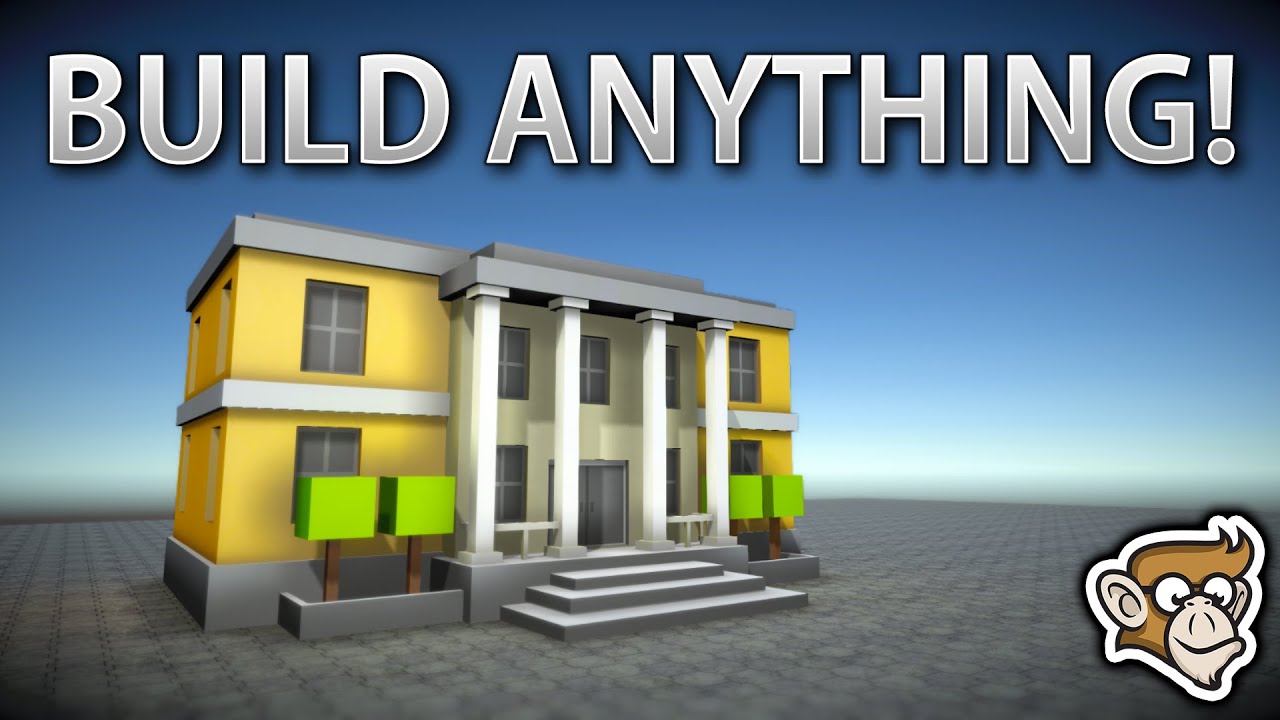
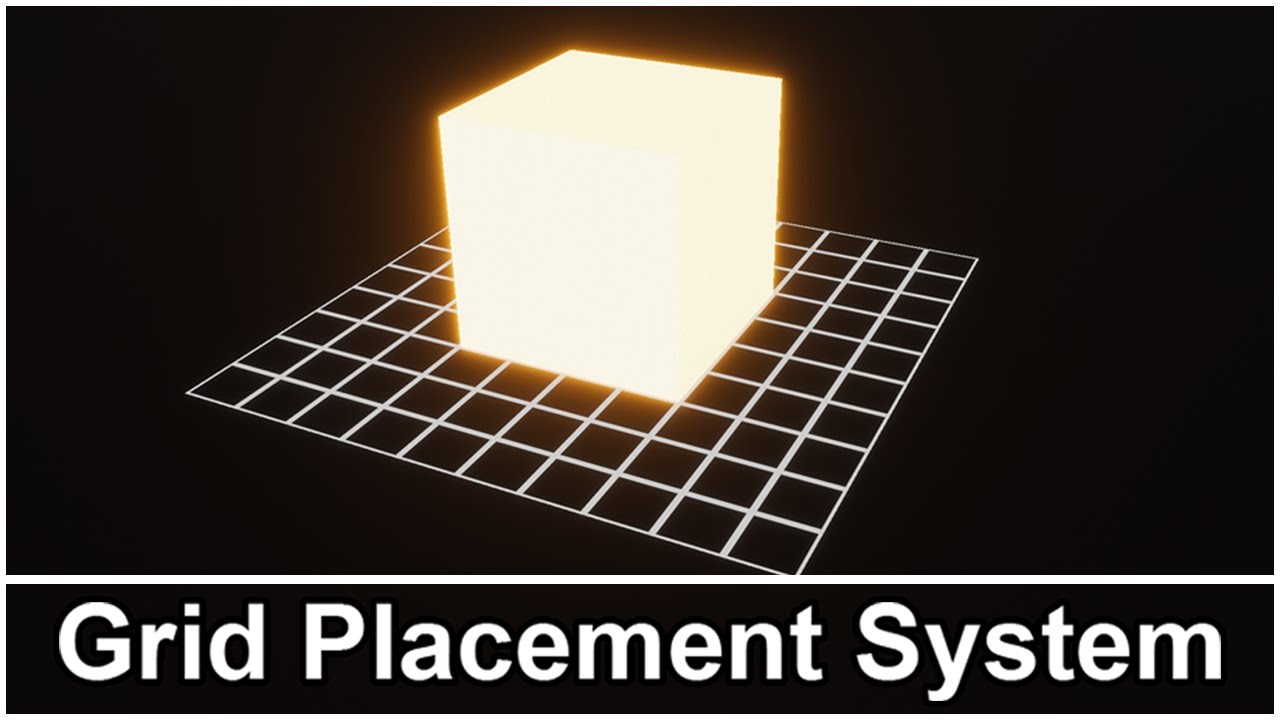
Grid Placement System Show Reel 2.0.0
Автор: Hypertonic Games
Загружено: 2022-12-14
Просмотров: 1811
Описание:
The Grid Placement System by Hypertonic Games is available on the Unity Asset Store: https://u3d.as/2NVv
Grid Placement System allows players to easily place items onto a grid at runtime. Perfect for city builders, tower defense and all sorts of other genres where players need to place items.
Grid Placement System is designed to be extremely customizable and with ease of use at its core.
No object configuration needed. Pass an object to the grid and it just works! When the grid manager is passed an object to be placed into the grid it handles all of the calculations to determine how many grid cells it takes up.
Customize all aspects of the grid. Settings include; width and height, amount of cells, visualization of grid cells, visualization of occupied cells, the object's alignment within its cell(s), the visual feedback when placing an item' and more!
Don't like square grid cells? You can change the sprite to show any shape you like, a circle, a triangle, a dot?
Easy to use. The grid settings provide one place to customize everything to do with the grid.
Custom editor tools. Visualize the modifications you make to the grid settings in real-time without entering play mode.
Suitable for a wide range of genres. Examples include: tower defense, city builders, simulation, and anything where the player is required to place an item onto a grid.
You can view the documentation here:
https://hypertonic-games-unity-asset-...
Features:
Customize grid width and height
Customize grid cell size
Customize the visuals of all aspects of the grid.
Move objects in the grid with user input. Mouse or Touch controls. You can define your own input definitions for the grid.
Grid Snapping.
Rotation Handling.
Object alignment. How is the object centered within its cell(s)
Remove objects from the grid.
Delete objects from the grid.
Cancel object placement
Paint Mode Allows for continuous placement of objects.
Detects invalid placements. Either overlapping objects or if objects are partially outside the grid.
Add to the grid programmatically. You don't have to place an item by moving it into the desired position. You can pass in the exact cell position and alignment you want instead.
Saving & Loading functionality. The grid manager provides methods/properties to enable you to retrieve all the grid data for placed objects. Along with populating the grid with a list of grid data. This allows you to load the grid into a previous state.
Mobile Support. You can configure the input type of various runtime platforms within Unity.
Support 100,000,000 grid cells.
4 Demo Scenes.
Add Progamatically Demo - Setup and place numerous objects into the grid all through code.
Basic Grid Demo - Shows a simple example of how you could implement the grid. Also contains examples for saving and loading the grid data.
Large Grid Demo - Shows how large grids can be created and managed.
Multiple Grid Demo - Shows how to interact with more than one grid at once.
The grid placement system works with both Unity's new Input System and the Legacy Input Manager. This is because you create the input definitions for the grid system. This allows you to define how the players interact with the grid. The documentation covers this in more detail and the sample scenes provide examples of the input definitions.
The low poly assets used in the video to demo the Grid Placement System are from the POLYGON town asset pack by Synty Studios. The asset can be found here: https://assetstore.unity.com/packages/3d/e...
Повторяем попытку...
Доступные форматы для скачивания:
Скачать видео
-
Информация по загрузке:







![Эффект Джанибекова [Veritasium]](https://imager.clipsaver.ru/N9HlQ-XVnFk/max.jpg)