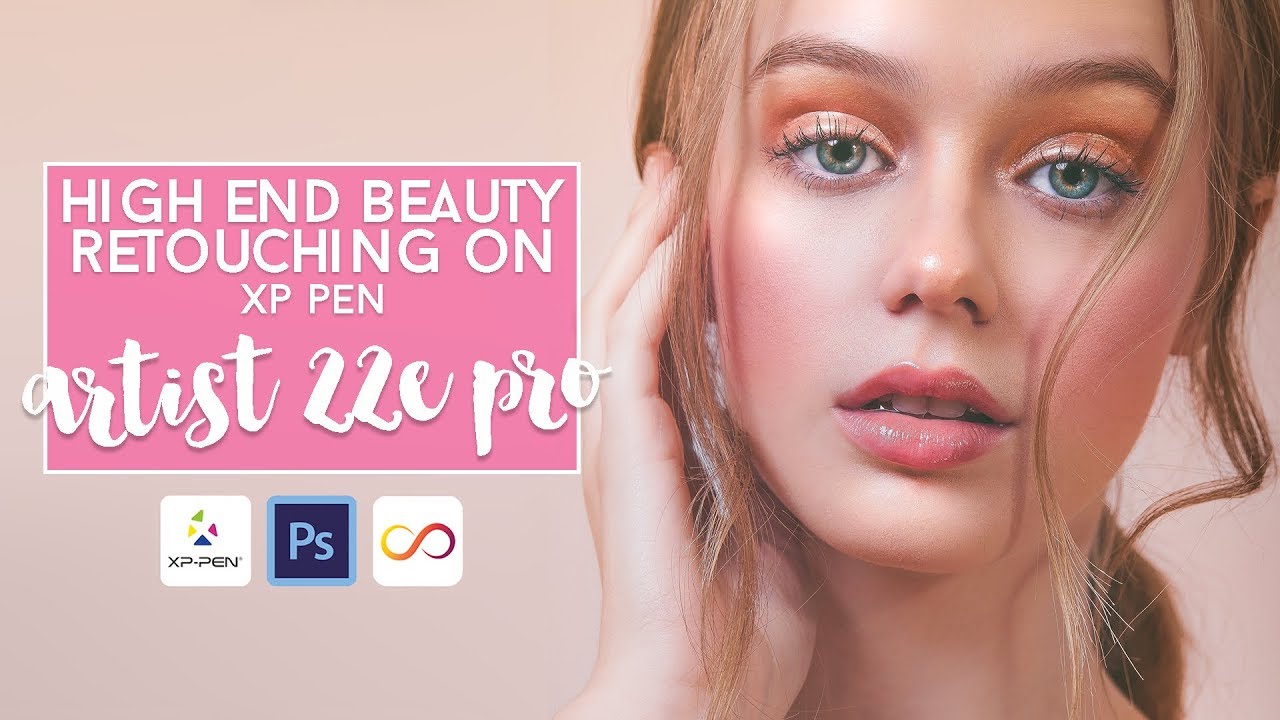
How to retouch photos on the Artist 22E Pro
Автор: Atomik
Загружено: 2019-01-24
Просмотров: 5533
Описание:
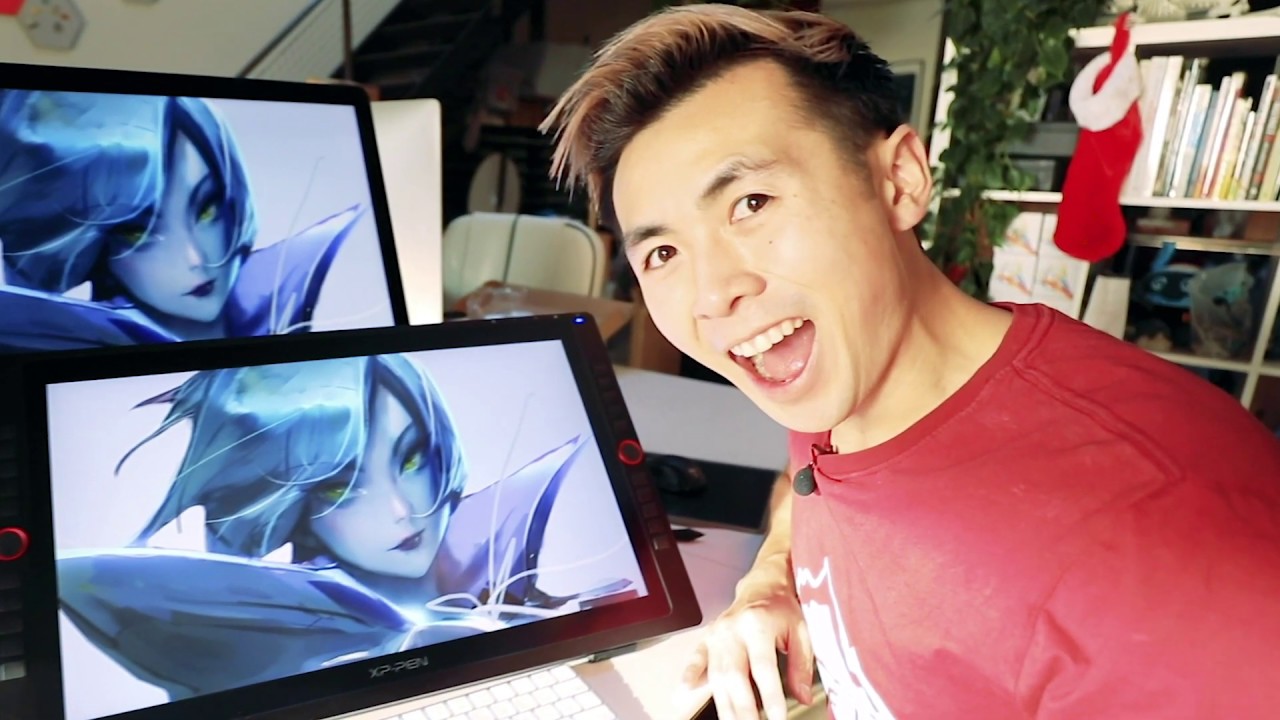
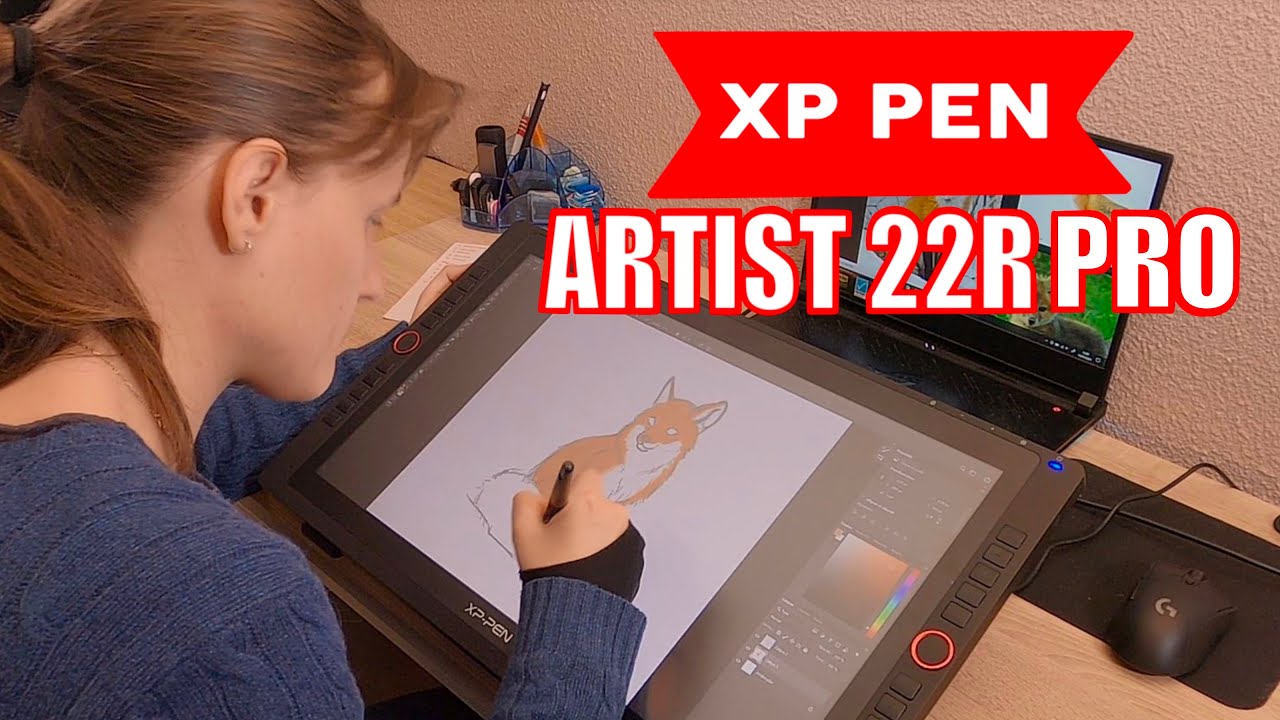
Come and see how I retouch images using the XP Pen Artist 22E Pro pen display, using Photoshop, and for colour grading, the Infinite Color Panel.
For years I've wished if only I could paint directly onto my monitor, how great that would be - and now I can, how does it really feel? I tell all in this video :)
VIDEO SHORTCUTS
1.55 - cloning / retouch
3.00 - Screen resolution
4.13 - using Hot keys
5.41 - pen pressure
6.47 - how it feels
7.48 - pen parallax
9.16 - speed retouch
10.58 - infinite color panel
FEATURED
XP PEN Artist 22E Pro:
Amazon.uk: https://www.amazon.co.uk/dp/B01M28DHOA
Website store: https://www.storexppen.com/buy/artist...
Adobe Creative Cloud - Photoshop
https://www.adobe.com/uk/creativeclou...
Infinite Color Panel
https://www.infinitecolorpanel.com
ABOUT ME
I'm Umbar, a London based beauty and fashion photographer and I bring you tutorials, behind the scenes, lighting set ups and other photography tips and tricks.
Feel free to subscribe, and shoot me questions on what else you'd like to hear about from me :)
LETS GET SOCIAL! | FOLLOW ME
Instagram: / atomik_photography
Facebook: / atomikphotography
Web: http://www.atomikphotography.com
Повторяем попытку...
Доступные форматы для скачивания:
Скачать видео
-
Информация по загрузке:









![XP-Pen Artist 22R Pro 🔍⭐ Comes with EVERYTHING [ Unbox & Review ]](https://imager.clipsaver.ru/FCD0lOvNbtE/max.jpg)