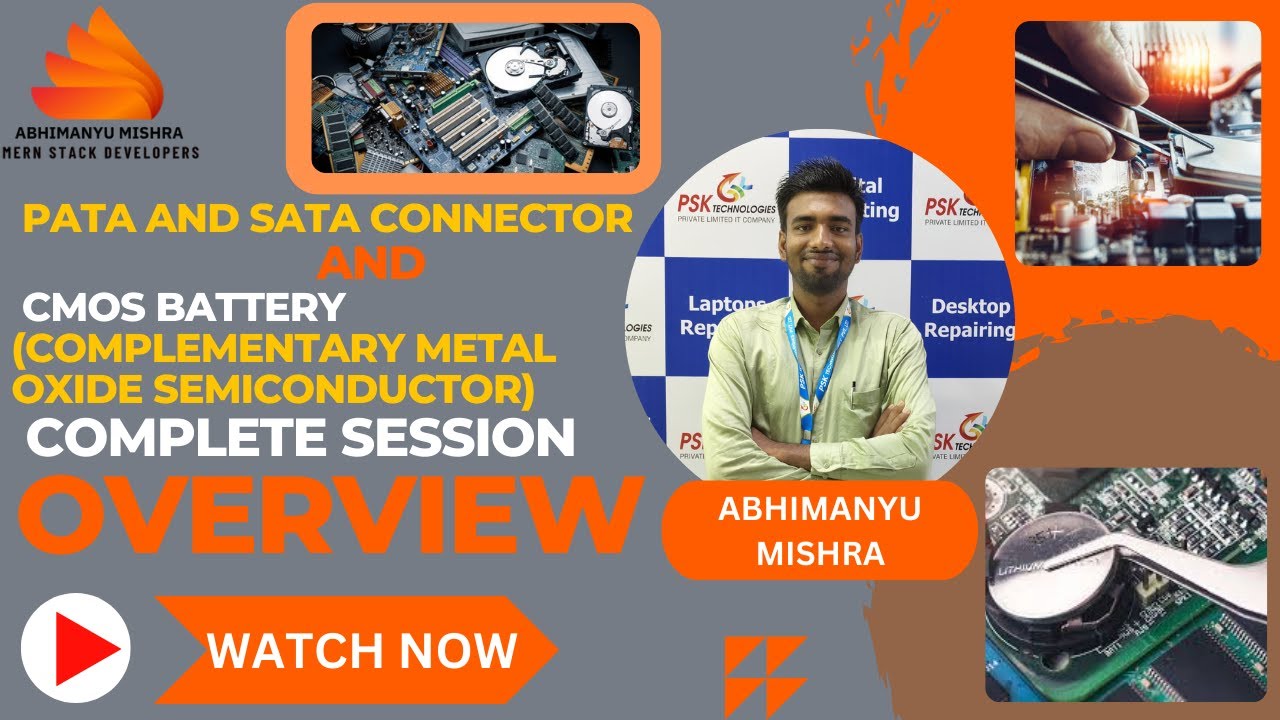
PATA and SATA Connector & CMOS Battery (Complementary Metal Oxide Semiconductor) complete session.
Автор: Abhimanyu Mishra
Загружено: 2024-08-19
Просмотров: 28
Описание:
🔌 What You'll Learn:
PATA (Parallel ATA) Connectors:
Introduction to PATA: Understand the legacy technology that connected early hard drives and optical drives.
How PATA Works: Learn about the parallel data transfer method and the 40-pin connector design.
Common Uses: Explore where PATA was used in older systems and why it was eventually replaced.
SATA (Serial ATA) Connectors:
Introduction to SATA: Discover the modern standard for connecting storage devices.
How SATA Works: Understand the advantages of serial data transfer, including faster speeds and simplified cabling.
Types of SATA: Learn about the different generations (SATA I, II, III) and their impact on data transfer rates.
PATA vs. SATA:
Key Differences: Compare the two technologies in terms of speed, efficiency, and ease of use.
Why SATA Took Over: Find out why SATA became the standard for connecting hard drives and SSDs.
CMOS Battery (Complementary Metal Oxide Semiconductor):
What is CMOS?: Understand the role of the CMOS chip in storing BIOS settings and system time.
Function of the CMOS Battery: Learn how the battery powers the CMOS chip to retain settings when the computer is off.
Replacing the CMOS Battery: Step-by-step guide on when and how to replace the CMOS battery in your system.
Symptoms of a Failing CMOS Battery: Identify signs like incorrect system time or BIOS reset, indicating a dying battery.
🎥 Why Watch?
This session is perfect for anyone looking to deepen their understanding of computer hardware. With clear explanations and practical tips, you'll be equipped to handle PATA and SATA connections, as well as manage the CMOS battery with confidence.
🔗 Related Topics:
How to Install a New Hard Drive or SSD
Understanding BIOS Settings
Troubleshooting Common PC Issues
👍 Like, Share, and Subscribe for More Tech Insights!
#PATA #SATA #CMOSBattery #computerhardware #techguide #pcbuilding #bioshock #pcupgrade #HardwareTutorial"
Повторяем попытку...
Доступные форматы для скачивания:
Скачать видео
-
Информация по загрузке: