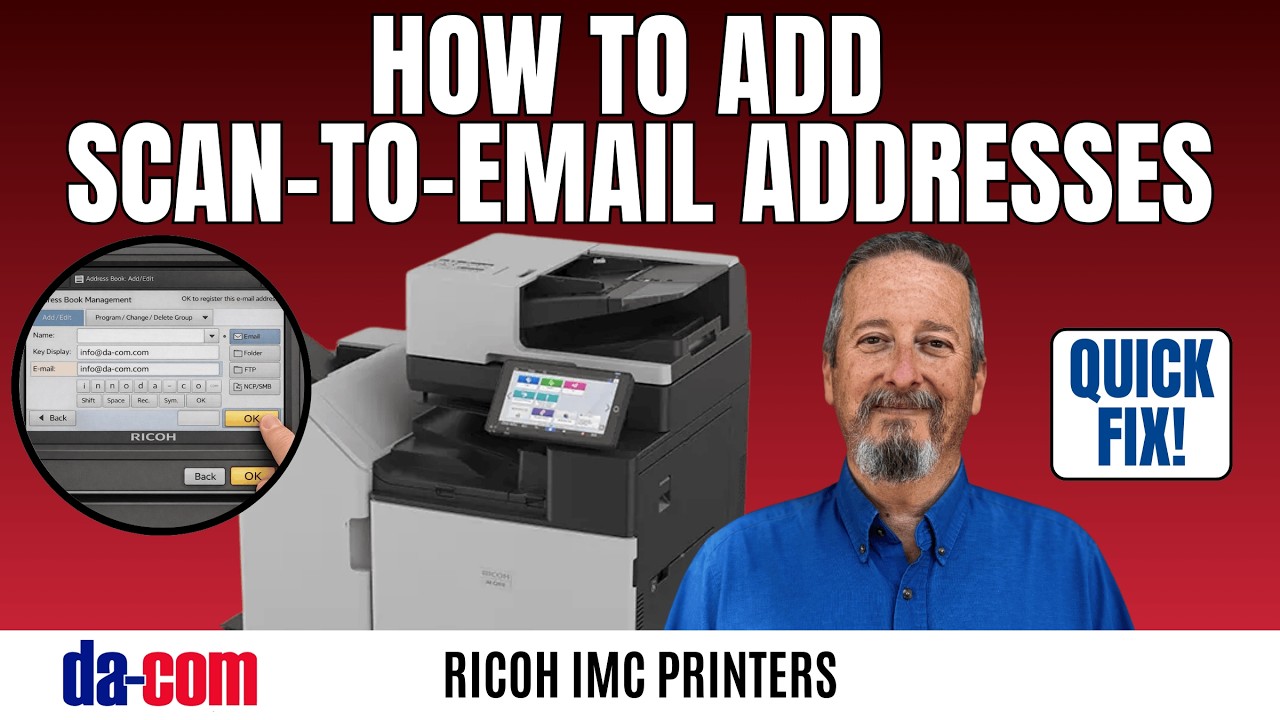
How to Add Scan-to-Email Addresses on Ricoh IM C Series (Quick Setup Guide)
Автор: Da-Com Corporation
Загружено: 2026-02-16
Просмотров: 50
Описание:
Need to add a new email address to your Ricoh IM C Series for Scan-to-Email? Whether you’re trying to add a new recipient, update an existing contact, or your address book isn’t showing up, this quick walkthrough shows you exactly how to do it. In this video, Da-Com’s service tech, Keith, walks you through the simple steps to add email addresses so you can scan and send with confidence.
This guide is designed for Ricoh IM C Series color MFPs (IM C2500, IM C3000, IM C3500, IM C4500, IM C6000 and similar models), and is perfect for everyday users in the office.
✉️ In this video, you’ll learn:
-How to add a new email recipient to the Address Book
-How to edit/update an existing email address
-How to save the contact so it appears on the panel for Scan-to-Email
🛠 Still can’t add emails or Scan-to-Email not working?
Da-Com’s technicians are here to help. Contact our team at 314-442-2800 or visit us at da-com.com to get in touch.
👍 If this video helped you:
Like the video
Subscribe for more quick Ricoh and office tech tips
Comment with other issues or topics you’d like us to cover!
#Ricoh #RicohIMC #ScanToEmail #RicohScanner #AddressBook #DaCom #OfficeTech #HowTo #MFP #PrinterHelp
Повторяем попытку...
Доступные форматы для скачивания:
Скачать видео
-
Информация по загрузке: