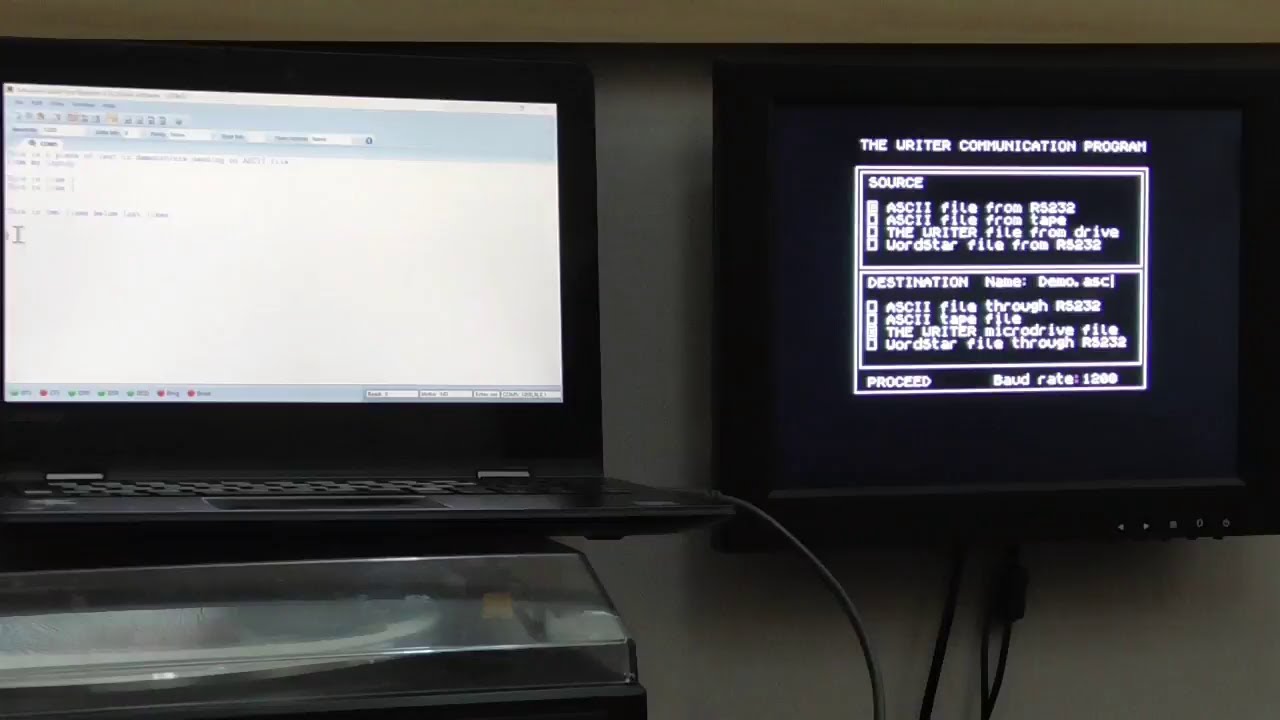
Importing ASCII files into ZX Spectrum Word Processors from my PC.
Автор: ZX Spectrum + Vintage Computer Bytes
Загружено: 2023-08-22
Просмотров: 370
Описание:
Having discovered that the ZX Spectrum Word Processor "The Writer" has a communications program that allows you to import and export ASCII files and convert them into a format "The Writer" can read. I wondered if there was away of doing this with my preferred ZX Spectrum Word Processor " Tasword 3" that doesn't have such a function.
In doing so I discovered a Spectrum terminal program that enables sending and receiving ASCII files from another computer via the ZX Spectrum's Interface 1 serial port. It also has a function to save the ASCII files transferred to a Spectrum microdrive. (In my case a vDriveZX)
You can reload the saved file and view it from Specterm, but Tasword 3 can't load it directly. I guess the Specterm saved file needs to be converted into a Tasword 3 readable format, but I have no idea how to do this? Can someone help? **UPDATE Someone on Facebook suggested using the Tasword 2 to 3 convertor on the ASCII file saved by Specterm and after conversion the file loads successfully into Tasword 3, so the whole process now works fully. I will probably add a part 2 to this video sometime, just to show this last part working. **
The good news is that, in the meantime I have discovered a work around, but this is really "cheating", as it is not done by actual machine to machine communication, but via an emulator called " Unreal" This emulator allows you to copy text you have put into your Windows clipboard directly into the keyboard buffer of the ZX Spectrum it is emulating. This means I can load Tasword 3 into Unreal, and then paste the text from the Windows clipboard in to the emulated ZX Spectrum's keyboard buffer, as if it the was a user typing it in directly. Tasword 3 acts just like it would, if a user was typing in manually. When finished you can save the text as you would save a normal Tasword 3 document. It's amusing to watch - bit like having your on automated robot typist!
Повторяем попытку...
Доступные форматы для скачивания:
Скачать видео
-
Информация по загрузке: