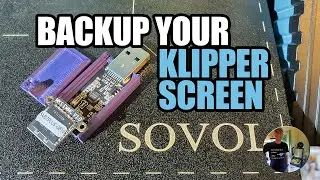
Backing up and cloning 3D printer eMMC modules
Автор: S&M Makers
Загружено: 2023-10-26
Просмотров: 8881
Описание:
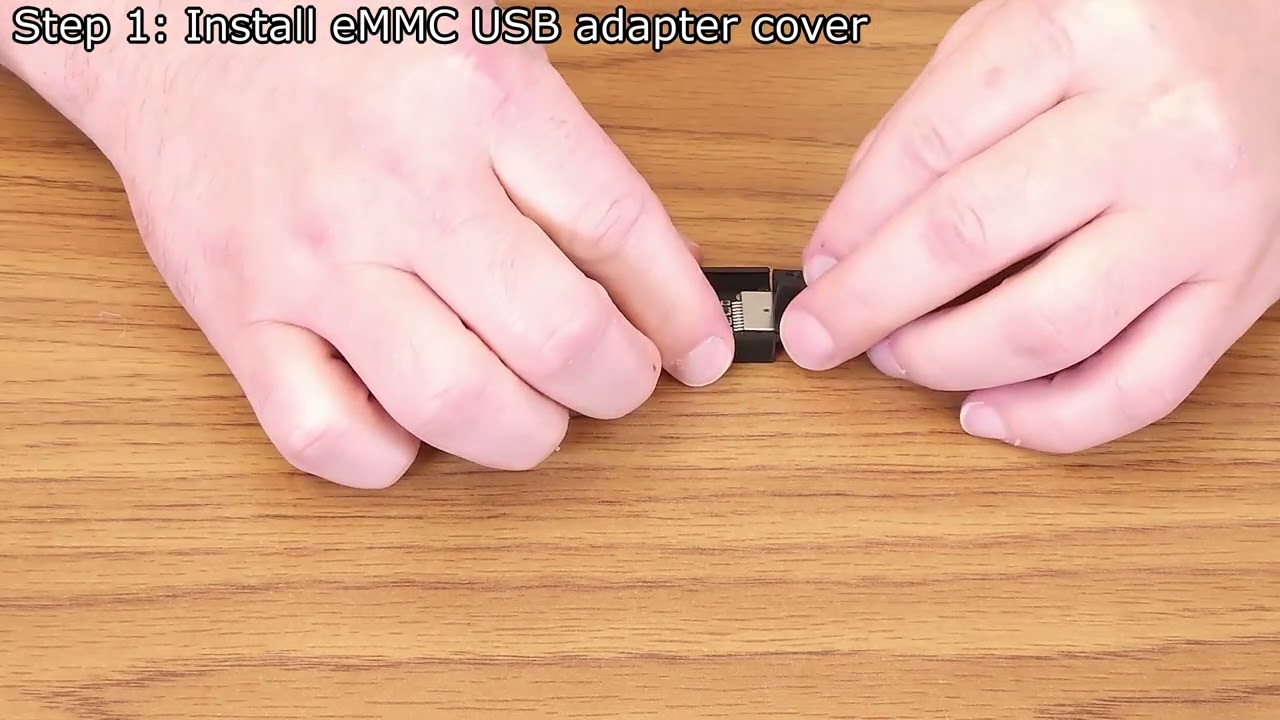
Backing up Klipper-based printers is an important task to protect your printer's configurations and settings. Today, we will be backing up the eMMC module in an Elegoo Neptune 4 Max 3d printer, writing the backup to a replacement module, and then installing the replacement to keep the original safe and secure.
Links
---------
Bed Leveler 5000: • Bed Leveler 5000
Homepage: https://sandmmakers.com/Projects/BedL...
Source code: https://github.com/sandmmakers/BedLev...
Binaries: https://github.com/sandmmakers/BedLev...
Support us on Patreon: / sandmmakers
Chapters
--------------
00:00 | Opening
02:02 | Introduction
02:11 | Tools and supplies
03:42 | Removing the eMMC module
05:57 | Reading the eMMC module
07:53 | Writing to the eMMC module
08:41 | Installing the eMMC module
10:127 | Wrap-up
Supplies used in video
------------------------------------
8GB eMMC and eMMC to SD Card adapter:
https://www.aliexpress.us/item/325680...
eMMC to USB adapter:
https://www.aliexpress.us/item/325680...
USB Adapter Housing:
https://cults3d.com/en/3d-model/tool/...
Win32 Disk Imager
https://sourceforge.net/projects/win3...
Numakers Filament (Affiliate links)
--------------------------------------------------------
At S&M Makers, we use and highly recommend Numakers filaments. Their easy to use PLA+, PETG, ASA, silk, and wood options have given us flawless prints every time. Please consider using our affiliate links below. We receive a small percentage from every purchase and it really helps out the channel.
Homepage - https://numakers.com/?ref=sandmmakers
PLA+ - https://numakers.com/products/pla-fil...
ASA - https://numakers.com/challenge?ref=sa...
Attributions
-------------------
Simple Youtube green screen subscribe button - Stock Videos by Vecteezy
https://www.vecteezy.com/video/234695...
Повторяем попытку...
Доступные форматы для скачивания:
Скачать видео
-
Информация по загрузке: