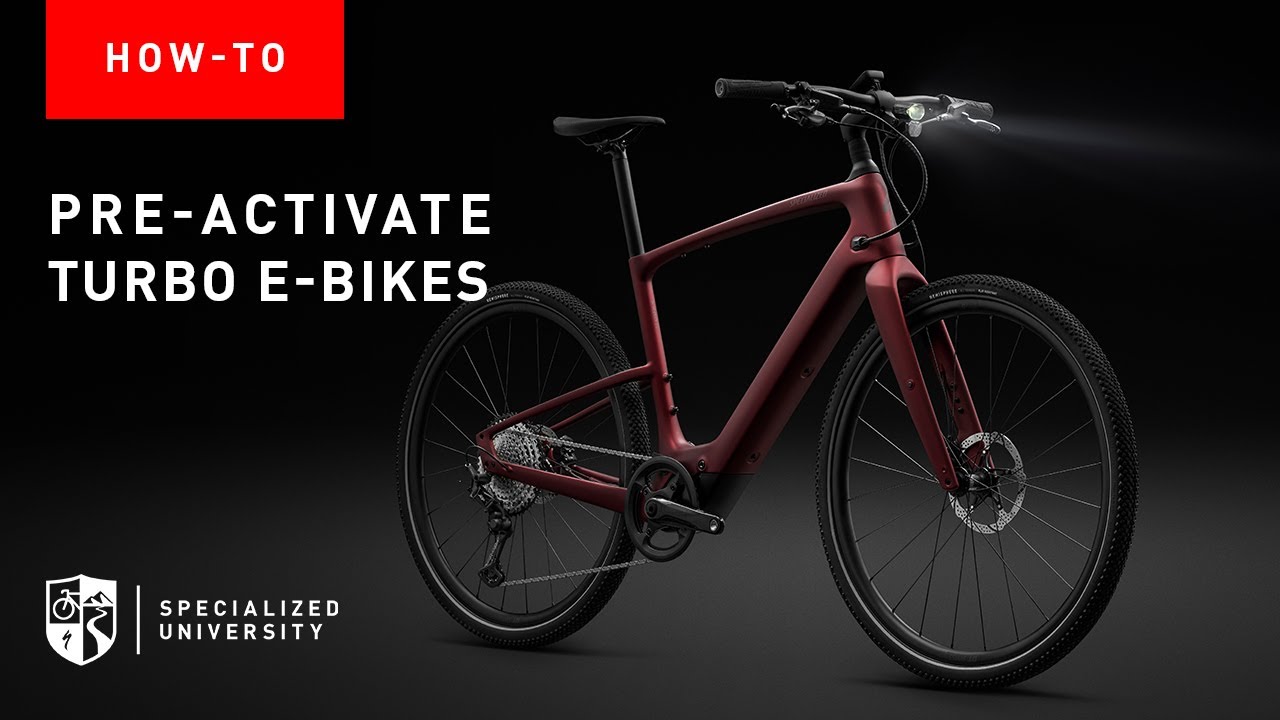
How To Pre-Activate Turbo E-Bikes
Автор: Specialized University
Загружено: 2025-05-22
Просмотров: 3310
Описание:
In this video, we walk you through the pre-activation and handover process for Specialized e-bikes equipped with the new MasterMind display, beginning with models like the Vado SL2 and Levo 4. These steps are crucial to prepare the e-bike for a test ride, demo, and final rider activation.
🔧 What You'll Learn:
• Why new e-bikes ship in Turtle Mode (no motor support)
• How to update firmware using Turbo Studio
• Activating Quick Test mode for post-build test rides
• How riders can scan the QR code to download The Specialized App
• How to enable Test Mode for rentals or sales floor demos
• The importance of using a B2B user account for Test Mode setup
• How to complete the Handover Process using The Specialized App
•Setting up service reminders for new riders
Final rider activation steps using their mobile device
🚲 Specialized retailers, bike techs, and shop staff: this guide ensures you're equipped to deliver a smooth customer experience.
✅ Tip: Ensure your staff uses the same email for both B2B login and Specialized App access to avoid connection issues.
📲 Watch now to streamline your setup, test rides, and handovers like a pro!
Please subscribe to our channel: / specializeduniversity
Subscribe to Specialized Bikes on Youtube: / specialized411
Like Specialized on Facebook: https://www.fb.com/specializedbicycles
Follow Outride: / outride
Specialized Support Center: https://support.specialized.com/
Повторяем попытку...
Доступные форматы для скачивания:
Скачать видео
-
Информация по загрузке: