Using various SSD1306 and SH1106 128x64 OLED displays on a RaspberryPi Pico with micropython
Автор: Chandrashekar Babu
Загружено: 2023-10-26
Просмотров: 5190
Описание:
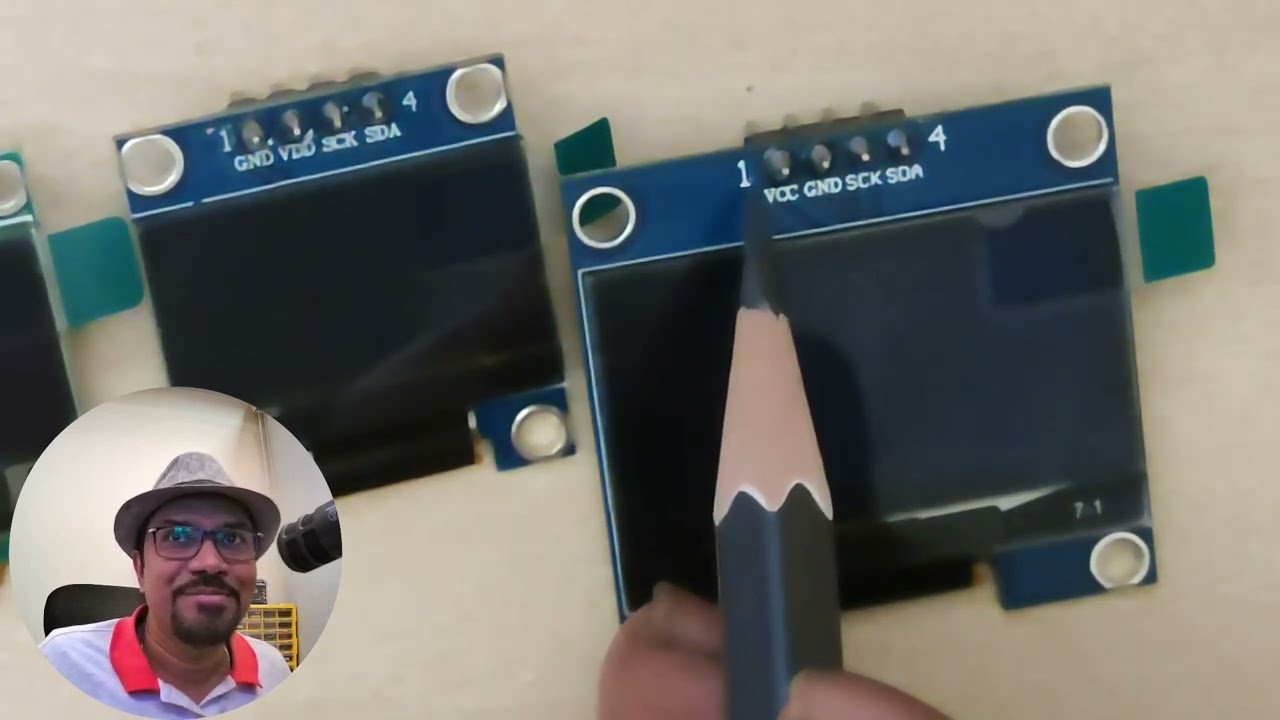
In this video, you will learn how to interface SH1106 and SSD1306 based OLED displays (128x64) available in 1.3 inch and 0.96 inch sizes to a RaspberryPi Pico. These displays are available in SPI and I2C based pin
configurations of 4-pin (I2C), 7 or 8-pin (SPI) models.
I will demonstrate how to connect them to a RaspberryPi Pico on breadboard, install the driver libraries for micropython, and test them accordingly using a simple test program to display a text string.
The driver libraries can be downloaded from the URLs below:
For SH1106-based display: https://github.com/robert-hh/SH1106
Path to the actual source code that you can copy and paste into Thonny IDE:
https://raw.githubusercontent.com/rob...
Save the above code into your RaspberryPi Pico board as sh1106.py
For SSD1306-based display: https://github.com/stlehmann/micropyt...
Path to the actual source code that you can copy and paste in Thonny IDE:
https://raw.githubusercontent.com/stl...
Save the above code into your RaspberryPi Pico board as ssd1306.py
Download URLs for my test program:
For 8-pin display connected to RaspberryPi Pico:
https://files.chandrashekar.info/sh11...
https://files.chandrashekar.info/ssd1...
For 4-pin display connected to RaspberryPi Pico:
https://files.chandrashekar.info/sh11...
https://files.chandrashekar.info/ssd1...
Повторяем попытку...
Доступные форматы для скачивания:
Скачать видео
-
Информация по загрузке: