Launchpad basic training 8: Adding decisions to processes
Автор: Launchpad
Загружено: 2025-09-18
Просмотров: 19
Описание:
Extend the scope of scenarios that your application supports by adding a custom Decision to the selected Process in Launchpad®. In this way, you improve user experience and ensure that the application is aligned with users' specific needs.
Understanding Decisions and Processes
A Decision Rule evaluates a set of values and produces a result value of a specific type that you can use in your business process. For example, in a firefighter application, you can create a Decision that verifies applicants' employment status and route them to the next Step or prompts to upload supporting documents.
In turn, Processes group the related actions that are taken during a Stage, in parallel or one after another. With Processes, you can control the order of events in your Case, in addition to who performs the work and in what manner. You can use Decisions in a Process to automatically perform actions.
How to add Decisions to Processes
This video shows how to add a Decision to a Process in Launchpad.
To begin adding custom Decisions to the Case Type Life Cycle, on the Lifecycle tab, access the selected Process by clicking Actions, Open process. As a result, the system displays the current path of the Case, where you can specify the Decision points.
To do that, after the preferred Step, click the Add step icon, and then click Decision. Launchpad enables you to select default Decisions or create a custom one. Upon deciding to create a new Decision, the system prompts you to provide the Decision details, such as the output type and the logic it follows.
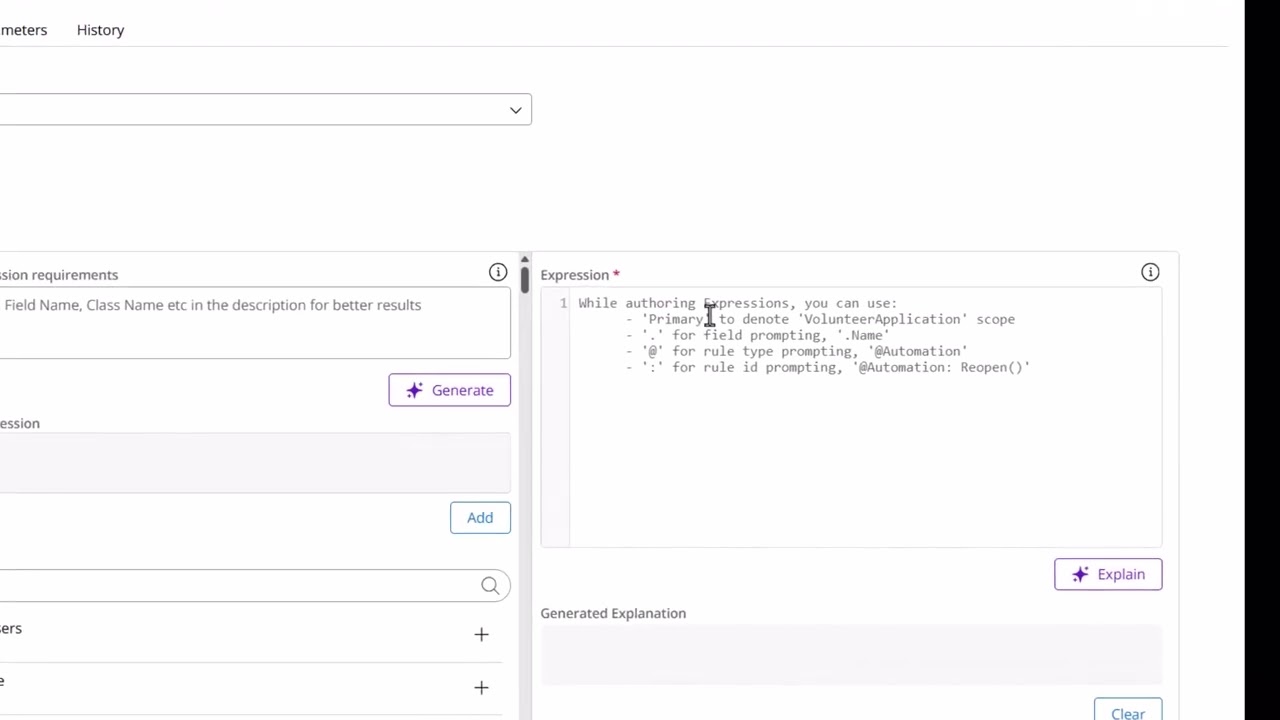
For example, you can create a custom Expression to conveniently compute the required information. For the firefighter application, you can use the Primary.IsEmployed field to verify applicants' employment status and route them to the next Step. On the other hand, you can route the unemployed applicants to a conditional path to upload supporting documents.
Повторяем попытку...
Доступные форматы для скачивания:
Скачать видео
-
Информация по загрузке: