Ripped Paper Effect - Photoshop Tutorial
Автор: CiprianFOTO
Загружено: 2020-01-10
Просмотров: 7055
Описание:
Don't Click This: http://bit.ly/3dQARW8
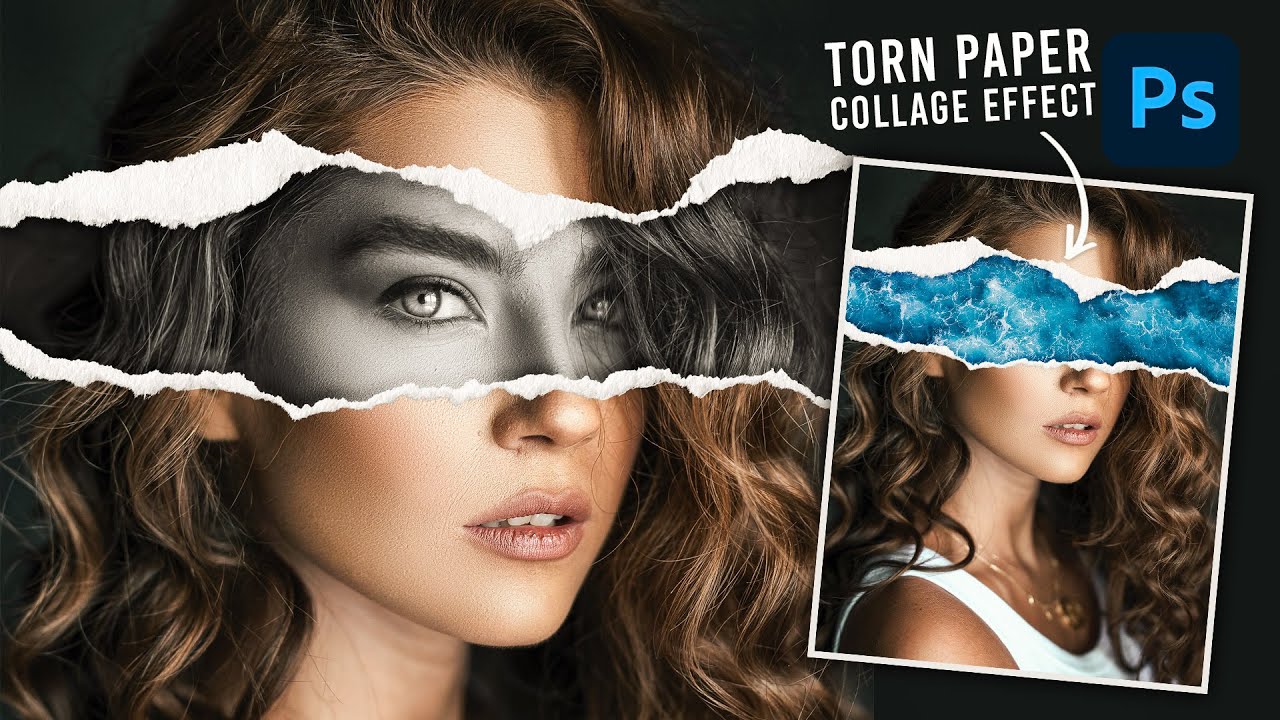
In this Photoshop photo effect tutorial, I will show you how to create the ripped paper effect. The effect is actually very simple to create, where I need two layers, one color, another black and white, where I will use a single layer mask to create this beautiful effect. In the end, I add a shadow to be as realistic as possible, respectively, I will make some small tweaks in the Camera Raw.
Stock images: http://bit.ly/2R3xRbP
SUBSCRIBE to my channel for more tutorials: https://goo.gl/1rsGyE
The secondary gaming channel, gamerulBABA: https://bit.ly/3hL7G53
Other Playlists
Photo Manipulation Tutorials: https://bit.ly/3mEZBmg
Photoshop Tutorials: https://bit.ly/3kxezsA
Lightroom Tutorials: https://bit.ly/2RHplzV
Follow CiprianFOTO
WebSite: https://goo.gl/rs7ozU
Music:
Artist: DOCTOR VOX - Frontier [Royalty Free Music]
Music link: http://bit.ly/2R3xRbP
Thanks for watching!
CiprianFOTO
#RippedPaperEffect #TornPaperEffect #PhotoshopTutorial #CiprianFOTO
~-~~-~~~-~~-~
Please watch: "Photoshop Tutorial: How To Blend Realistic Two Photos In Adobe Photoshop 2021"
• Photoshop Tutorial: How To Blend Realistic...
~-~~-~~~-~~-~
Повторяем попытку...

Доступные форматы для скачивания:
Скачать видео
-
Информация по загрузке: