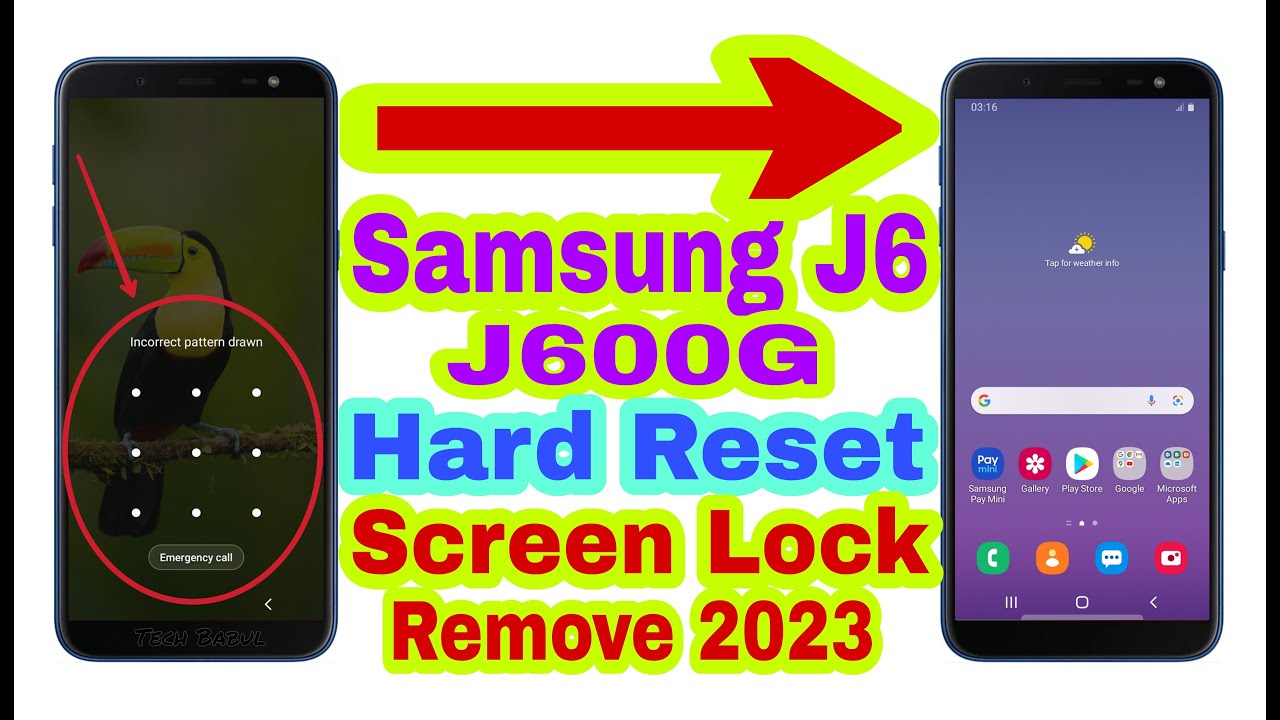
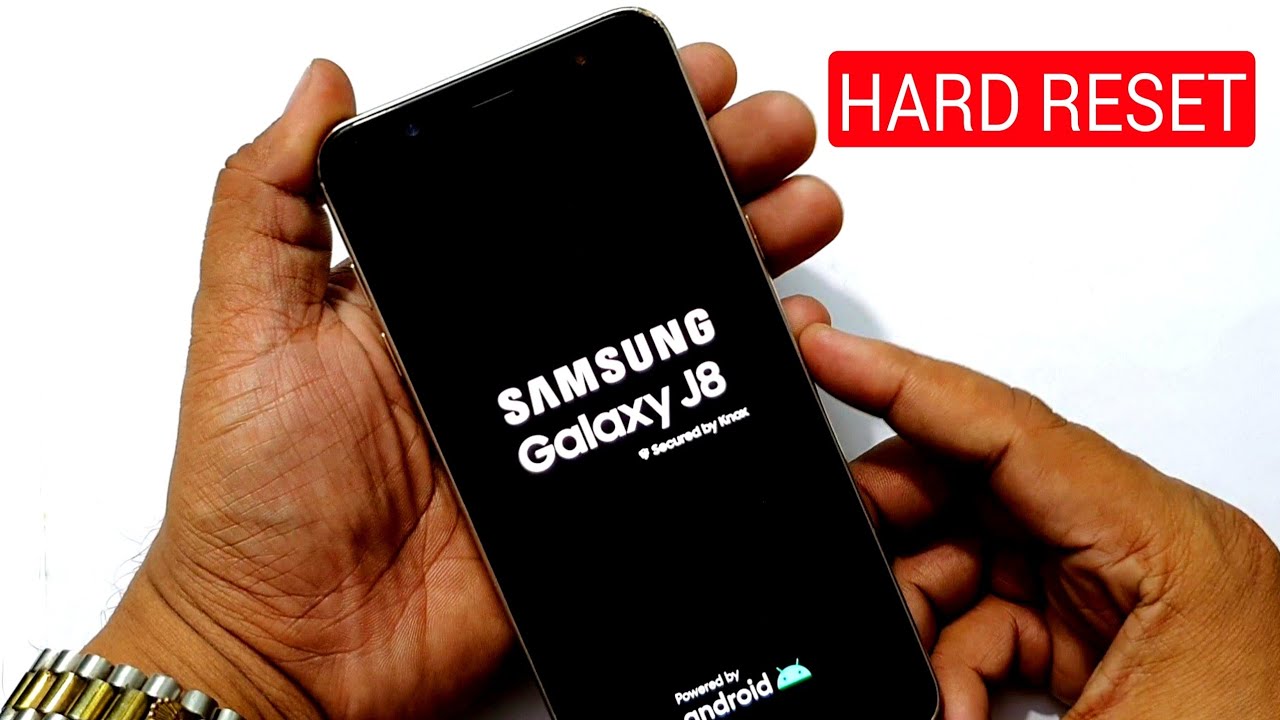
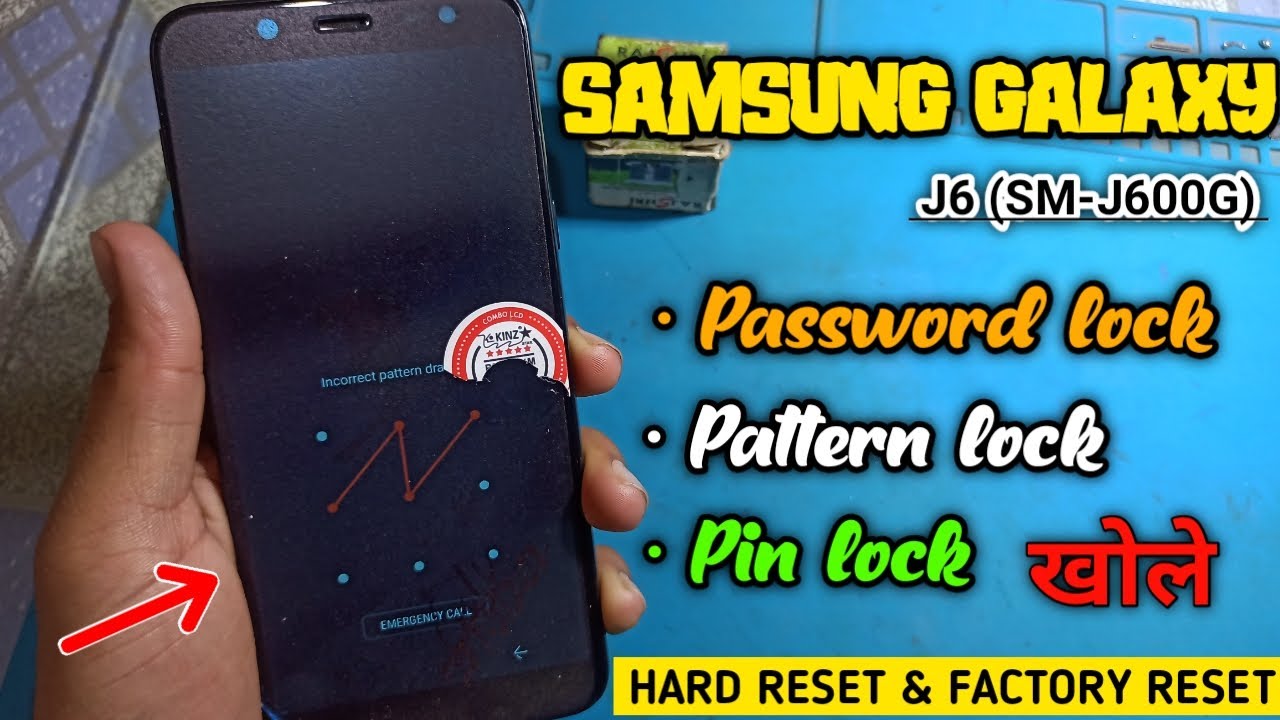
Hard Reset Samsung Galaxy J6 & J8 (2018) Unlock Pattern Lock, PIN, Password
Автор: Tech Inquisitive
Загружено: 2018-10-10
Просмотров: 23308
Описание:
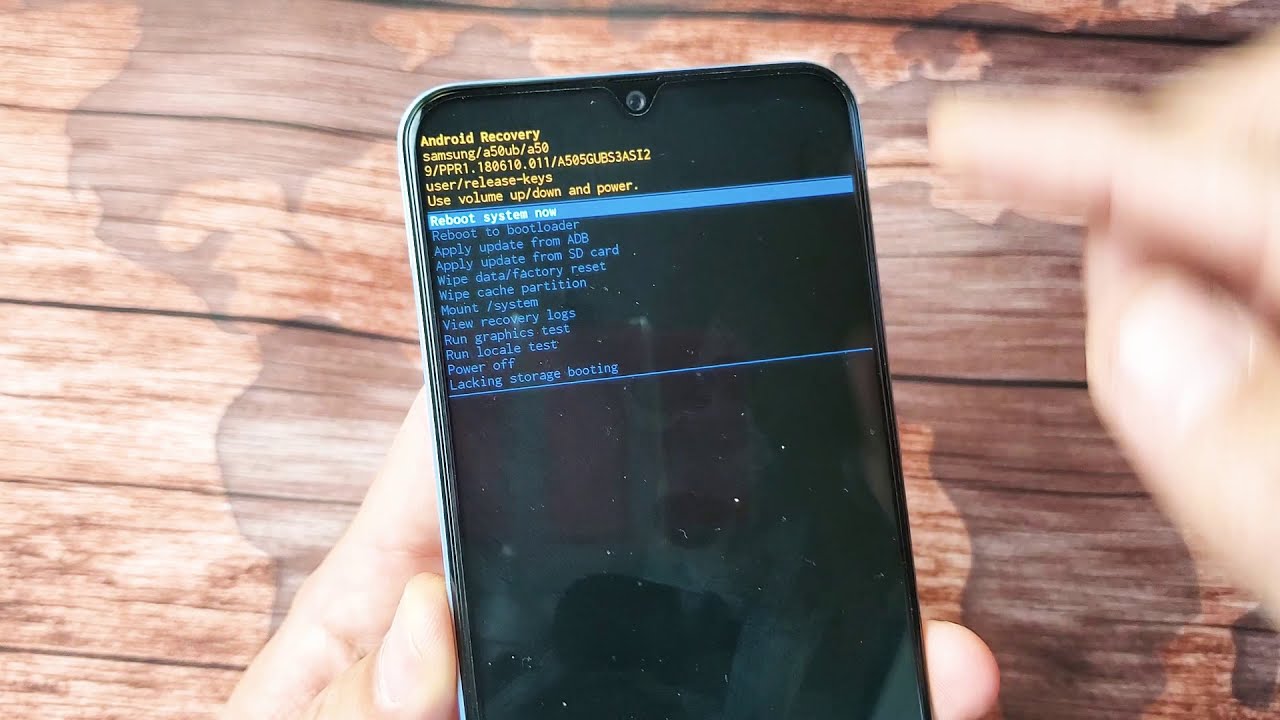
Samsung Galaxy J6 & J8 came with Samsung New Experience UI 9.0 & 18.5:9 aspect ratio. Those two hasn't any physical home button like traditional Samsung Phones. Thats why entering into recovery mode is little bit difference on those phones. This is why in this video I'm going to demonstrate you how to boot into recovery mode & do hard reset(also known as factory restore) Samsung galaxy J6 & J8(2018). Though in the video I used only Galaxy J6 for demonstration.
If you enjoyed or find the video helpful don't forget to like, share & subscribe for more helpful videos. Thanks.
Watch some related videos:
★How to solve Downloading Don't turn off target on Samsung Phones: • How to solve Downloading Don't turn off ta...
★How to Enter/Boot into Recovery Mode & Hard reset Samsung traditional Android Devices:
• How to Enter/Boot into Recovery Mode & Har...
★Galaxy J7 & Galaxy On 7 Pro | Super AMOLED vs TFT Display:
• Difference between Samsung Galaxy J7 & Gal...
★How to Take screenshot on Samsung Phone:
• How to Take screenshot on Samsung Galaxy A...
★How to Hard Reset/Factory Restore Samsung Galaxy J7 Nxt: • How to Hard Reset/Factory Restore Samsung ...
★Samsung J7 Nxt Sim & Microsd Card installation guide: • How to insert SIM & Microsd Memory card on...
★Samsung On7 Pro vs Moto G4 Play Speed Test: • Samsung Galaxy On7 Pro vs Moto G4 Play - S...
★How to insert sim & microsd card on Samsung Galaxy On7 Pro: • How to Insert or Remove sim & Microsd Memo...
Follow me on:
/ techinquisitive
/ techinquisitive
Повторяем попытку...

Доступные форматы для скачивания:
Скачать видео
-
Информация по загрузке: