How to Convert a Logo to Vector in Illustrator with Image Trace
Автор: Digital Design Tips
Загружено: 2025-05-22
Просмотров: 1064
Описание:
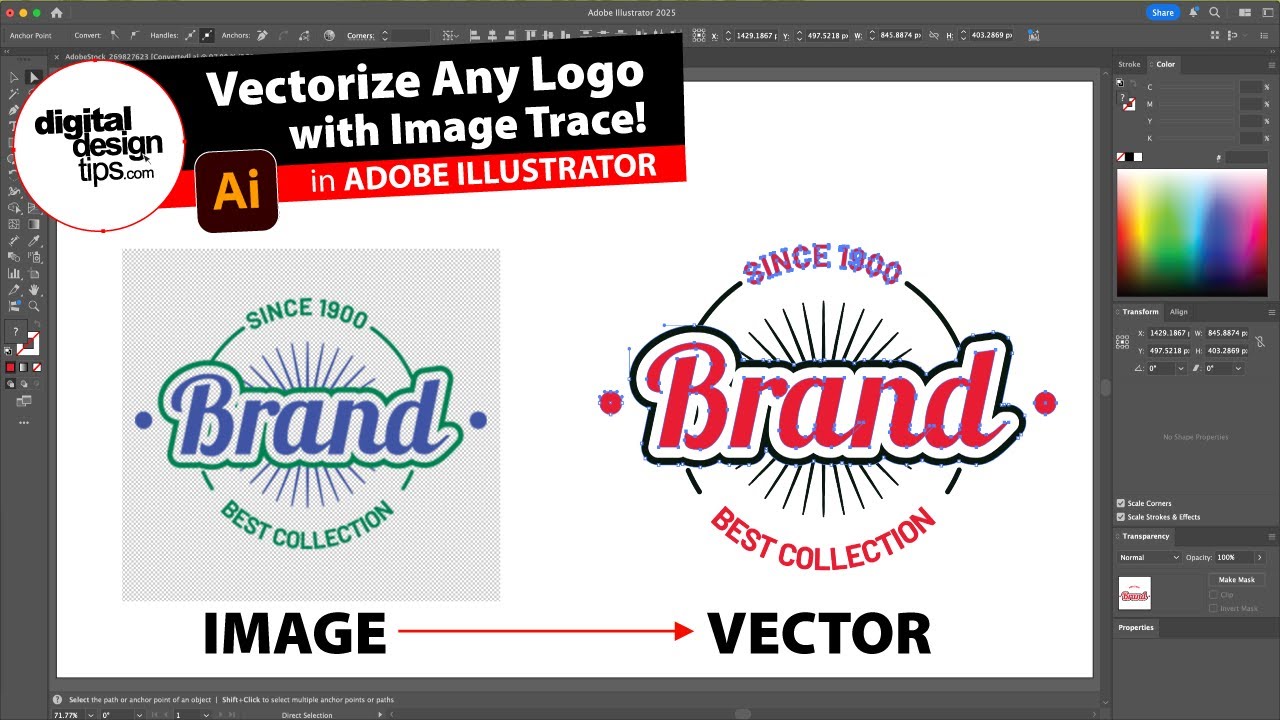
Want to turn a blurry logo into clean vector art? In this quick Illustrator tutorial, I’ll show you how to use Image Trace to convert a JPEG or PNG logo into scalable vector artwork. Perfect for when clients send low-res logos and you need them sharp for print, packaging, or scaling to massive sizes.
We'll cover:
✅ Where to find the Image Trace controls
✅ Black & White vs Color presets
✅ Adjusting threshold, paths, corners, and noise
✅ Expanding and ungrouping the result
✅ Editing the final vector artwork
⚡ Pro Tip: You can use this same method on icons, illustrations, and scanned sketches!
🎁 Want a FREE Illustrator business card template?
[Insert your download link here]
🧠 Works in: Adobe Illustrator
💻 Mac + Windows compatible
📂 Ideal for: Designers, printers, marketers, and freelancers
🎬 More Illustrator tutorials:
• Adobe Illustrator Tutorials & Tips
Повторяем попытку...
Доступные форматы для скачивания:
Скачать видео
-
Информация по загрузке: