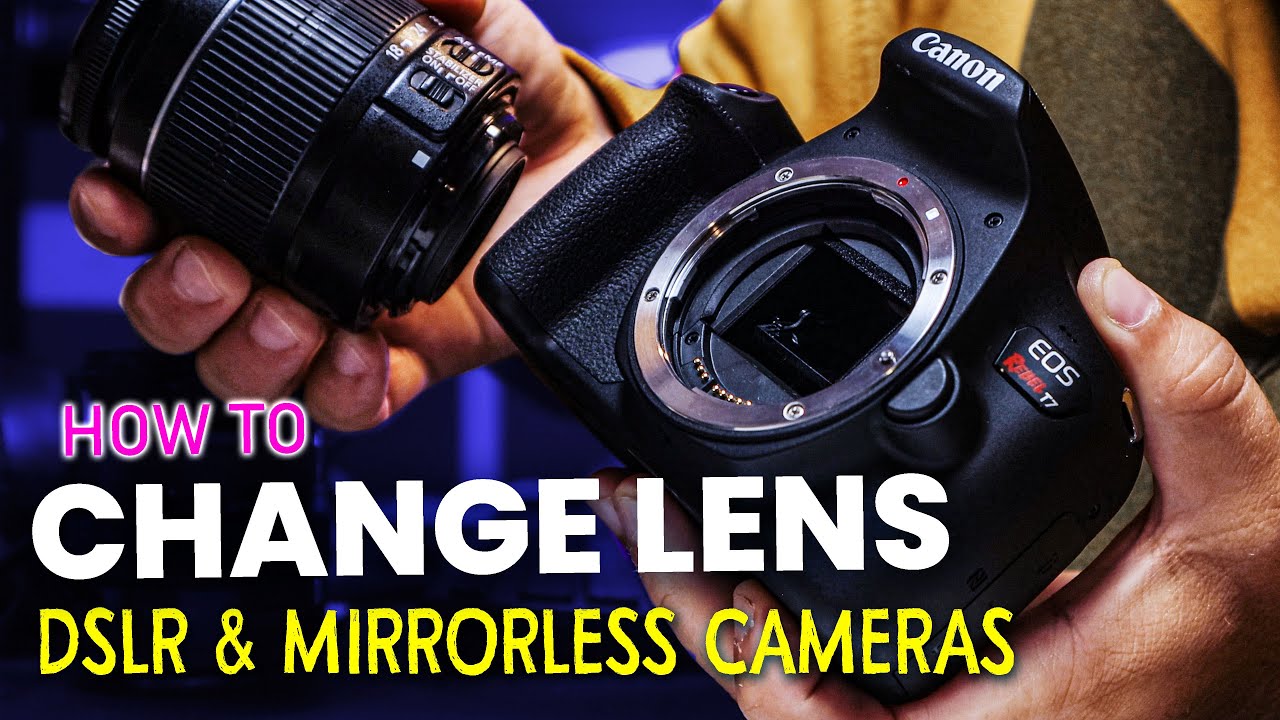
How to attach and remove lens on your Cannon EOS R100
Автор: Rachita23
Загружено: 2025-05-29
Просмотров: 13136
Описание:
Attaching the lens:
Look for the red mount index (a small red dot or square) on both the lens and the camera body. Align these two red marks. Gently insert the lens into the camera mount, keeping the red indexes aligned. Then, turn the lens clockwise until you hear a clear click. This click confirms it's securely locked.
Removing the lens:
Find the lens release button on your camera body, usually near where the lens attaches. Press and hold down the lens release button. While holding it, turn the lens counter-clockwise. The lens will stop turning and you can then gently pull it away from the camera body.
Повторяем попытку...

Доступные форматы для скачивания:
Скачать видео
-
Информация по загрузке: