TouchChat with WordPower Guide: Easily Add New Words
Автор: AAC with Rebecca SLP
Загружено: 2025-12-02
Просмотров: 2235
Описание:
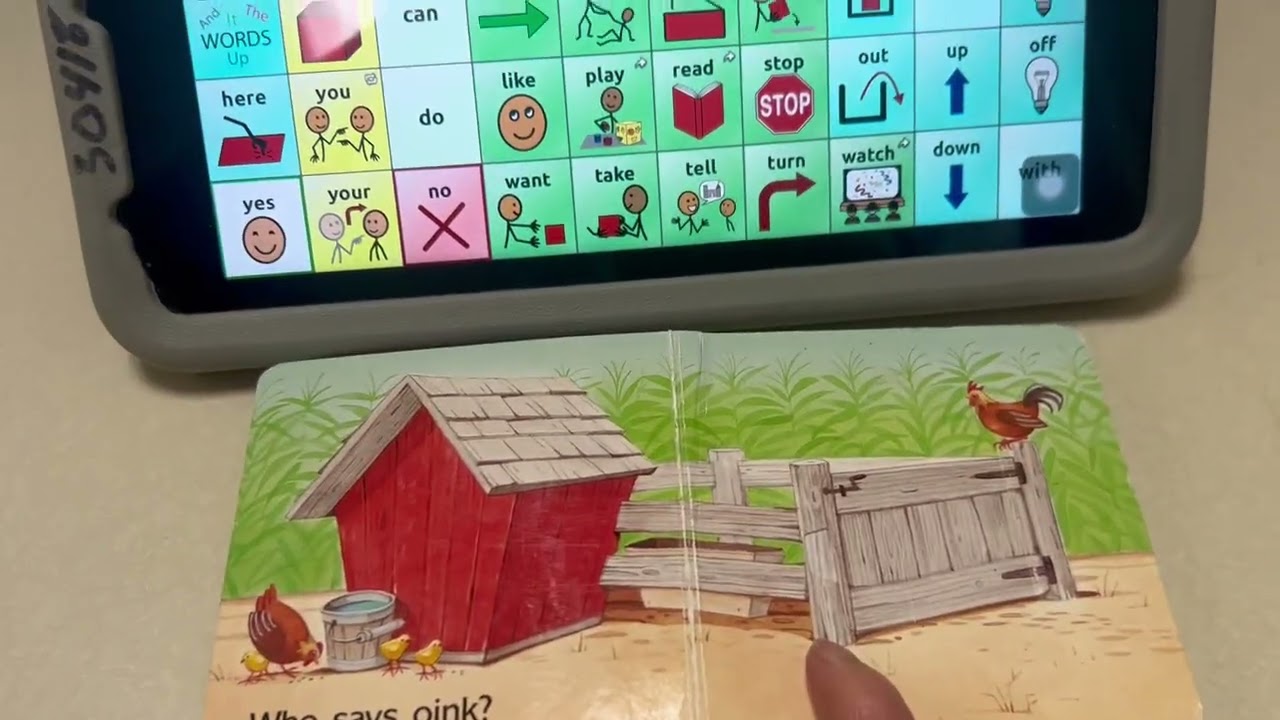
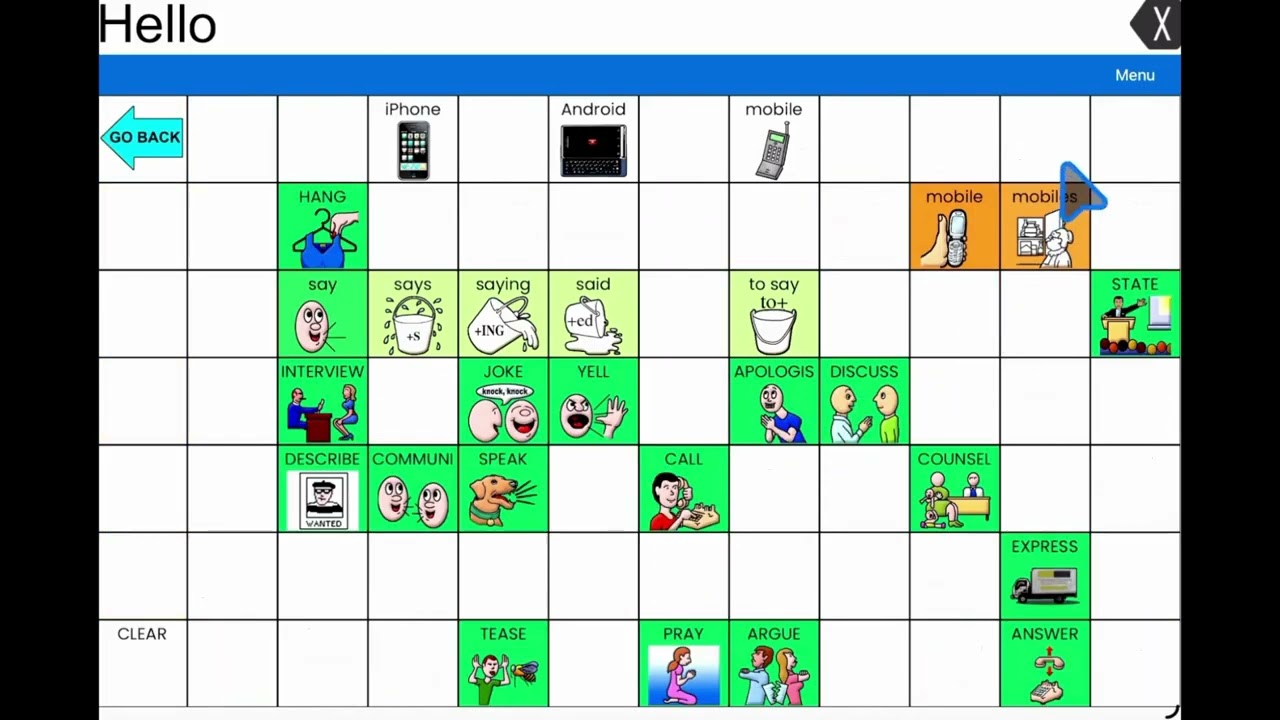
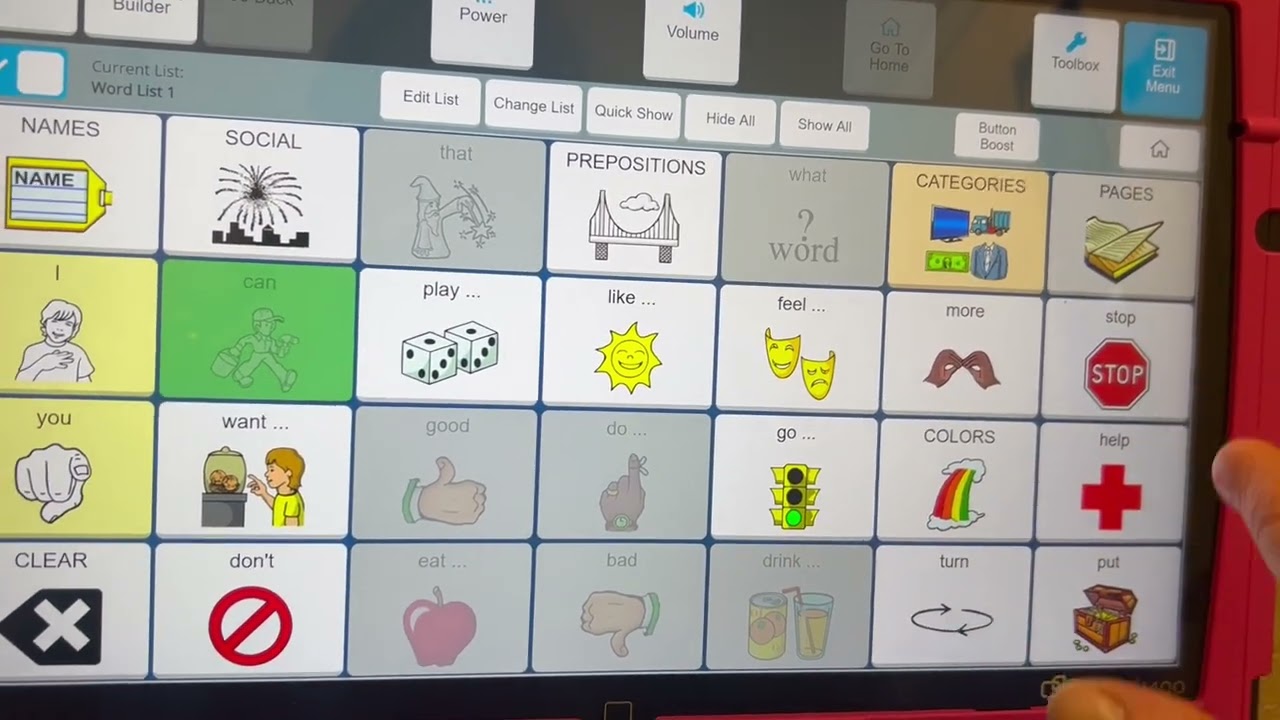
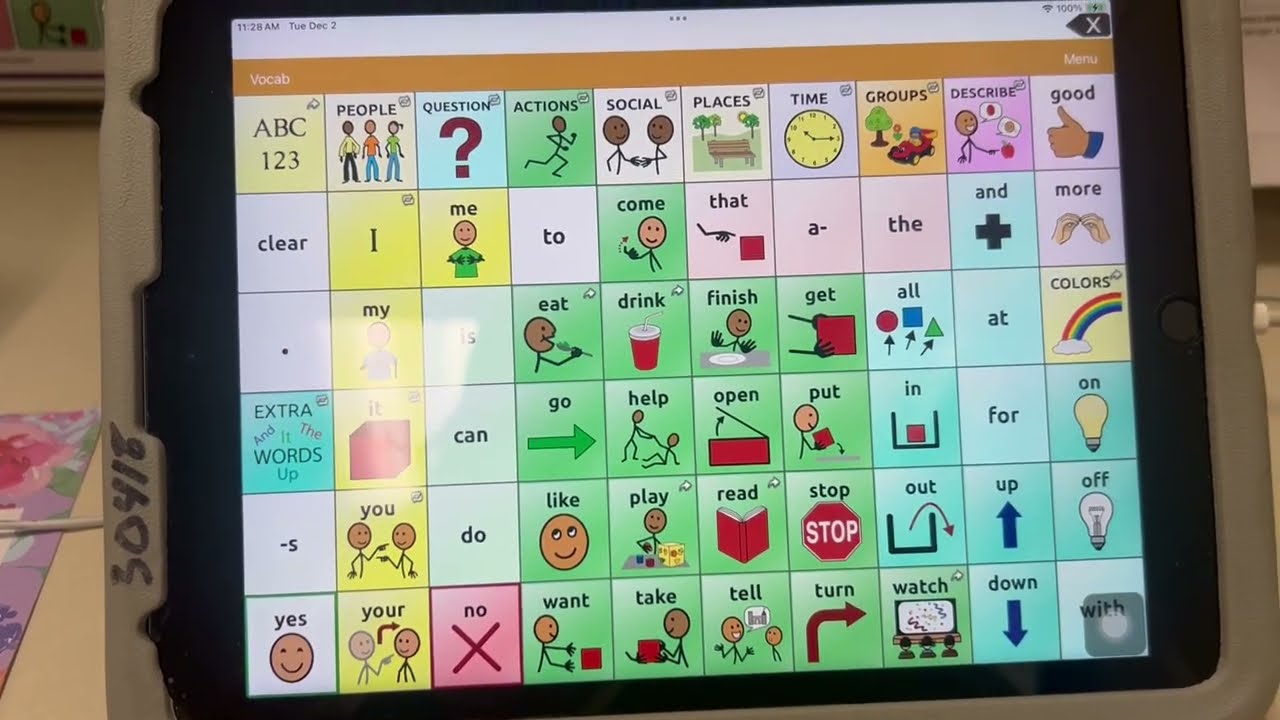
In this tutorial, I walk you through the full process of adding a new word in TouchChat with WordPower. Before creating a new button, I demonstrate how to use Word Finder to check whether the word already exists in the vocabulary. This step helps prevent creating duplicates and keeps your communication pages organized.
If the word is not already available, I then show you how to:
Enter Edit Mode and choose the location for your new button
Add the button label and message
Select an icon from the TouchChat clipart library or take your own photo to personalize the button
Adjust the button appearance so it’s easy to recognize
Save your changes and exit edit mode
By the end of the video, you’ll know exactly how to check for existing vocabulary, create a new button, add visuals, and save it so it’s ready for use.
Повторяем попытку...
Доступные форматы для скачивания:
Скачать видео
-
Информация по загрузке: