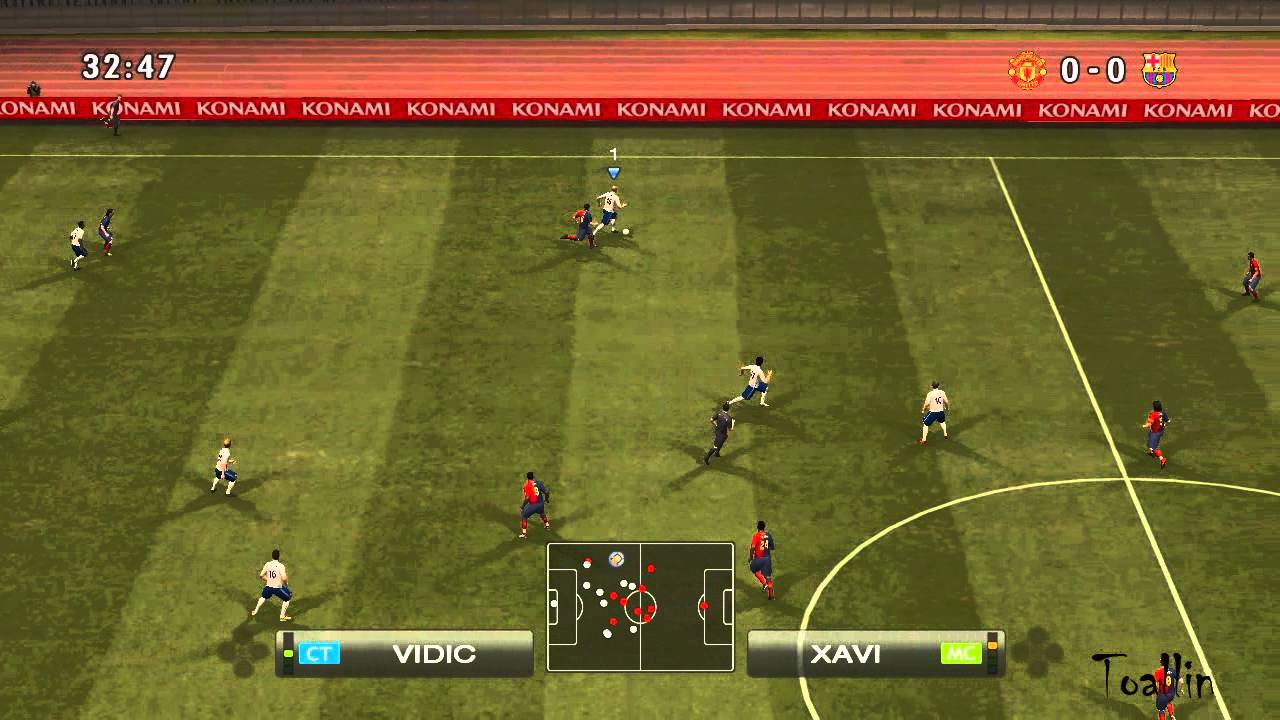
PES 2009 PATCH 2016 - How to install - Tutorial (PC/HD)
Автор: TreshPanda99
Загружено: 2015-11-29
Просмотров: 33314
Описание:
So, here is the long awaited video tutorial for installing PES 2009 PATCH 2016.
Review video: • PES 2009 PATCH 2016 - Review (PC/HD)
So steps are this:
1. Extract installer and run it.
2. Choose destination folder (by default, it is located in C:\Program Files \KONAMI\Pro Evolution Soccer 2009)
3. Type in password: micano4u
4. Then extract KONAMI folder, and replace files from it with files in Documents folder.
5. Final step is to confirm installation by clicking install button at setup.exe located in Kitserver folder in your PES 2009 destination folder.
Hopes you understood this quick tutorial, and sorry for late release. Produced by DarkMedia Gaming
Повторяем попытку...

Доступные форматы для скачивания:
Скачать видео
-
Информация по загрузке: