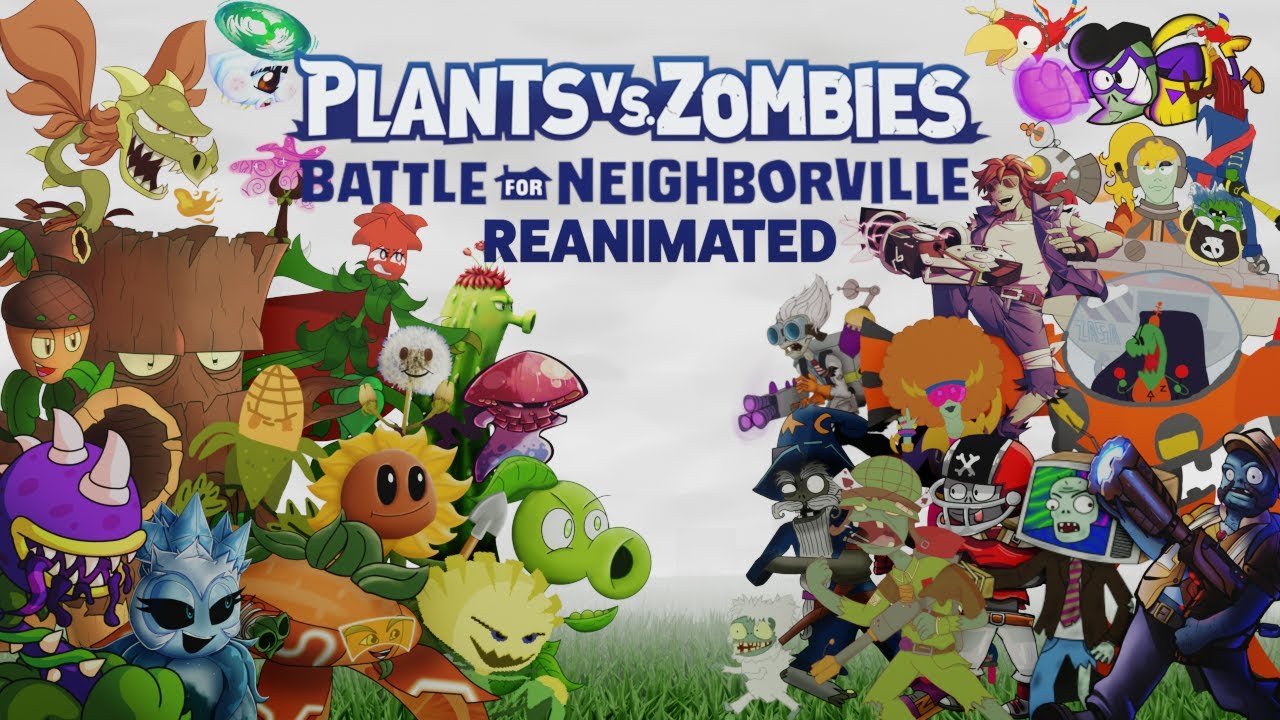
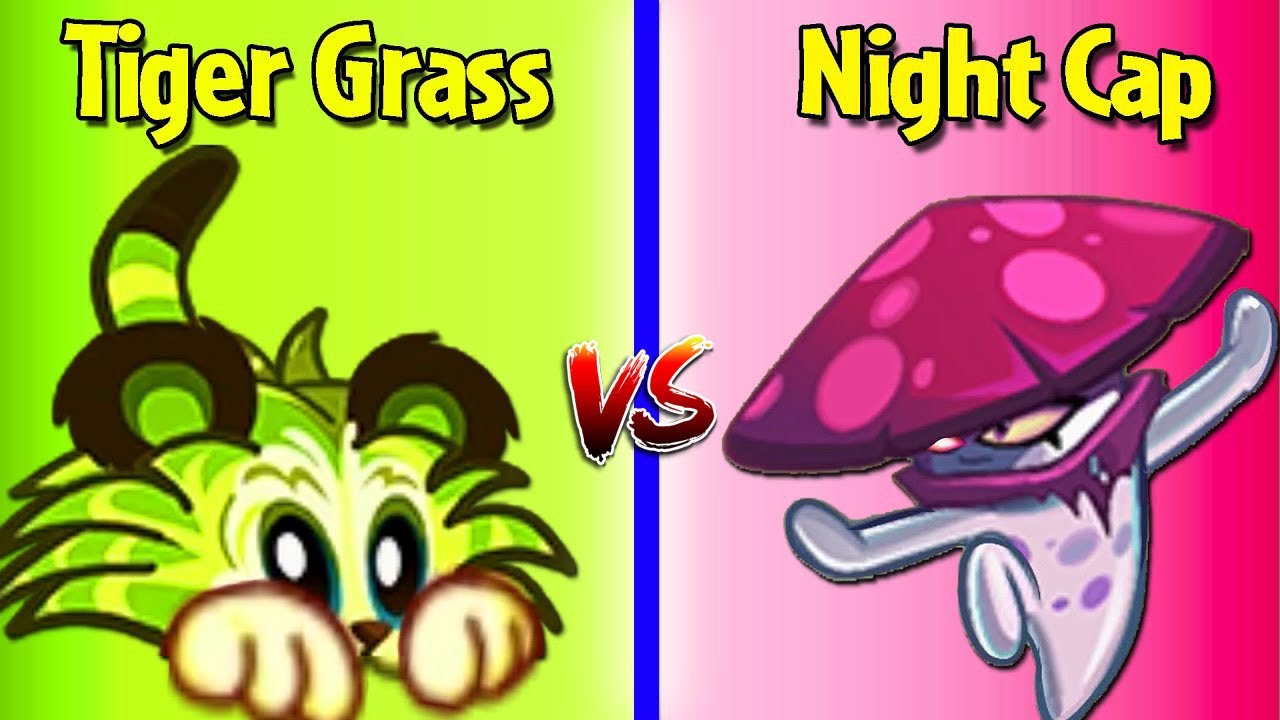
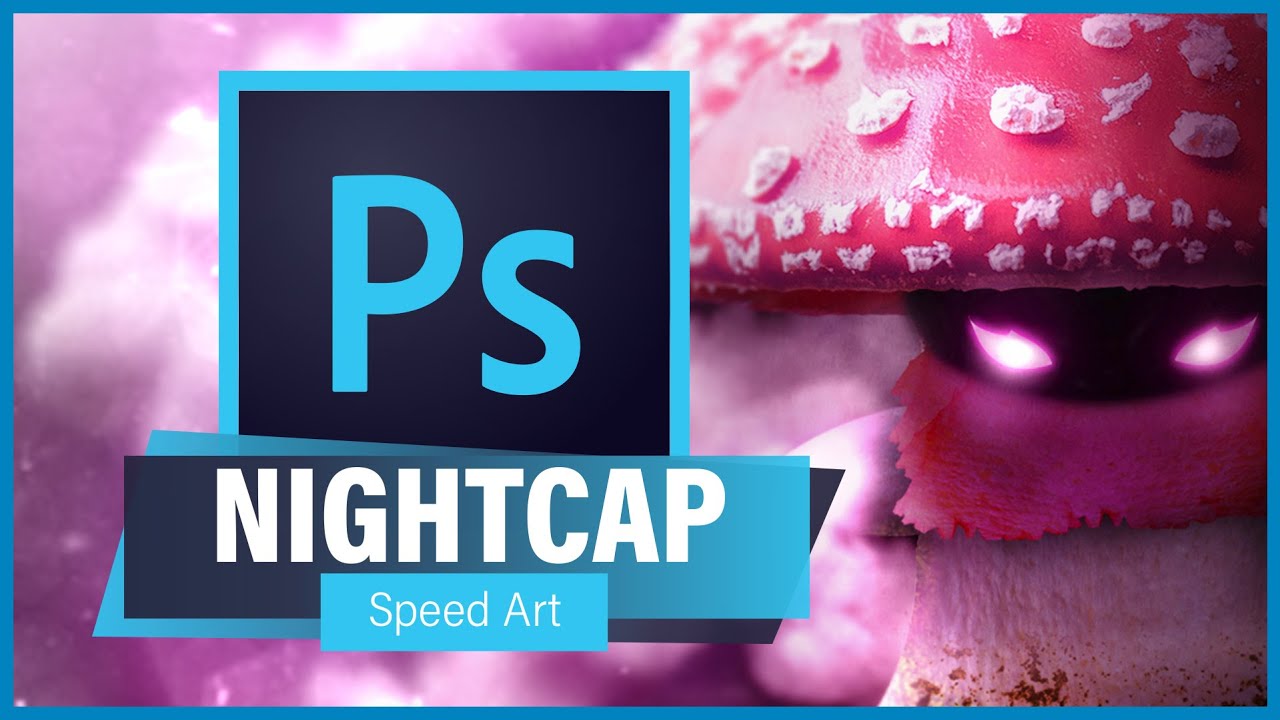
Realistic Nightcap Photoshop Manipulation (Speed Art) - Plants vs Zombies: Battle For Neighborville
Автор: Redhead Gaming
Загружено: 2019-11-20
Просмотров: 6850
Описание:
Realistic Nightcap Photoshop Manipulation (Speed Art) - Plants vs Zombies: Battle For Neighborville
Hi guys,
Welcome to PLANTS VS ZOMBIES: BATTLE FOR NEIGHBORVILLE!
Today we I decided to do something a bit different and that is a Photoshop Manipulation! I thought it might be a cool idea to create a realistic version of one of the Battle for Neighborville characters - I chose Nightcap! I hope you enjoy this video, let me know in the comments if this is something you want to see more of in the future.
Unsplash:
www.unsplash.com
Plants vs Zombies Battle for Neighborville (PvZBFN) is the latest edition to the PvZ franchise and was released on the 18th of October 2019.
From the very first mobile game, to garden warfare to battle for neighborville I have loved the Plants vs Zombies franchise. I think mostly it's the wacky and strange universe that allows the most crazy ideas to just fit. Who'd have thought that having garden plants battling against a zombie horde could be such an amazing experience. I also love how inventive Popcap have been throughout their games, always trying something new! I think the PvZ franchise has a big focus on the player base and allowing them to just have fun and feel like a kid again.
I am very excited to be bringing this game to the channel! Prepare for laughs, silly voices and whole load of garden/graveyard action!!! :D Enjoy!
Purchase Plants vs Zombies: Battle for Neighborville here:
https://www.ea.com/games/plants-vs-zo...
Except that a crazy new coniferous conflict between brain-less and botanicals is brewing! What are you gonna do – call the crops? Soil your plants? Prepare to kick some grass in a plant-on-zombie conflict that will take you to the outer edges of Neighborville and back again.
KEY FEATURES
Go All Out in Online Multiplayer - Jump into the fray with up to 24 players in online multiplayer across a gigantic suburban skirmish. Bring the unique abilities of each character class to 6 PvP modes–including the new Battle Arena–and experience the unbeleafable thrills of combat.
Venture to the Outer Edges of Neighborville - The tension across the terra has expanded with free-roam regions that extend beyond the town of Neighborville. Squad up with up to 3 friends in the Giddy Park social region and take back Weirding Woods, Mount Steep and Neighborville Town Centre. It’s grow time!
Customize Every Character for Battle - Join the newest bloom in the age-old battle between plants and zombies with 20 fully customizable classes at launch, including a Team Play class for each faction. Deck every character out with ludicrous looks and wacky weapons that show off your unique personality.
Information source: https://www.origin.com/gbr/en-us/stor...
Come and watch, have some fun and relax!
To keep updated, follow me on Twitter: https://twitter.com/RedHeadGamer16?la...
Like me on Facebook: / redheadgamer16
Like and Subscribe! :)
Video Tags:
Realistic Nightcap Photoshop Manipulation (Speed Art) - Plants vs Zombies: Battle For Neighborville, Plants vs Zombies Battle for Neighborville - Realistic Nightcap Photoshop Manipulation (Speed Art),Plants vs Zombies Battle for Neighborville Speed Art, Plants vs Zombies Battle for Neighborville Photoshop Manipulation,Plants vs Zombies Battle for Neighborville Fan Art, Plants vs Zombies Photoshop, Plants vs Zombies Garden Warfare 2, Plants vs Zombies Garden Warfare,Gaming,Video Games,
Hashtags:
#Photoshop #PlantsVsZombiesBattleForNeighborville #SpeedArt #PlantVsZombies #RedHeadGaming #BattleForNeighborville #PvZBFN #GardenWarfare #PvZ
Video Script:
Hi guys,
So for today’s video I decided to do something a bit different. For those of you who don’t know I’m a graphic designer, so I thought I would do a speed art video, where I try and recreate Nightcap from Battle for Neighborville in a realistic style using the power of photoshop! Now this piece took just over 4 hours to do and was quite a lot of fun! I’ve always wanted to do some photoshop videos, so let me know in the comments if this is something you want to see more of in the future. 90% of the images I used in this were from Unsplash, I’ll put the link in the description, and a few others were just google searches.
As usual just before we begin, remember to hit those like and subscribe buttons if you enjoy the content on this channel and want to help it grow. Anyway, let’s get started.
Anyway guys, that’s about it for this video, I hope you enjoyed! Let me know which character I should make next in the comments below. Other than that, remember to subscribe and I shall see you in the next one. Okay thanks guys, bye, bye.
Повторяем попытку...
Доступные форматы для скачивания:
Скачать видео
-
Информация по загрузке: