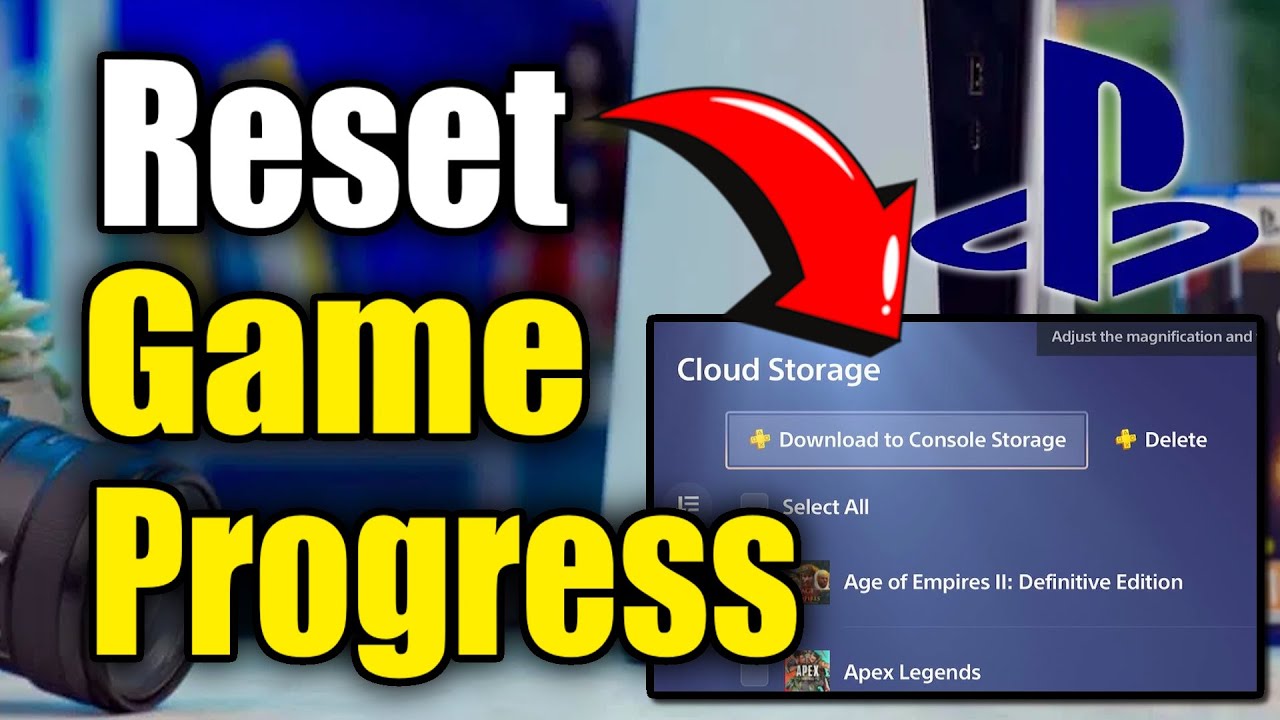
How to Reset your Games & Delete Progress on PS5 (Delete Game DATA)
Автор: YourSixStudios
Загружено: 2025-09-27
Просмотров: 3251
Описание:
The most effective and straightforward method to reset a game and delete your progress on a PlayStation 5 is by deleting the saved data from your console. This process will remove all your progress, settings, and other in-game data, allowing you to start fresh.
Step-by-Step Guide to Delete Saved Data
From the PS5 home screen, go to Settings (the gear icon in the top-right corner).
Scroll down and select Saved Data and Game/App Settings.
Choose Saved Data (PS5) or Saved Data (PS4), depending on the game you want to reset.
Select Console Storage.
Choose Delete.
You will see a list of your games with saved data. Select the game you wish to reset.
A new screen will appear showing the save files for that game. You can select individual files or choose Select All to delete all of the game's progress.
Select Delete and then confirm with OK.
...
Twitter: https://twitter.com/YourSixStudios?la...
Twitch: / yoursixstudios
Discord: / discord
Instagram: / yoursixstudios -
((( Subscribe to my LIVE STREAMING )))
((( Gaming Channel "YourSixGaming" )))
/ @yoursixgaming ...
((( Subscribe to my ADVENTURE CHANNEL )))
((( Travel, Cameras & More "YourSixAdventures)))
/ @yoursixadventures
Повторяем попытку...
Доступные форматы для скачивания:
Скачать видео
-
Информация по загрузке:



![DsHidMini: Подключение контроллера PS3 к ПК [Учебное пособие]](https://imager.clipsaver.ru/KtD-jxE_QT4/max.jpg)




![[4K FULL HD] Relaxing Water Background | 1 HOUR | Calm Water Wallpaper (No Sound)](https://imager.clipsaver.ru/y9PTNTSpGJs/max.jpg)






