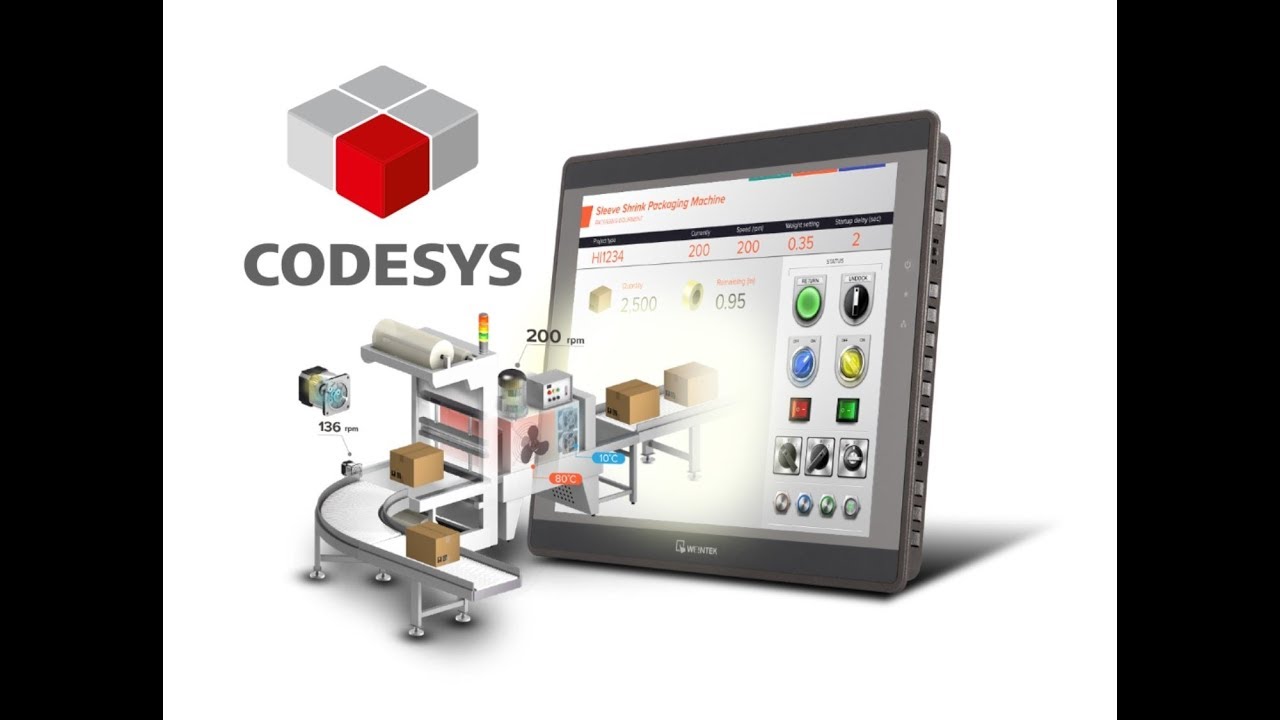
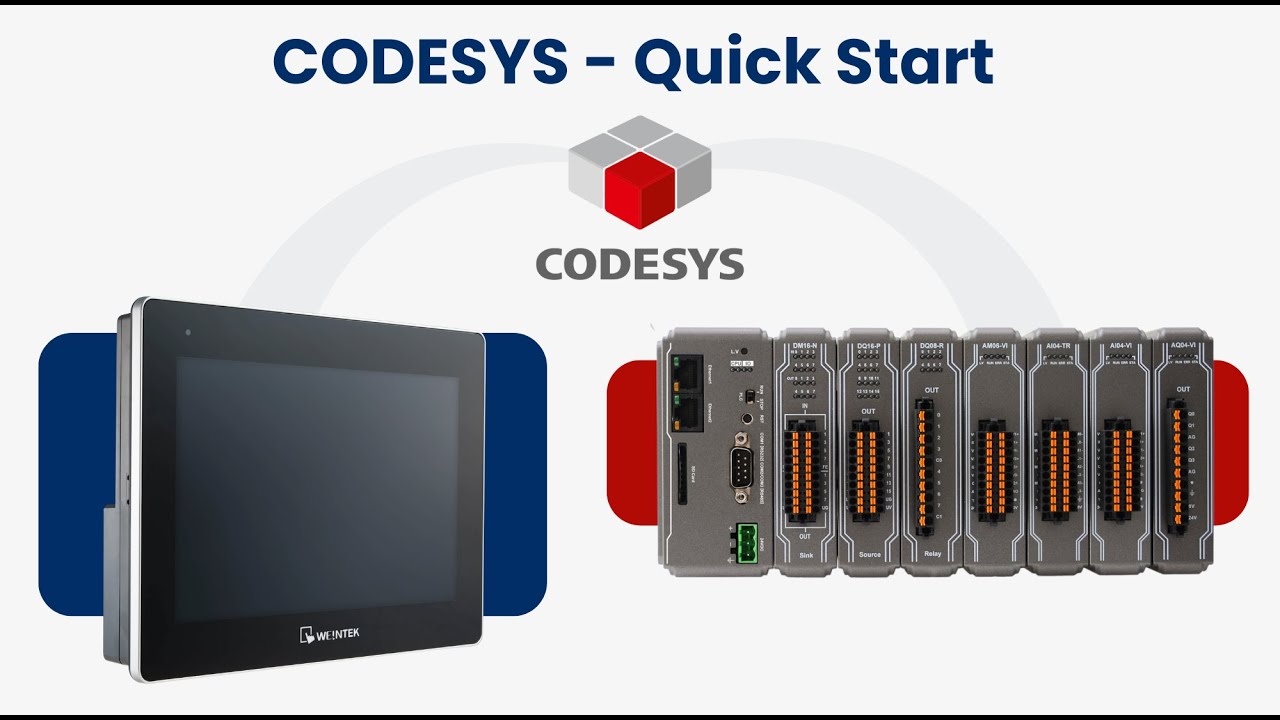
Basic CODESYS Programming w/ Weintek's cMT3090 HMI & Remote IO
Автор: Weintek USA, Inc.
Загружено: 2018-05-22
Просмотров: 41391
Описание:
Weintek USA official site - http://www.weintekusa.com
Call for pricing and availability 425-488-1100
cMT+CODESYS and Remote I/O Tutorial
0:00 - Introduction
1:00 - How to create a new project
2:21 - How to connect to Weintek's built-in Codesys
4:30 - How to configure Codesys to communicate with an iR-ETN
5:48 - How to modify the Codesys Ethernet adapter
6:31 - How to configure the Modbus slave (iR-ETN)
8:34 - How to define the IO mapping
9:18 - How to design a simple ladder diagram
13:17 - How to export the XML tag file
14:38 - How to import the XML file into EasyBuilder Pro
15:46 - How to address an object to a Codesys tag
17:50 - Demonstration
Installing Weintek Built-in CODESYS allows users to easily create a cMT3090 CODESYS project in CODESYS software. Please find the Package file we prepared and follow these steps for quick installation.
On your PC, right-click the mouse button and select [Open with CODESYS Package Manager].
Select Complete Setup or Typical Setup (you may select any of these setup types since the components used by Weintek Built-in CODESYS exist in both types.)
Click [Next] when seeing the following message.
2 Creating cMT3090 CODESYS Project 1. Launch CODESYS V3.5 and click [File] » [New Project], and then select [Standard project]. Enter the project name in Name filed, browse for the location, and then click [OK] to leave.
4. Open Scan Network tab, CODESYS software will start searching for the CODESYS devices on the same network. Select the desired device and then click [OK] to leave. The project will connect the selected device.
3 Connecting iR-COP 1. Right-click on Device (Weintek Built-in CODESYS) and then select [Add Device]. 2. Select [Canbus] » [Canbus], and then select [Add Device].
4. Double-click on CANbus (CANbus) with the current window opened in Devices tree, or right-click on CANbus (CANbus) and then select [Add Device]. 5. Click [Fieldbusses] » [CANopen] » [CANopen Manager] » [CANopen Manager], and then select [Add Device].
Повторяем попытку...
Доступные форматы для скачивания:
Скачать видео
-
Информация по загрузке:












![[#99] Home Assistant – первое знакомство, установка и проблемы](https://imager.clipsaver.ru/zLC8GuOkHl0/max.jpg)


