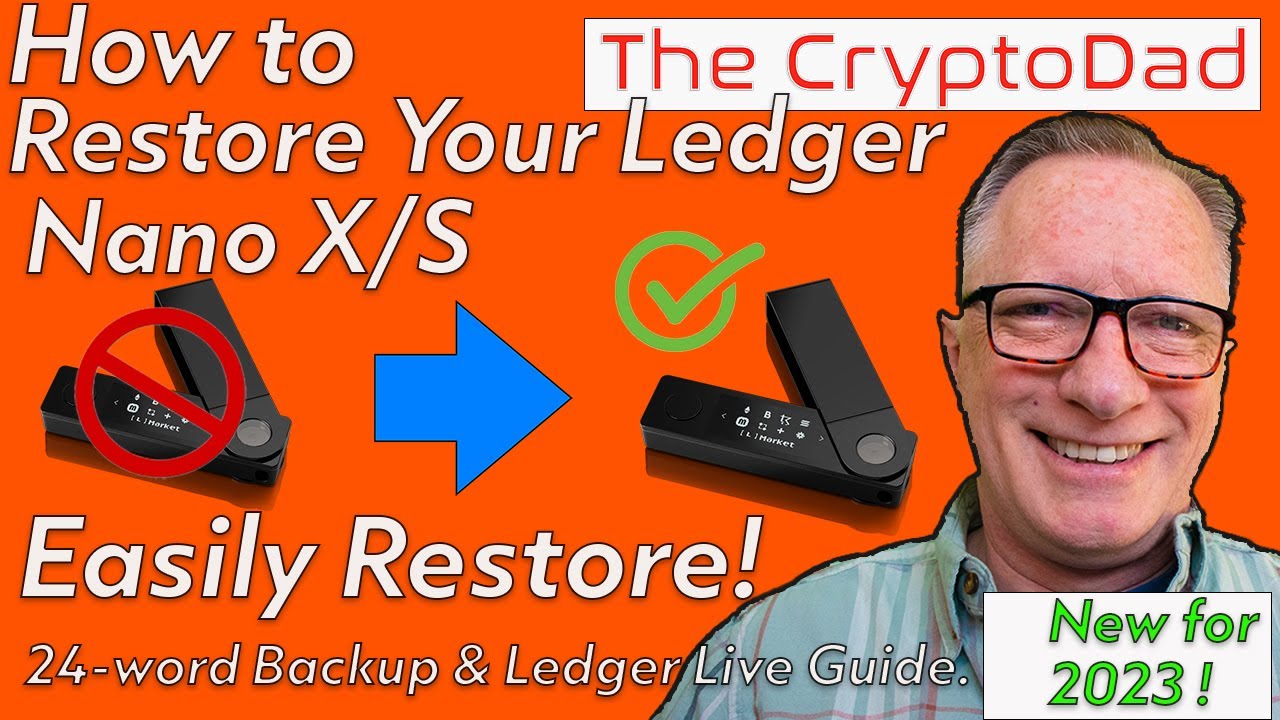
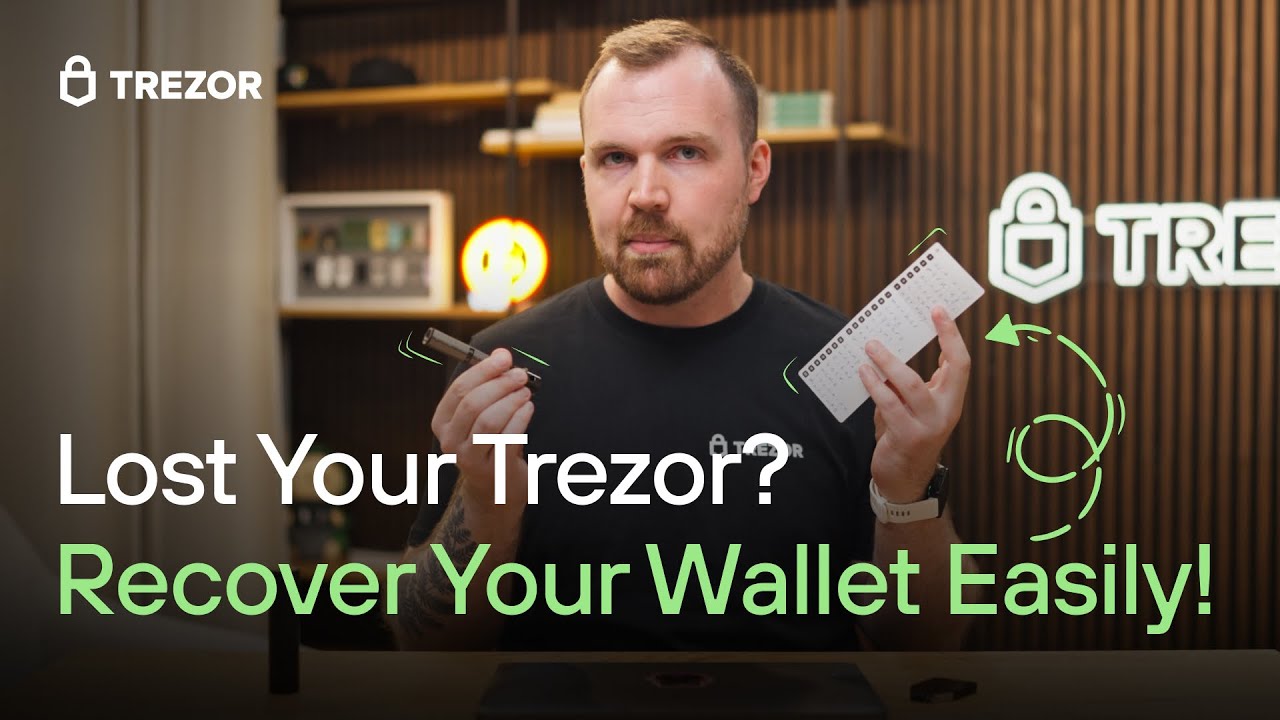
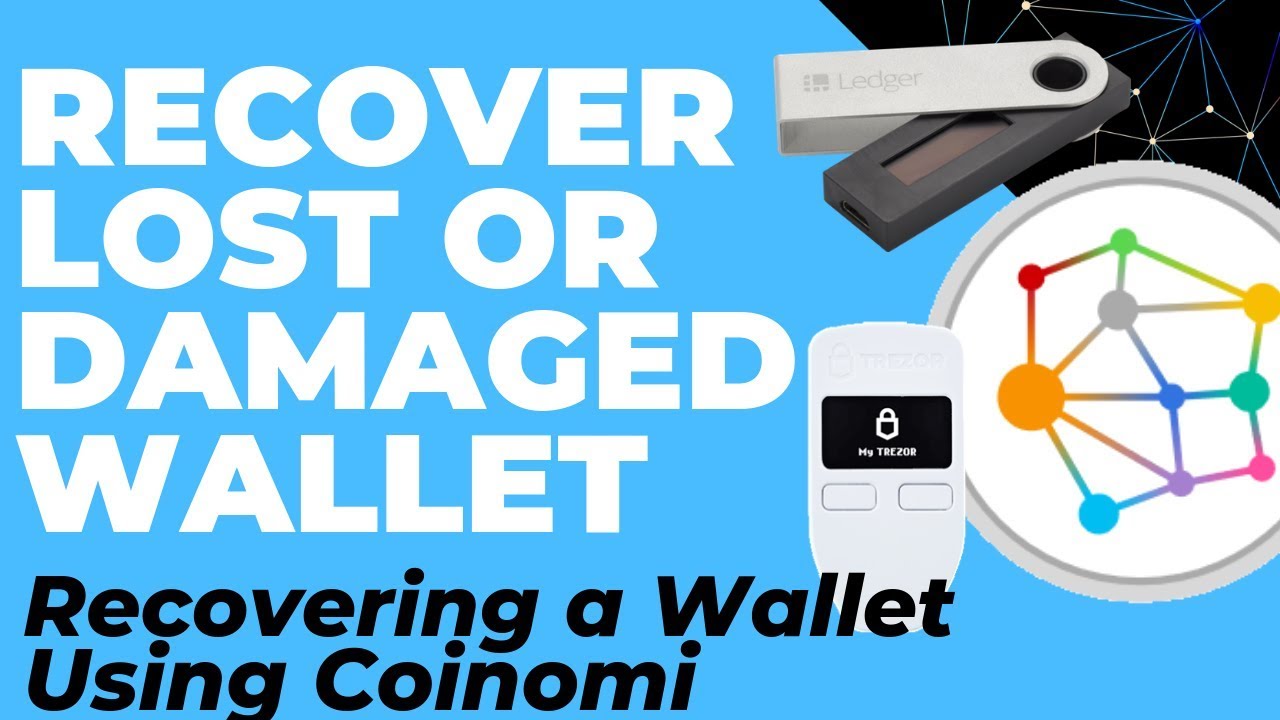
Recover Lost/Damaged Ledger, Trezor or Keepkey Wallet using Coinomi (Importing Recovery Phrase)
Автор: Crypto Guide
Загружено: 2019-09-10
Просмотров: 20998
Описание:
Avoid the scammers completely and keep all your crypto safe & upgrade to a Ledger Nano X Hardware Wallet https://shop.ledger.com/pages/ledger-...
Alternatively, if you prefer a 100% Open Source wallet, a Trezor One is also a great value wallet https://shop.trezor.io/product/trezor...
So you have lost or damaged your hardware wallet, or perhaps want to move to a new seed but don't want to purchase a 2nd hardware wallet. Fortunately you can easily use Coinomi to access your funds that you were securing using a Ledger Nano, Trezor or Keepkey Hardware Wallet.
Using Coinomi on your phone is a great way to do this and will work on any recent Android or Apple phone.
More info about Coinomi @ coinomi.com
---------------------
If you are new to Crypto, my suggestion is that you start with buying ~$150 worth of Bitcoin, Ethereum, Litecoin @ Coinbase and get familiar with storing it, moving it around, etc.
For your first purcahse, just stick with CoinBase: https://www.coinbase.com/join/5691c9d...
For Trading, just start with Binance: https://www.binance.com/?ref=18111926
By sticking with large, reputable exchanges for your first purchase (Coinbase) and first trade (Binance) you can avoid getting scammed right at the start by purchasing a non-existing coin off a scammy exchange. (You would be surprised how many people fall into this trap)
Don't have a hardware wallet?
Be safe and buy them direct from the manufacturer. (Not just through some random on eBay, Amazon, etc)
Get a Ledger: https://shop.ledger.com/?r=5243ecbb84...
(If you are just starting out, I would just recommend a Ledger Nano S)
If this was helpful, feel free to send me a tip:
BTC: 37hiiSB1Poj6Shs8WawPS2HjT2jzHkFSQi
BCH: qr9qenlgjh0xlyz802h70ul69rpdj8z6qyuh7m79ah
LTC: MRWnUcsyofisVp5GvX7nxMog5caneycKZ6
ETH: 0xCe41d43349E1c8C53E02631650E236d94A899a95
VTC: vtc1qxauv20r2ux2vttrjmm9eylshl508q04uju936n
ZEN: znUihTHfwm5UJS1ywo911mdNEzd9WY9vBP7
-- Notes --
Recovering BIP39/44 Wallet (Ledger, Trezor, Keepkey, Paper Wallet) via Coinomi
Why you would do this?
⦁ Lost your hardware wallet and want to access your funds. (And don't want to wait for a replacement to arrive)
⦁ Exposed/Compromised old seed through running BTCRecover on Windows or on a Cloud Server
⦁ Moving your hardware wallet to a new seed, but only have one hardware wallet (And don't want to wait for a new one)
⦁ Your new hardware wallet may not support a coin that your old one did. (And you don't want to sweep an the indevidual key for some reason)
⦁ You created a BIP39 Paper Wallet and want to spend all of the funds...
Advantages - Coinomi on Phone
⦁ Easy process that will work with any BIP39 wallet (Nothing browser based, no working directly with keys, etc)
⦁ One-Stop process for accessing multiple currencies, ERC20 tokens, etc
⦁ More secure than your desktop environment.
⦁ Trusted app delivery platform via Google Play
⦁ Protected from other apps and malware on your phone (unless rooted)
⦁ Can use phones camera to easily and securely send funds to your new wallet.
⦁ Can be done quickly using readily available hardware
Risks to Consider - Coinomi
⦁ You are exposing all of your private keys to the software at once. (I will do a followup video about sweeping indevidual private keys)
⦁ If your phone is rooted, then any app with root access can potentially steal your private keys (if malicious)
⦁ You are trusting the software stack running on your phone (eg: The underlying OS may be suceptible to an exploit which means an attacker can effectively gain root access)
Risks Summary...
For a non-rooted, up-to-date phone, this is generally far more secure than using a wallet on your desktop environment (Even Coinomi) and carries far less risk than just running Ian Coleman's BIP39 tool in your browser, while connected to the internet, and sweeping keys that way... (This can be the least bad option and is actually pretty good)
Don't just do this as a cheap way to have your funds avaialble on your phone too...
See the coins in Ledger Live:
(Tips I had on hand)
1. Bitcoin (Legacy, Segwit and Native),
2. Bitcoin Cash (Split and Unsplit),
3. Litecoin (Legacy and Segwit),
4. Eth (Old and New Dev Path)
5. Horizen in Ledger Live
Restoring them in Coinomi
1. Enter 24 Word Seed + Passphrase
2. Add Currencies, noting Derivation Paths & Different way Coinomi handles Multi-Address-Format currencies. (BTC, LTC)
3. Spend or move to new wallet...
#coinomi #bitcoin #btc #ethereum #eth #cryptocurrency #crypto #ledger #trezor #security
Повторяем попытку...
Доступные форматы для скачивания:
Скачать видео
-
Информация по загрузке: