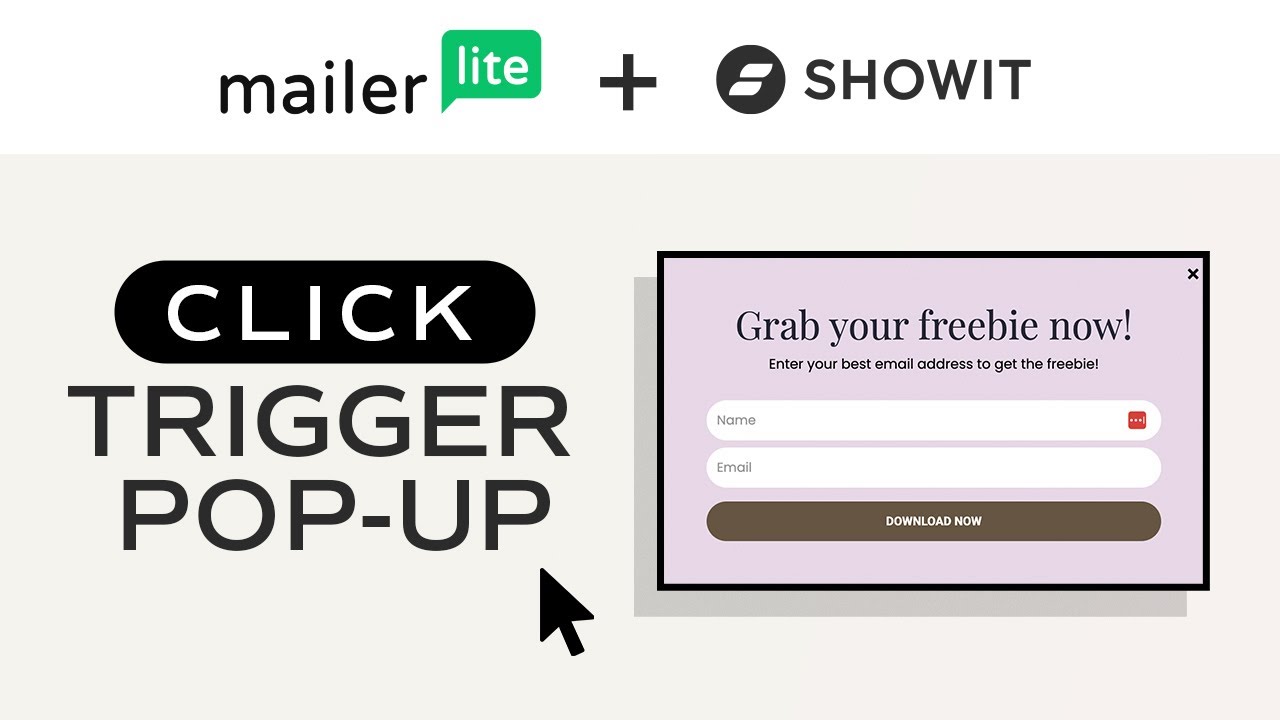
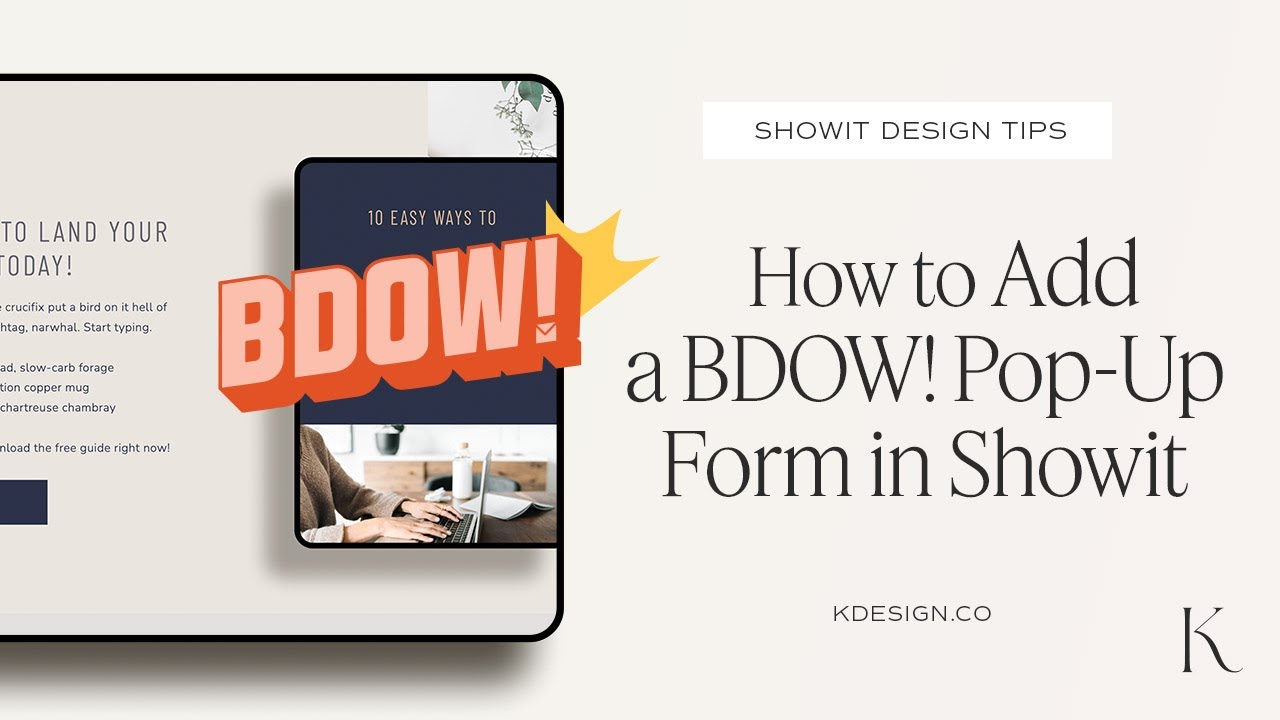
How to Add a Pop Up Form to Your Showit Website with BDOW!
Автор: K Design Co.
Загружено: 2024-11-11
Просмотров: 388
Описание:
If you want to add a pop-up form to your Showit website, one of the easiest ways to do this, is with the new pop-up form tool called BDOW!
BDOW! is a customizable pop-up tool that natively integrates with Showit and has tons of customization options.
In this video, I'll walk you through using BDOW! to add a pop-up to your website to grow your email list and easily send your subscribers freebies and opt-ins. I'll show you step-by-step how to seamlessly integrate this tool for any Showit website or Showit template.
TIMESTAMPS:
00:00 - Intro
00:10 - What is BDOW!
01:11 - Create a BDOW & Install Code in Showit
01:45 - Create Your Form under Campaigns
02:10 - Decide on Your Form Type + Settings
04:30 - Set up Your Pop-up Trigger
05:50 - Define Success Options
07:27 - Connect an Email Service
08:10 - Clear existing Click Actions
08:55 - Test Your Form
Sign-up for BDOW for free: https://bdow.com/fp?_go=kdesignco*
Get your first month of Showit free: https://account.showit.com/r/tdgytlc4*
Purchase the template used in this video: https://kdesign.co/product/kimberly/
*Some links in this description are affiliate links. If you purchase through them, I may earn a small commission at no extra cost to you. Thanks for supporting this channel!
Please subscribe if you liked this video!
Follow Me on Instagram:
/ thekdesignco
Повторяем попытку...
Доступные форматы для скачивания:
Скачать видео
-
Информация по загрузке: