How to Connect Your PS3 Via HDMI
Автор: Howcast
Загружено: 2010-09-13
Просмотров: 340269
Описание:
Full Playlist: • Gaming Console Hacks & Tips
-
-
Watch more Gaming Console Hacks & Tips videos: http://www.howcast.com/videos/391382-...
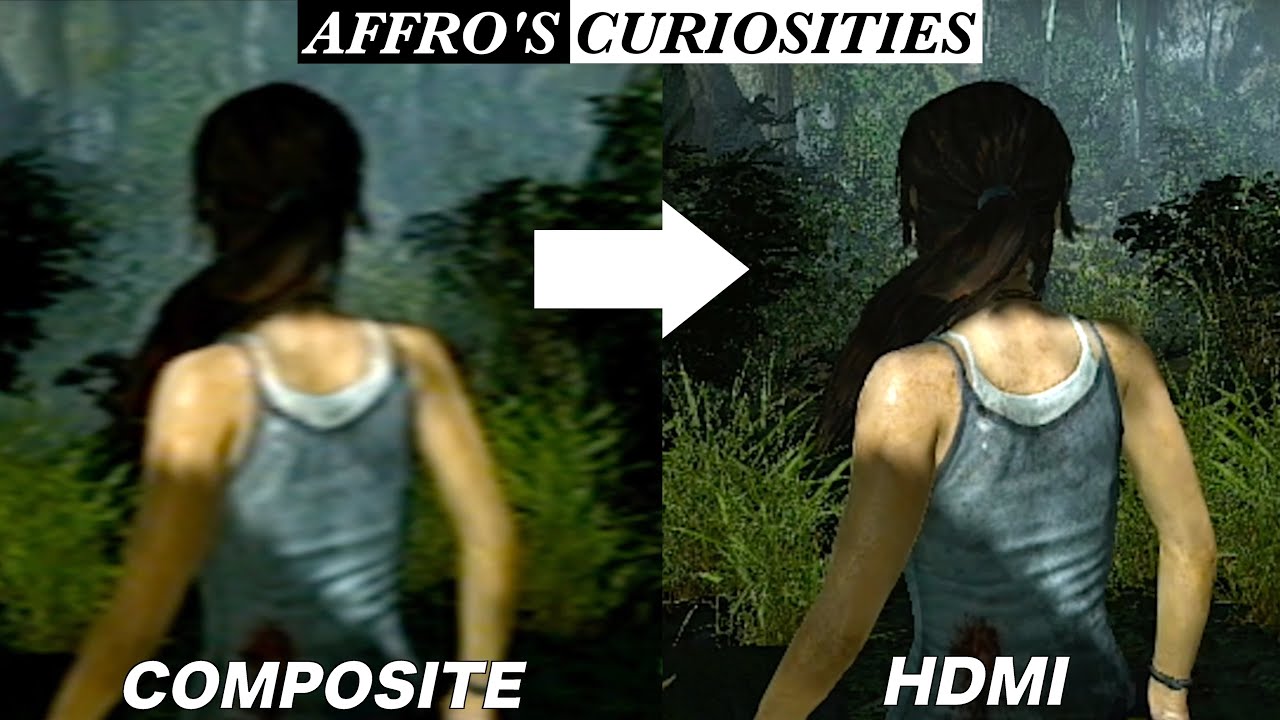
If you're looking to get more out of your Playstation 3 console, this guide will deliver superior picture and sound after you connect your PS3 to your high definition television.
Step 1: Check for an HDMI port
Check the back of your television for an HDMI port and refer to your owner's manual for your television's resolution. A resolution of 1080p offers the highest quality.
Tip
Most PS3 systems support 1.3 HDMI, but older systems may need a software update from the 1.1 or 1.2 version.
Step 2: Disconnect cables
Disconnect all the cables and adapters from the back of your PS3, and then unplug your TV to reduce the risk of shock as you work.
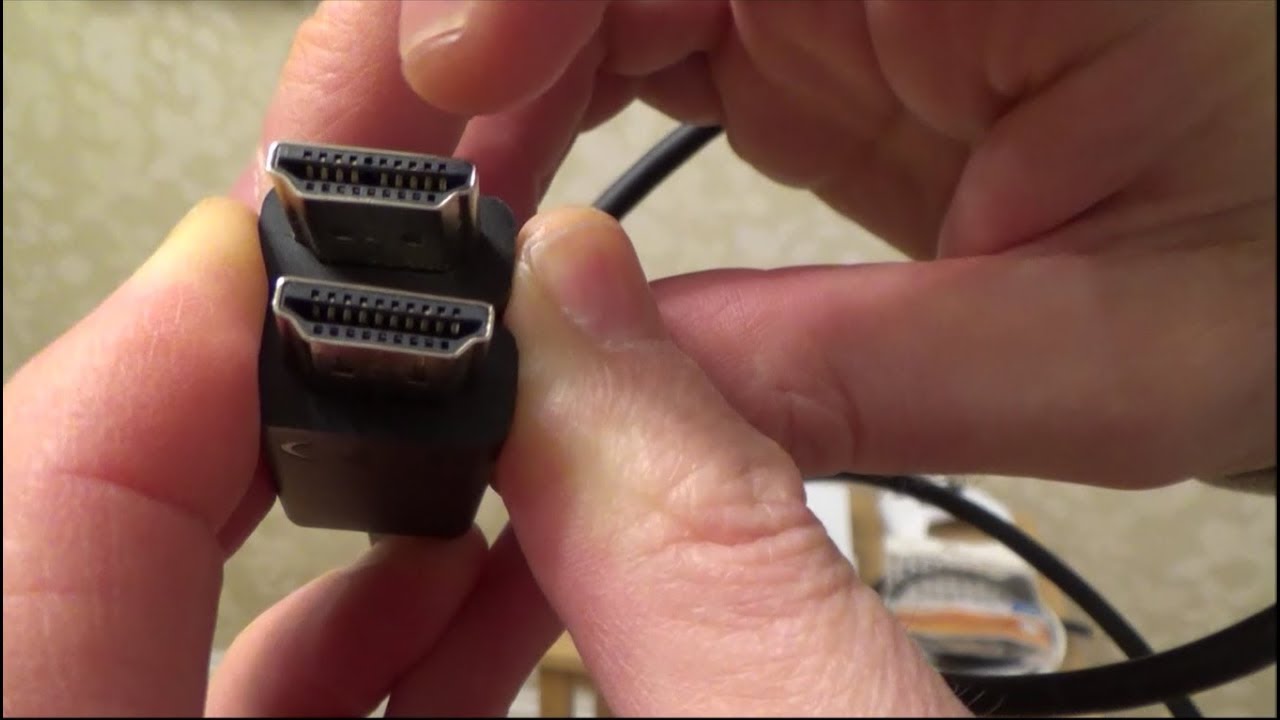
Step 3: Connect HDMI cable
Connect the HDMI cable. Reconnect the power cables on both the TV and the PS3 system.
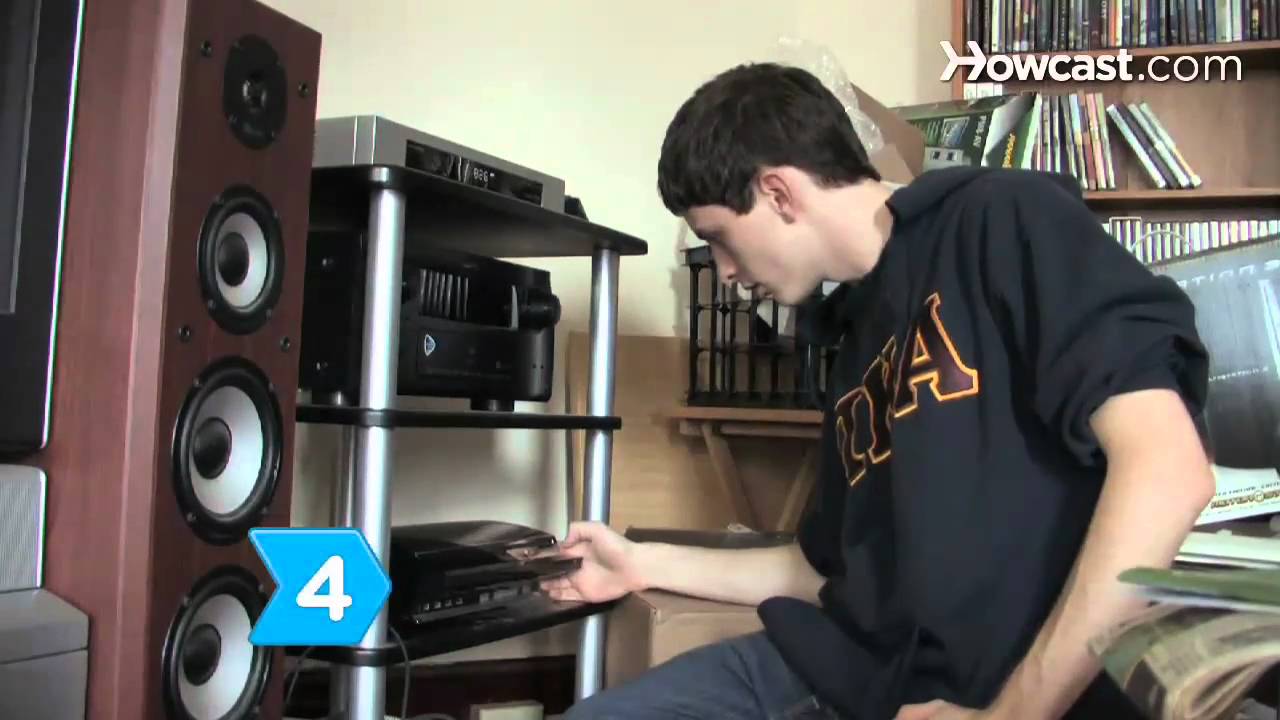
Step 4: Hold power button
Hold down the power button until the PS3 beeps and continue holding it for an additional five seconds until the system makes a second beep.
Tip
The Playstation 3 should detect the high definition cable and automatically adjust the settings to give you the best picture and sound possible.
Step 5: Test the connection
Test the connection. If the HDMI cable isn't working, turn everything off and reconnect the original cables to manually change the settings.
Step 6: Adjust the settings
Turn the system back on, select Settings, Display Settings, Video Output Settings, and then HDMI. Repeat the process for your Audio Settings. You can now experience your games with the highest video and audio quality available.
Did You Know?
Sony, the maker of the Playstation 3, won the high definition war when Toshiba officially discontinued the HD-DVD format in February 2008.
Повторяем попытку...
Доступные форматы для скачивания:
Скачать видео
-
Информация по загрузке: