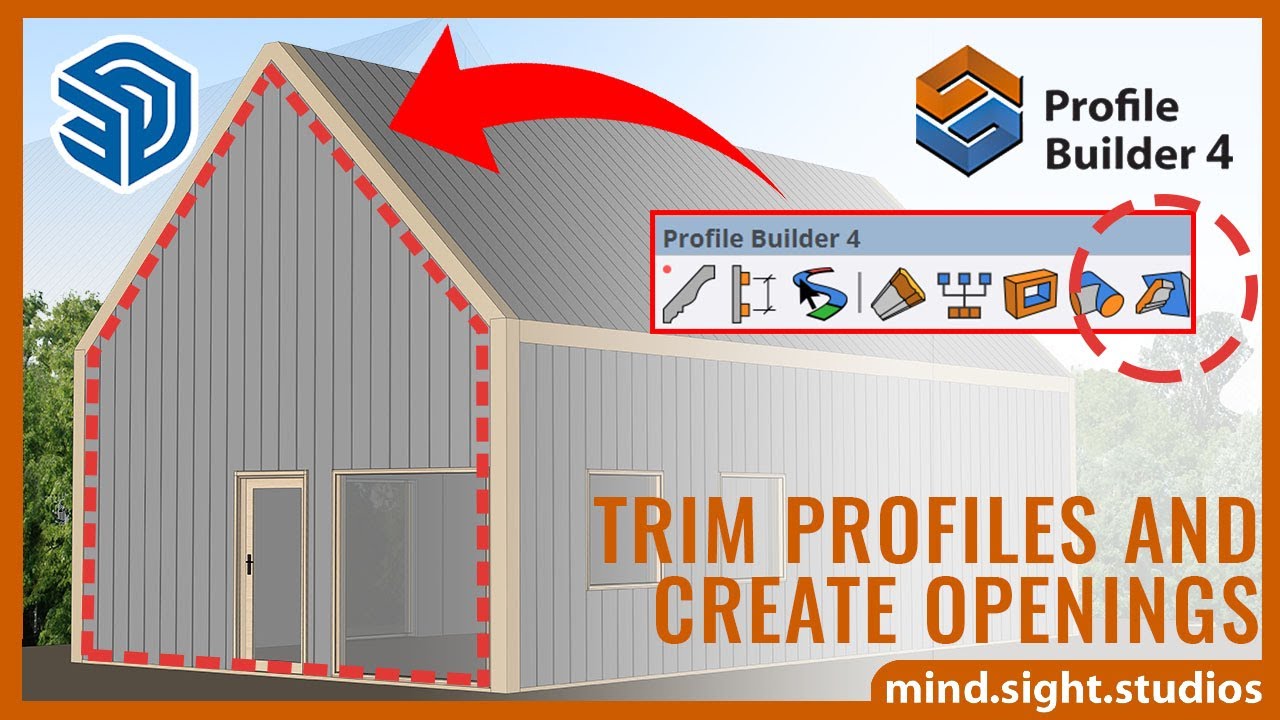
Profile Builder Essentials: How to Trim Profiles and Create Openings
Автор: mind.sight.studios
Загружено: 2025-09-03
Просмотров: 1403
Описание:
In this tutorial, I’ll show you how to trim profiles and create openings using the Trim to Face and Hole Tool. These tools will save you time, improve your workflow, and give you more control over your modeling process. Perfect for architects, interior designers, and anyone who wants to take their SketchUp workflow to the next level with Profile Builder.
In this Video:
0:00 - Introduction
0:24 - Trim to Face Tool Introduction
0:49 - How to Create Profiles
1:10 - Profile Placement and Shortcuts Tricks
3:30 - Native workflow to Trim Profile
4:00 - Trim to Face Tool to Trim Profiles
4:25 - Trim Multiple Profiles
5:00 - How to Create Openings with Hole Tool
Get the Extensions Featured in This Video:
Profile Builder 4: https://profilebuilder4sketchup.com/?...
Learn More:
For more information and to explore our SketchUp plugins, visit our website:
https://mindsightstudios.com/?utm_sou...
Stay Connected:
Subscribe to our channel for more SketchUp tips and tutorials: / @mind.sight.studios
Follow us on Facebook for the latest updates: / mindsightstudios
Engage With Us:
Have questions or suggestions? Drop a comment below! We’d love to hear from you and help you out.
Support:
Need help? Visit our support page: https://support.mindsightstudios.com
Повторяем попытку...
Доступные форматы для скачивания:
Скачать видео
-
Информация по загрузке: