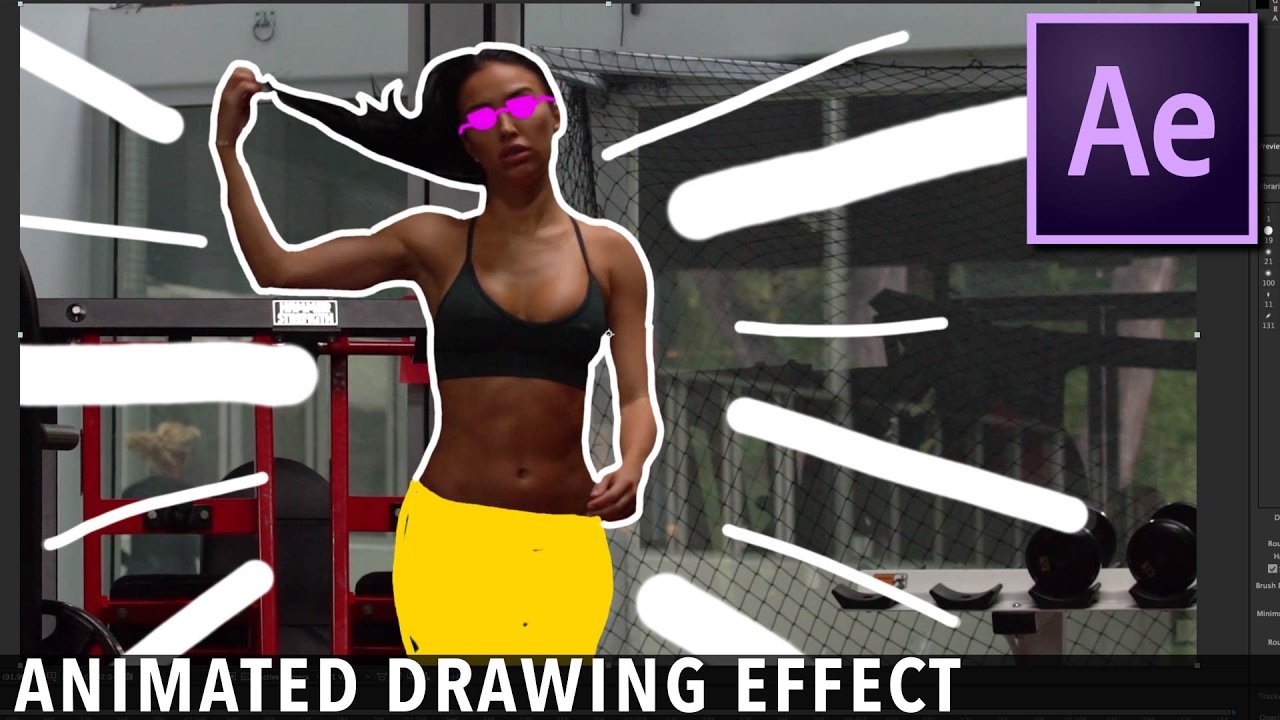
Animated Drawing Music Video Effect Tutorial | After Effects CC 2017
Автор: VideoFort
Загружено: 2017-02-20
Просмотров: 126782
Описание:
Ever wonder how some horrible videos go viral, while your legit content seems like it's stuck in the mud? Well, then you should get yourself a copy of our CEO's new book "Become a Content Brand." Check it out here and thank you for supporting the channel!
http://bit.ly/videofortbook
This book is the culmination of 10 years of creating content for over 180 brands like Redbull, Coldwell Banker, Amazon, Sandisk, Boeing and Marriott Hotels. If you want to learn the secrets on how we worked with so many incredible companies, building up a multi-million dollar video production agency + a stock footage company that brings in over $150k in passive revenue a year, you need to check out "Become a Content Brand."
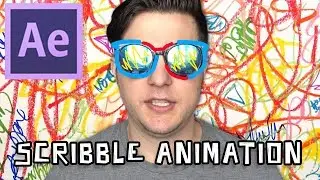
In this AE Tutorial learn how to do the animated drawing music video effect in Adobe After Effects CC 2017. Also known as the Hand Drawn music video effect, or scribble fx. You’ve seen this effect in a few music videos throughout the years and it is fairly simple. It is just a matter of patience as it is a frame by frame visual effects editing technique.
This is similar to what cartoon animators go through when creating a cartoon. It can be a long process, where an Animator has to color out each and every “cell” (in our case “frame”). Back in the good ol’ days this was a long and complex process but now with advanced programs like Adobe Flash and high tech computers, animators have more of an assist. Anyway enough with the rant, check out the tutorial and let us know if we can help you out with anything else.
What else would you like to learn? Is there a certain effect you need help with? Let us know in the comments and join the VideoFort community at http://videofort.com/register
Subscribe to VideoFort on YouTube to be the first to see our latest new Tutorials & Videos: / videofort
Video tutorial by Max Bard @magicbard
QUICK TUTORIAL NOTES:
1) Use Keyboard shortcuts to help animate faster:
a. Use the mouse’s scrolling button to zoom in & out. Or use the “+” & “-“
b. “H” – The Hand Tool to move around the video
c. “Page Up” and “Page Down” to move frame by frame
d. “Control + D” to duplicate your layer.
2) Once you create your finished brush strokes, duplicate the layer. Make the paint layer separate from your original clip. That way you can add effects to the paint layer and your original clip separately.
3) Be Creative! In the music video examples, they chose to go Black & White. Try out different effects to create something different. Maybe a gradient brush or use the “Track Matte” feature to use an image/video for a brush stroke.
CREDITS:
• Actress – Bre Tiesi - / bretiesi
• Justin Bieber “What do you mean? (Lyrics Video)” • Justin Bieber - What Do You Mean? (Lyric V...
• Bryce Vine “Where the Wild Things Are”
• Bryce Vine - Where The Wild Things Are [Of...
Повторяем попытку...
Доступные форматы для скачивания:
Скачать видео
-
Информация по загрузке: