Samsung DeX Touchpad Tips and Tricks
Автор: Samsung Business USA
Загружено: 2020-03-26
Просмотров: 170771
Описание:
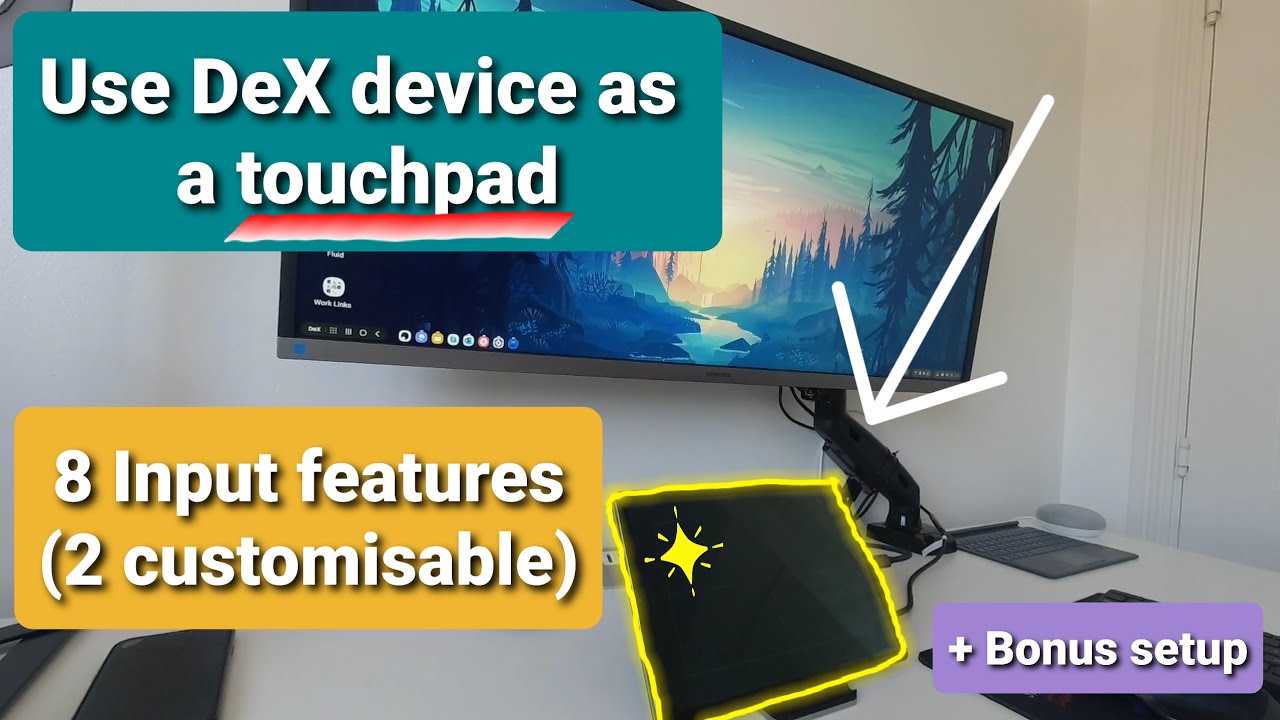
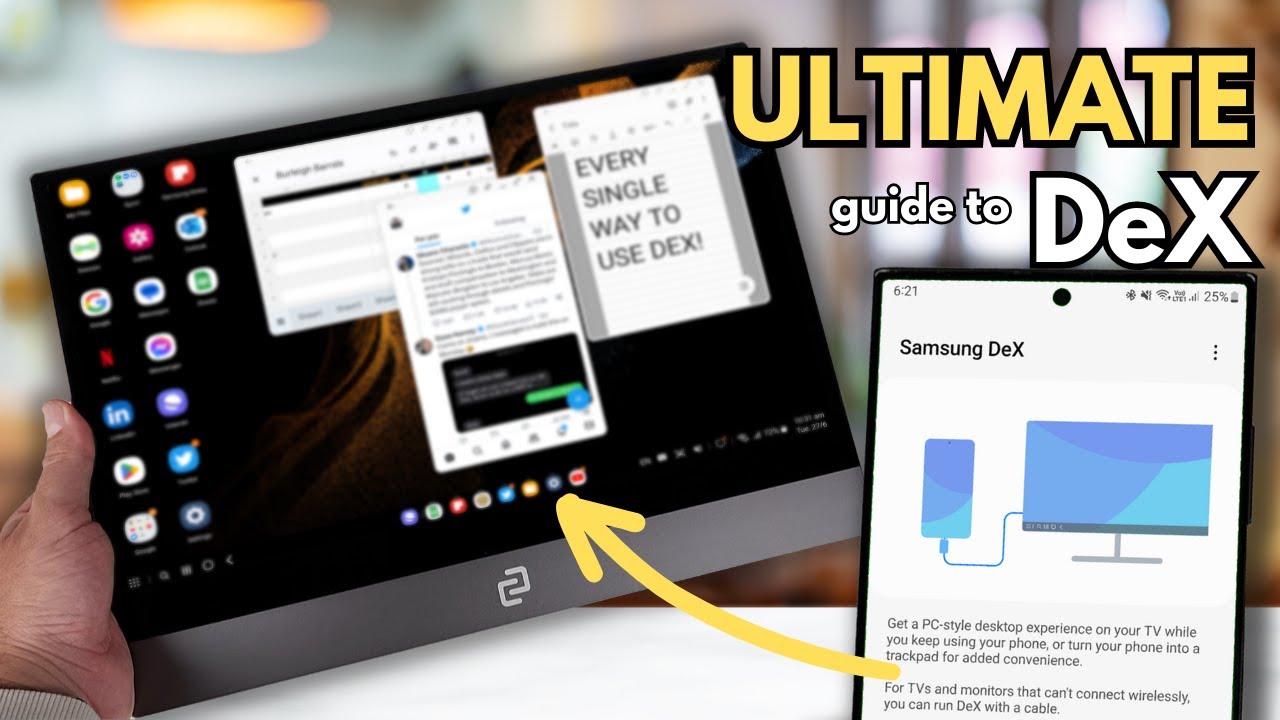
Samsung DeX gives you a powerful, flexible desktop computing experience right from your smartphone. It even lets you use your smartphone as a touchpad. Watch this video to learn how.
To learn more about Samsung DeX:
Visit: https://www.samsung.com/us/business/s...
Read our Beginner's Guide to DeX: https://insights.samsung.com/2020/02/...
Watch other videos in this series: • Get to Know Samsung DeX
Samsung DeX Touchpad Tips and Tricks
First, launch DeX by connecting your mobile device to your display via a DeX cable, HDMI adaptor or multiport adaptor.
On your smartphone, swipe downward from the top of the screen to open the notifications panel.
Tap the option to “use your phone as a touchpad.”
Now you can navigate within DeX with your finger. You can also use an S Pen.
Scroll through pages by swiping up or down.
Tap the touchpad once to open apps or select something, just like you would with a single mouse click.
Tap with two fingers to open the Options menu, similar to a right mouse button click.
Want to zoom in on something? Just pinch your fingers to zoom in or out.
Повторяем попытку...

Доступные форматы для скачивания:
Скачать видео
-
Информация по загрузке: