Master SolidWorks Surfacing to Redesign a Wrench Tool Effectively - Elevate Your CAD Skills Today!
Автор: Easy CAD Solutions
Загружено: 2020-11-28
Просмотров: 10857
Описание:
Unlock Your SolidWorks Potential Redesign Your Own Wrench Tool with Surfacing Techniques!
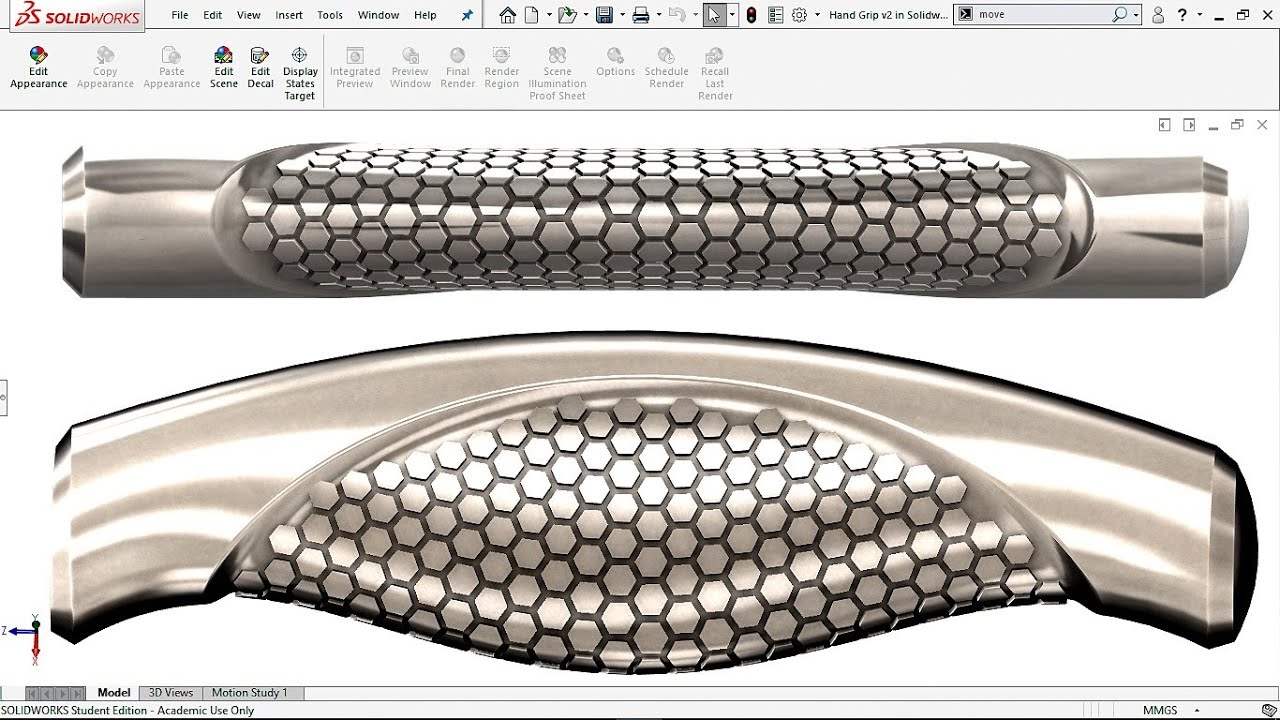
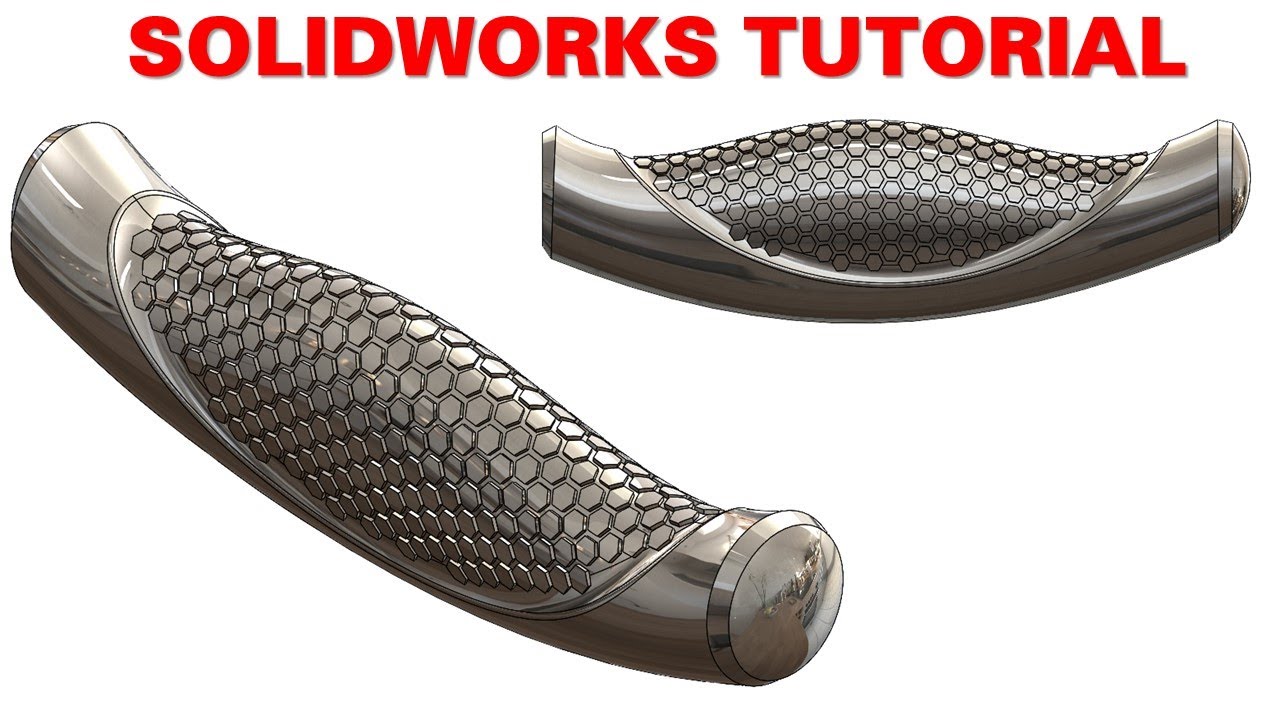
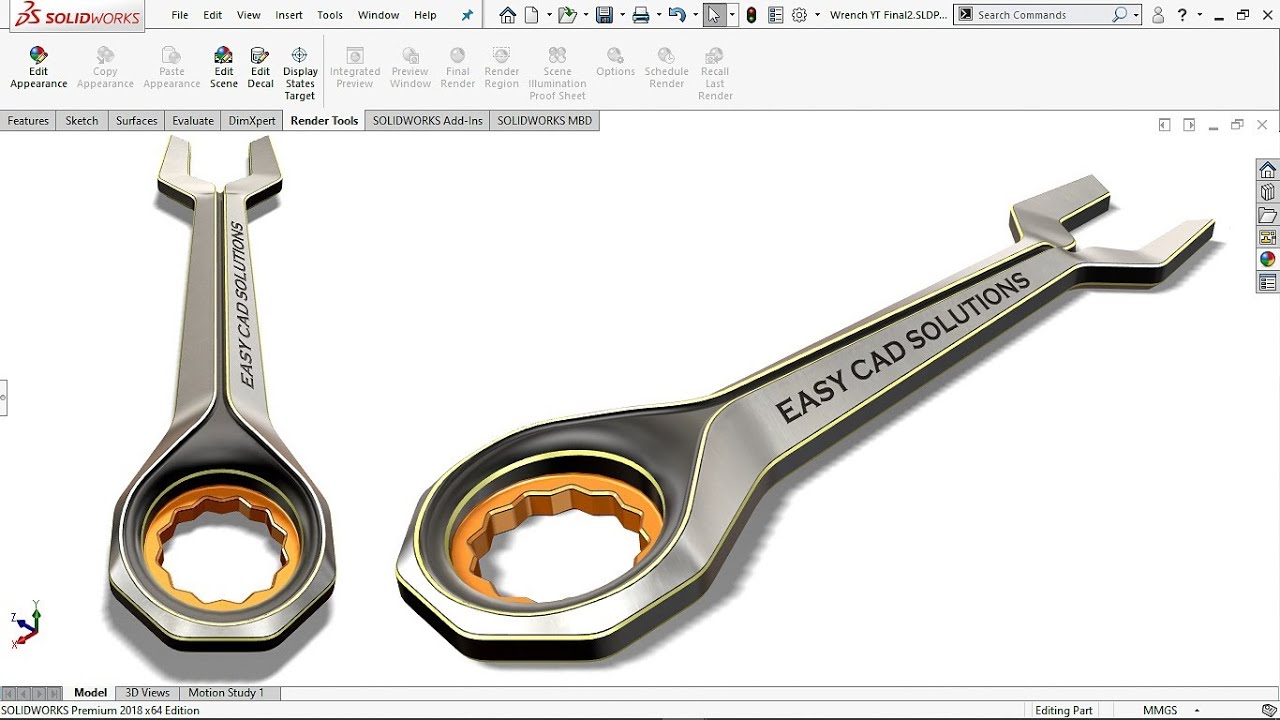
Are you eager to elevate your design skills in SolidWorks? Join us in this transformative video where we delve deep into the art of mastering SolidWorks surfacing techniques. Whether you are a budding designer or a seasoned professional, this comprehensive tutorial will completely revolutionize your approach to CAD design, allowing you to redesign a wrench tool with finesse and creativity, without wasting years on tedious practice or expensive courses. Get ready to transform your design visions into reality!
Why SolidWorks Surfacing Matters
SolidWorks is one of the industry's leading CAD software solutions, and mastering surfacing techniques can significantly boost your design capabilities. Here’s why learning surfacing is crucial for anyone serious about CAD design
1. Market Demand for Skilled Designers Businesses are extensively seeking engineers who possess the ability to manipulate surfaces and create intricate designs. Developing your surfacing skills can make you an asset in the job market!
2. Practical Applications You will learn to incorporate various surfacing commands in real-world projects, making your designs not just theoretical, but applicable in practical situations.
3. Portfolio Enhancement Successfully redesigned tools, such as custom wrench tools, can be showcased in your portfolio, making it easier to attract high-profile employers or clients.
What You’ll Learn in This Video
Dive into the specifics with our structured outline for your learning journey
1. Introduction to Surfacing Commands Familiarize yourself with fundamental tools like Loft Surface, Fill Surface, and Surface Extend, laying the groundwork for more complex techniques.
2. Detailed Step-by-Step Walkthrough Follow along as we guide you in redesigning the wrench tool utilizing advanced surfacing commands such as Trim Surface and Surface Knit.
3. Advanced Techniques Discover how to apply Curvature Continuous Fillets, Chamfer with Chord Width, and other sophisticated methods to create professional-quality designs in SolidWorks.
4. Real-World Application Learn to model flowing surfaces, redesigning existing products from scratch to enhance both performance and aesthetic appeal.
Important Commands Covered
We cover a broad range of essential surfacing commands to equip you with a versatile skillset
Loft Surface
Fill Surface
Surface Extend
Trim Surface
Surface Knit
Delete Face
Split Line
Extrude Boss/Base (with contours)
Reference Geometry (Plane and Point)
Fillet (Face Fillet with Chord Width)
Chamfer (with Chord Width)
Curvature Continuous Fillets
Wrap (Text on Spline Surface)
Prerequisites for this Tutorial
While some prior knowledge of SolidWorks is helpful, this video is tailored for ALL skill levels! Whether you’re a beginner eager to learn or an experienced user looking to refresh your skills, you will find valuable insights within.
Join Our Workshop
To amplify your SolidWorks knowledge, we invite you to attend our free SOLIDWORKS workshop where you'll uncover the 10 best practices to transform into a SolidWorks Pro! Don’t miss out—secure your spot now at
[Free SOLIDWORKS Workshop](https://easycadsolutions--learnsolidw....
Contact Us for Freelance Services or Personalized Guidance
-WhatsApp: +919793662583 or
-Email: [email protected].
-LinkedIn [Nishant Gautam LinkedIn]( / nishant-gautam-86253a100 )
Join Us Today!
If you find this tutorial helpful, please hit the like button, subscribe to my channel, and share your thoughts in the comments below. Your engagement drives me to create more high-quality, beginner-friendly tutorials. Remember, with the right guidance, you can master SolidWorks surfacing and reshape your design career!
Stay Updated
Enable notifications to be the first to watch our latest tutorials and tips about SolidWorks and CAD design.
Thank you for joining us on this educational journey, and let’s turn your innovative ideas into extraordinary designs!
Повторяем попытку...
Доступные форматы для скачивания:
Скачать видео
-
Информация по загрузке: