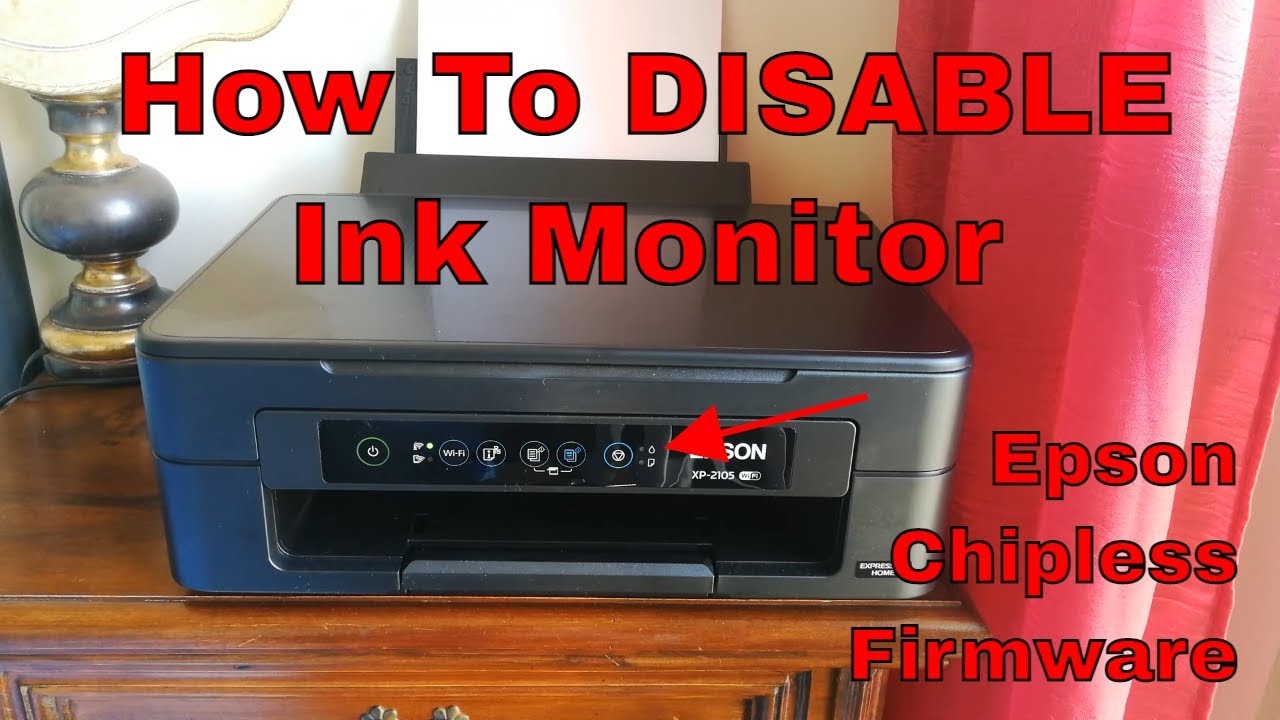
How To Disable Ink Monitor/Reset Cartridge Empty Message on Epson Printers • Chipless Firmware
Автор: Paolo Marcelli
Загружено: 2021-10-20
Просмотров: 44198
Описание:
Get in touch with InkChip, get yourself a Chipless Firmware and print without any worries! You can find informations & contacts below!
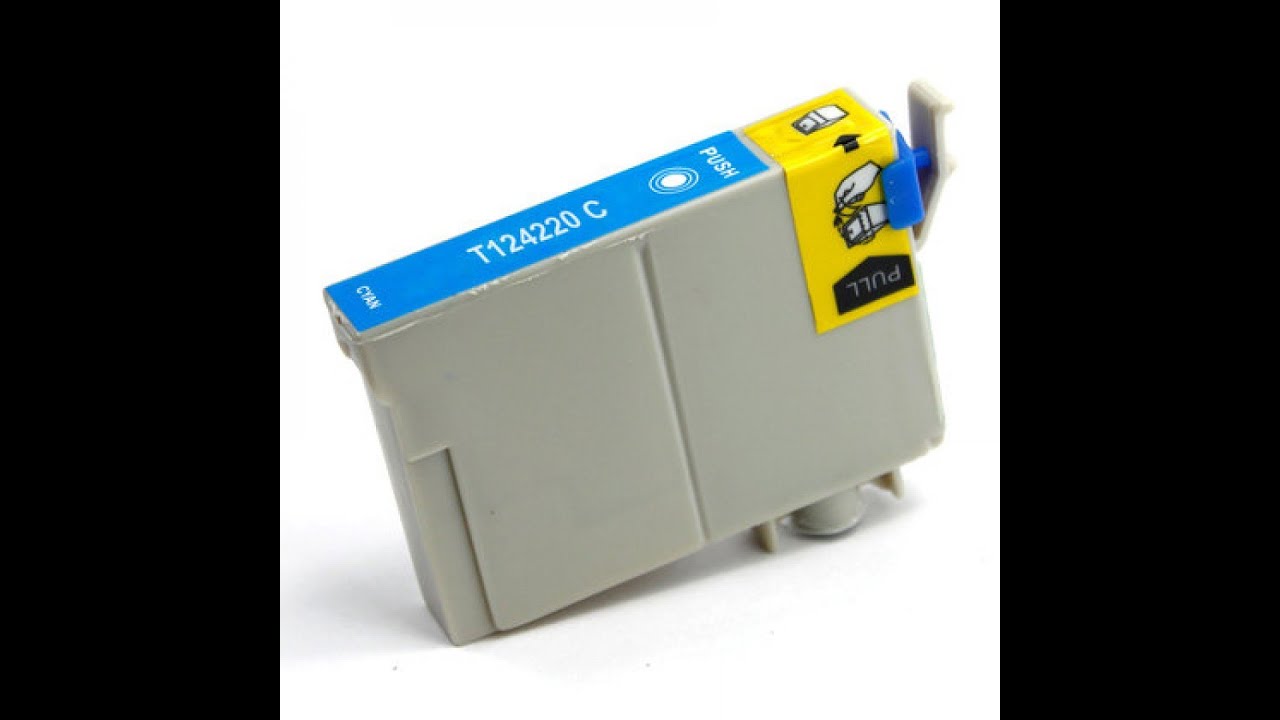
Hi and Welcome back! Let's say you have an Epson printer and you're printing a very important B/W document, but then unexpectedly your Yellow cartridge runs out and you cannot print until you replace it... Well, if your printer has a chipless firmware you don't need to worry about that, because your printer will always see the inks at 100% no matter what the chip says :)
This mod is especially useful if you run your printer on a CISS (Continuous Ink Supply System), because without having to reset the chips every time you won't generate so much wasted ink through cleaning cycles, this will save you money and also extend the service life of your printer.
INKCHIP.NET: https://inkchip.net
Company Name: INKCHIP Solution For Chipless Printing
Web page: https://inkchip.net (https://inkchip.net/)
Phone: +372 8130 4009
Address: Level 15, Nexxus Building, 41 Connaught Rd Central, Central, Hong Kong
Email: [email protected]
Whatsapp: +372 8130 4009
WeChat ID: inkchipnet
Waste Ink Reset for Epson Printers: https://inkchip.net/wic/
YouTube Channel: / @inkchipofficial
This video is a collaboration with InkChip.net
Повторяем попытку...
Доступные форматы для скачивания:
Скачать видео
-
Информация по загрузке: