Save Snippets, Signatures, and Clauses in Microsoft Word with Quick Parts (Productivity Guide 2025)
Автор: Instant Solver Lab
Загружено: 2025-09-04
Просмотров: 142
Описание:
Tired of typing the same text over and over again in Microsoft Word? 🚀 In this quick tutorial, I’ll show you how to save text snippets, clauses, images, and formatted content using Quick Parts in Word. With this feature, you can instantly reuse any content across multiple documents—saving time, reducing errors, and making your workflow far more efficient.
👉 In this video, you’ll learn:
What Quick Parts are in Microsoft Word
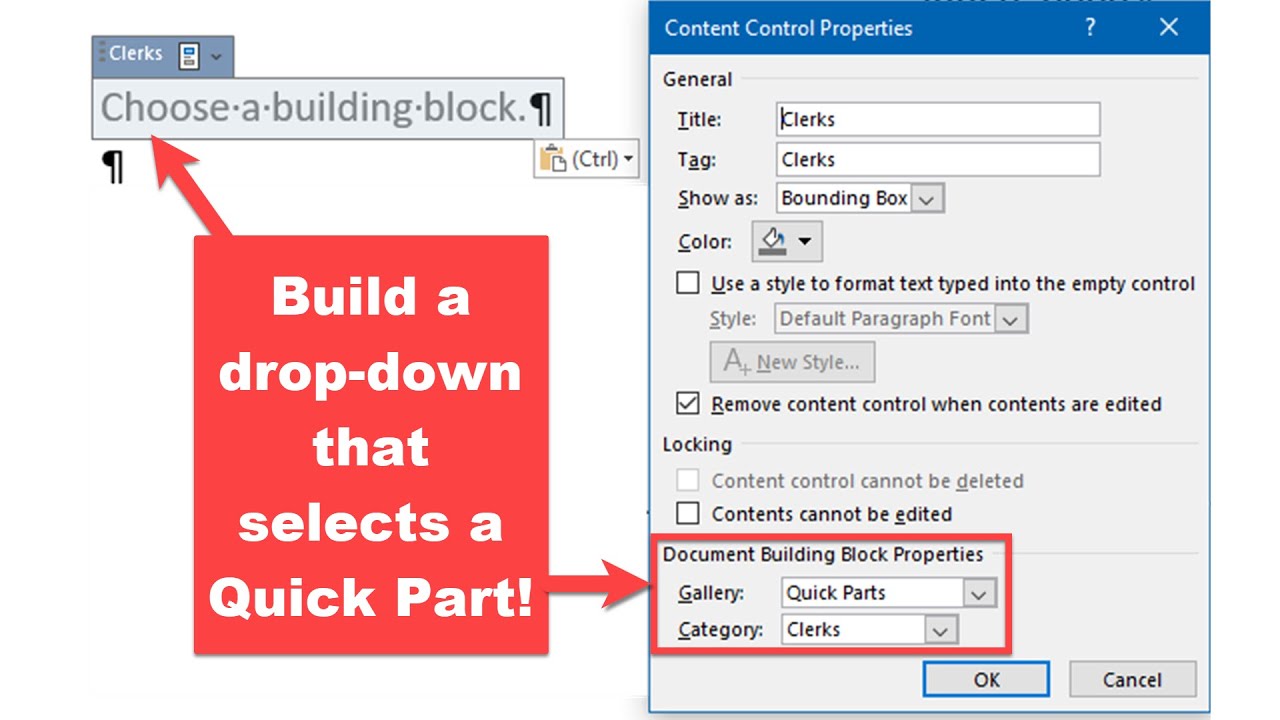
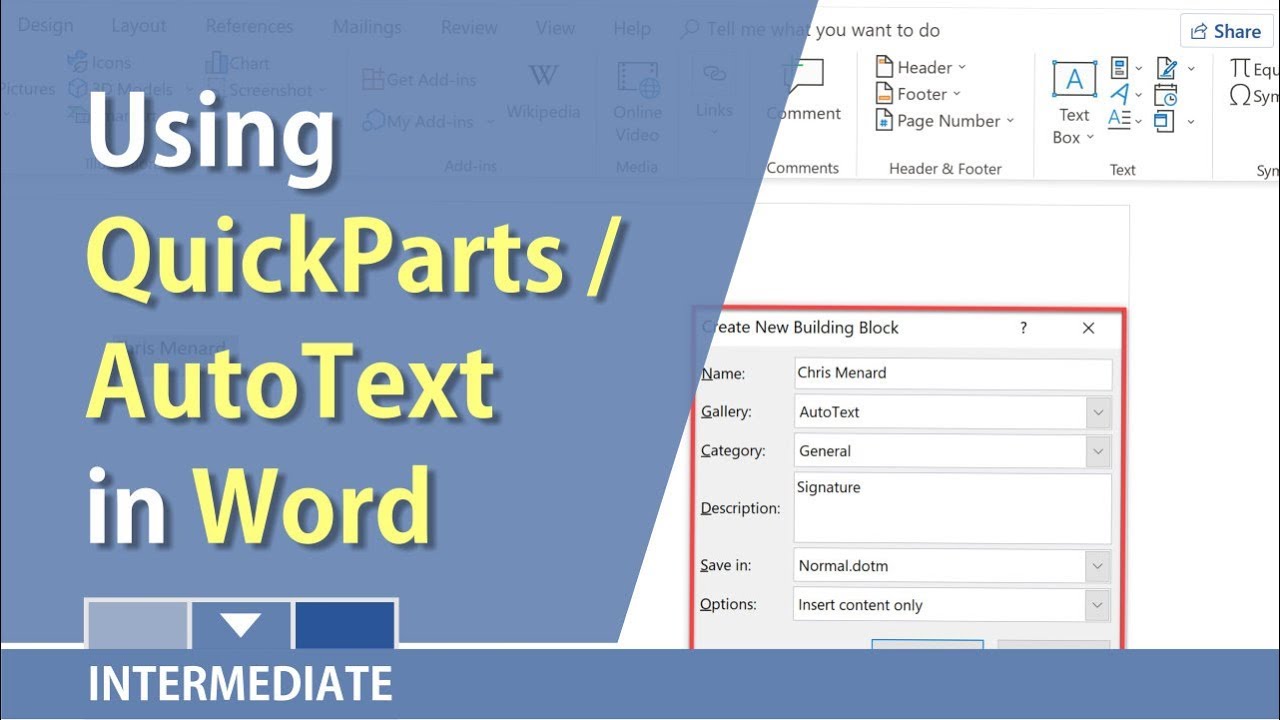
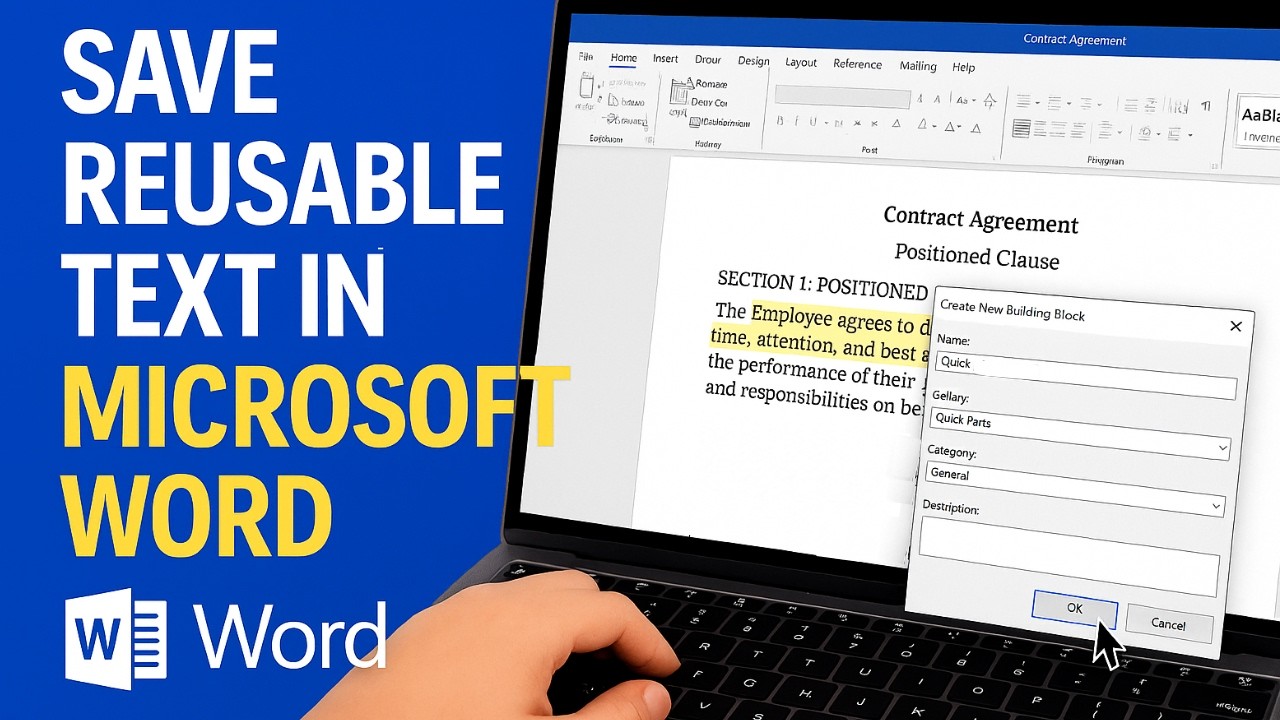
How to save text, contract clauses, or content blocks into the Quick Parts gallery
How to insert saved Quick Parts into any Word document
Pro tips for naming, organizing, and managing your reusable text snippets
Whether you’re a student, lawyer, business professional, or anyone who works with documents, this feature will save you hours of repetitive typing.
Why use Quick Parts?
Quick Parts are perfect for:
✔️ Legal contract clauses
✔️ Frequently used disclaimers
✔️ Email signatures
✔️ Standardized business responses
✔️ Reusable document templates
🔹 More Microsoft Word Tutorials
📌 [How to Compare Two Documents in Word]
📌 [How to Hide Text in Word]
📌 [How to Shrink a Document to One Page]
✨ Boost your productivity with Word and stop retyping the same thing again and again—let Quick Parts do the work for you!
Timestamps:
00:00 – Introduction
00:20 – How to save text snippets with Quick Parts
00:40 – Inserting saved content into Word
01:05 – Pro tips for Quick Parts efficiency
microsoft word tutorial, quick parts in word, save text snippets in word, insert reusable text in word, word productivity tips, microsoft word quick parts explained, save time in microsoft word, word automation tricks
Повторяем попытку...
Доступные форматы для скачивания:
Скачать видео
-
Информация по загрузке: