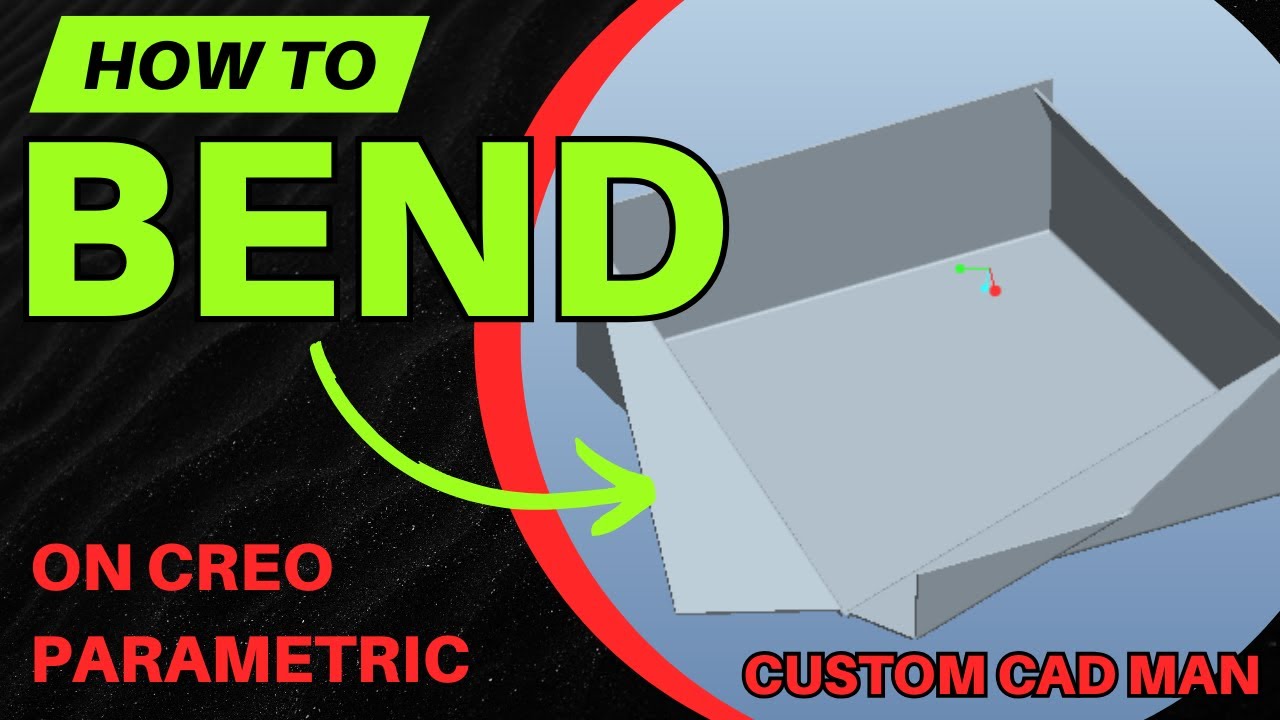
Fast Sheet Metal Bends in Creo | Part Bend + Relief Options (No Flanges)
Автор: Custom cad man
Загружено: 2026-01-18
Просмотров: 15
Описание:
In this video you’ll learn how to use the Bend feature in Creo Sheet Metal to create quick, clean bends without building full flanges. I show you the full workflow step-by-step: choosing Regular vs Roll, selecting Part Bend, setting inside/outside radius, sketching your bend line, controlling which side stays fixed, bending inward vs outward, and using bend relief options like stretch, rectangular, obround, rip, or no relief.
In this tutorial you’ll learn:
How to start the Bend tool (Regular vs Roll)
Feature choice: Part Bend vs Feature Bend
How to choose Inside Radius vs Outside Radius
How to pick a plane and set sketch references
How to sketch a proper bend line
How to set the bend location (both / center / offset options)
How to choose the fixed side (arrow + flip)
How to bend inward vs outward (flip direction)
How to set bend angle (90°, 25°, or custom values)
How to set bend radius (thickness, 2x thickness, etc.)
Bend relief explained: no relief, stretch relief, rectangular relief, obround relief, rip relief
How to edit the bend later (edit definition → sketch, angle, radius, relief)
Why bends are useful for fast sheet metal modeling
How bend lines appear when you resume the flat pattern
👍 Like if this helped
🔔 Subscribe for more Creo Sheet Metal step-by-step tutorials
#PTCCreo, #CreoSheetMetal, #BendFeature, #SheetMetalBending, #FlatPattern, #CADtutorial, #CreoTutorial, #Fabrication, #LaserCutting
💬 Comment what you’re building and I’ll suggest the best bend/relief setup
Повторяем попытку...
Доступные форматы для скачивания:
Скачать видео
-
Информация по загрузке: