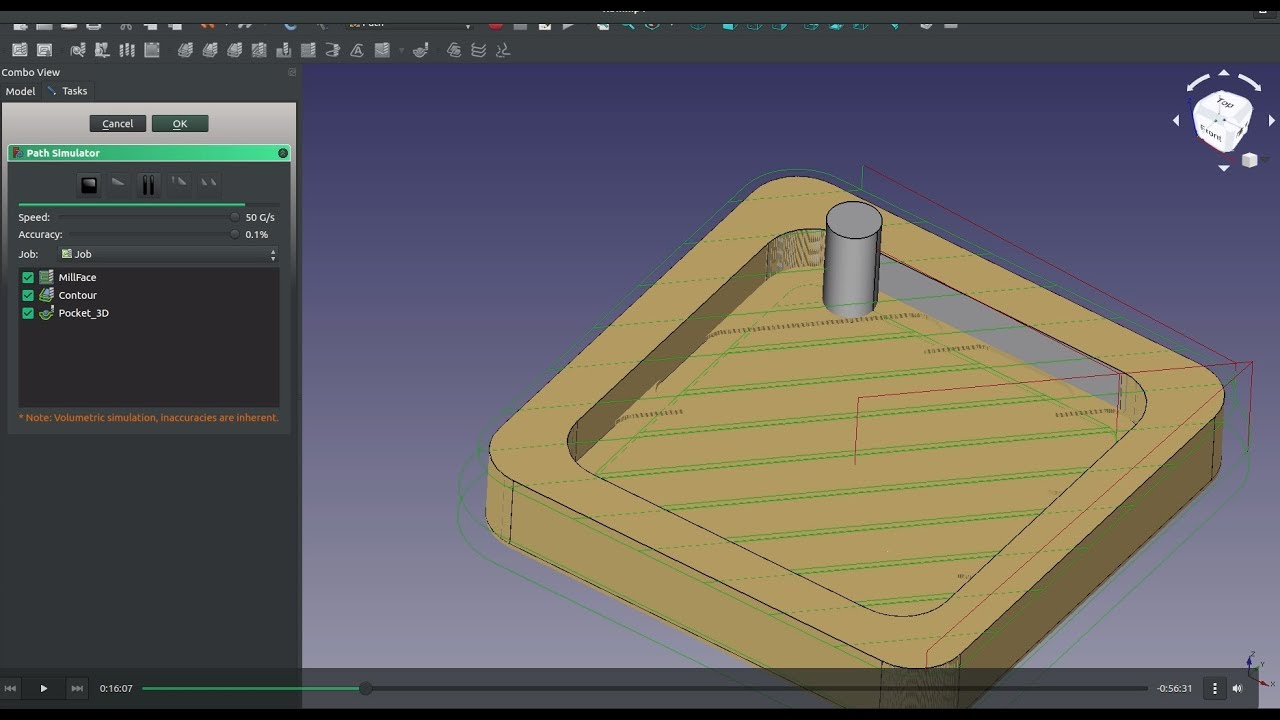
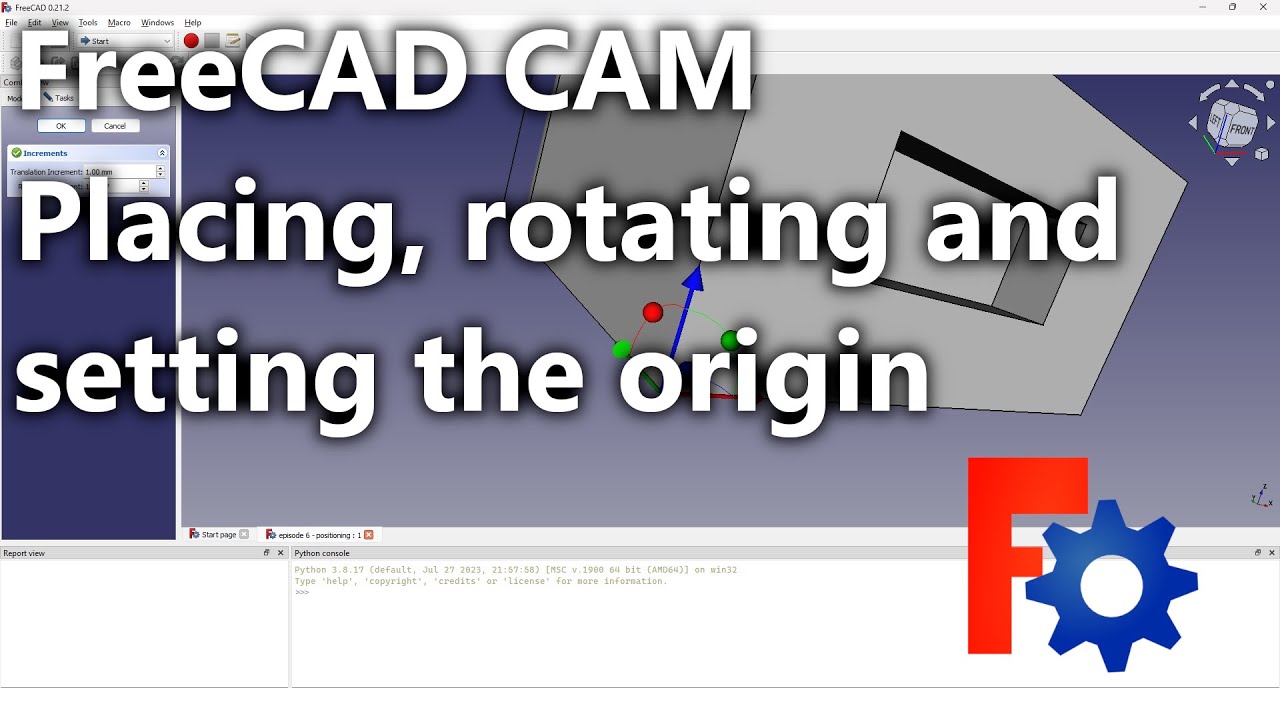
CNC Job Setup – Placement, Rotation & Origin | FreeCAD Ep.3 | Path Workbench CAM Tutorial
Автор: Open Source CNC
Загружено: 2024-03-05
Просмотров: 10918
Описание:
Learn how to correctly place, rotate, and set the origin for your CNC job using FreeCAD’s Path Workbench!
In this tutorial, you’ll discover how to align your 3D model, configure stock placement, and set up the job origin (X0, Y0, Z0) for precise G-code generation. These are essential steps for clean, accurate toolpaths — whether you’re pocketing, profiling, or drilling.
What you’ll learn in this video:
How to rotate and move your part for correct cutting orientation
How to align the stock with the model’s new position
How to set and update the job origin (X, Y, Z zero point)
Best practices for placement changes and workflow updates
How placement affects toolpaths and machining results
Why this matters: Correct placement and origin setup ensure your G-code matches your real CNC coordinates, preventing errors and wasted material.
This tutorial focuses on job placement, rotation, and origin setup in FreeCAD. To see the complete CNC Job workflow in FreeCAD CAM 1.1, including stock setup, toolbit management, feeds & speeds, and output settings, continue with “CNC Jobs – Introduction – FreeCAD CAM 1.1 (Ep. 4)”, part of the FreeCAD CAM 1.1 Complete CNC Machining Guide playlist: • CNC Jobs - Introduction - FreeCAD CAM 1.1 ...
Continue your learning path:
Start here: FreeCAD CAM - Complete Lessons (CNC G-code Tutorials): • FreeCAD CAM - Complete Lessons (CNC G-code...
Next lesson: CNC Pocket Machining – FreeCAD Ep.4 | CAM Pocket Operation Tutorial: • CNC Pocket Machining – FreeCAD Ep.4 | CAM ...
Upgrade to latest version: FreeCAD 1.0 CAM Tutorial | CNC Machining & G-Code Workflow: • FreeCAD 1.0 CAM Tutorial | CNC Machining &...
00:00 Introduction: CNC Job Setup – Placement, Rotation & Origin
00:49 Creating a new CNC job and setting toolbits with feeds & speeds
01:23 Rotating the model for correct machining orientation (pocket facing up)
03:22 Updating stock placement to match the rotated model
03:40 Setting the job origin (X0, Y0, Z0) for the new model position
04:57 Creating a pocket operation and generating the toolpath
05:15 Adjusting model origin and regenerating toolpaths
05:38 Recap: Workflow when repositioning the model in FreeCAD CAM
06:36 Changing the model’s position again and updating stock/origin
07:27 Creating a profile (outline) operation with new positioning
07:38 Best practices for model placement and CNC setup
Please support me on Patreon: / opensourcecnc
If you don't feel like subscribing yet, you can support me by buying a one time thanks or big thanks from here:
Big Thanks ($10): / one-time-big-thanks-244233
Thanks ($3): / one-time-thank-you-244228
You can book a one on one session with me, to sort things out if you need help with certain projects or situations:
/ one-hour-one-on-138672386
#CNC #FreeCAD #CAM #GCode #PathWorkbench #CNCSetup #CNCWorkflow #FreeCADCAM #OpenSourceCNC #CNCBeginners
Повторяем попытку...
Доступные форматы для скачивания:
Скачать видео
-
Информация по загрузке: