ycliper

Популярное

Музыка Кино и Анимация Автомобили Животные Спорт Путешествия Игры Юмор

Интересные видео

2025 Сериалы Трейлеры Новости Как сделать Видеоуроки Diy своими руками

Топ запросов

смотреть а4 schoolboy runaway турецкий сериал смотреть мультфильмы эдисон
Скачать

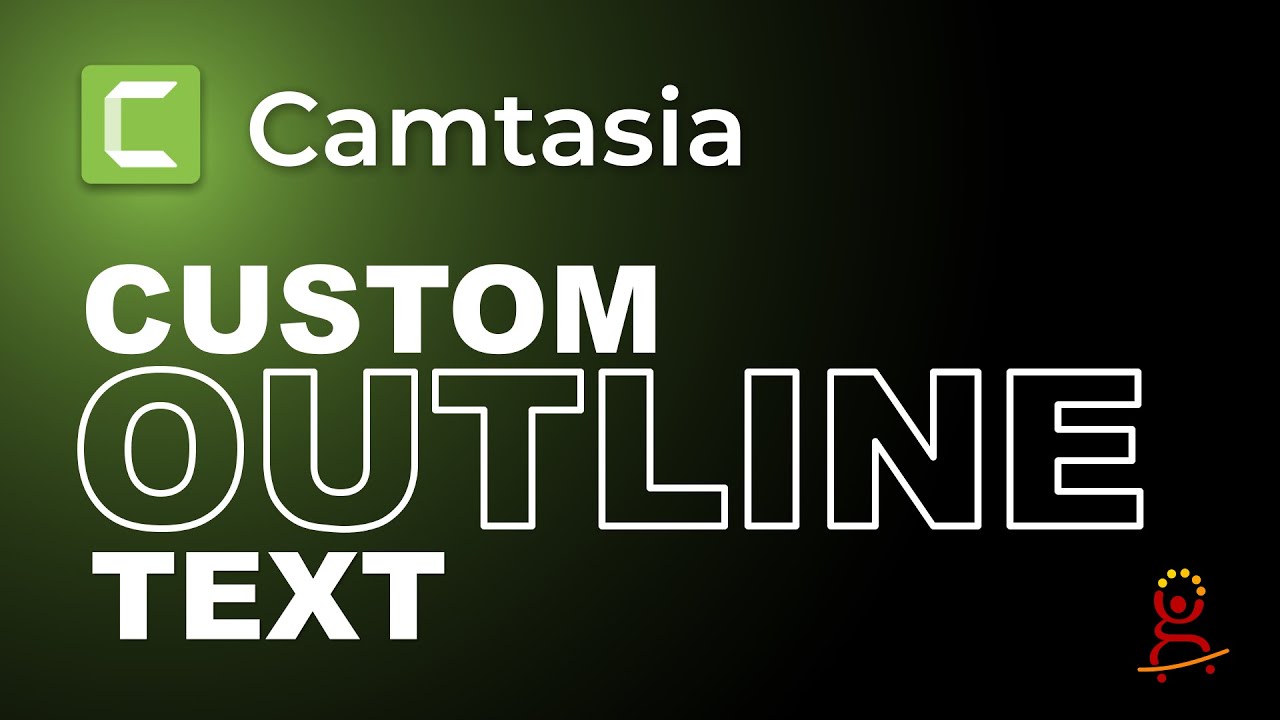
How to create OUTLINE text in Camtasia Natively | Camtasia Outline Text Tutorial

Автор: Cristi Cotovan

Загружено: 2021-07-22

Просмотров: 8382

Описание: How to add text with outline in Camtasia and without fill? This tutorial shows a workaround to a problem that is not yet solved in Camtasia: creating text with outline effect, and no fill so that you can see through it, use it on top of other assets and allow them to be visible inside the text. The method shown here is a little workaround, but it is native to Camtasia and you don't need to import any text from outside, no transparent PNGs or other files are needed.

The text you create with this method can also be customised, you can create quick properties from it, save it to your library and reuse it in your projects without changes. You can also customise the font, the colour, the size, etc.

This effect involves using a new feature added in Camtasia 2021: Media Mattes. If you have Camtasia 2020, you can still achieve this using Track Mattes, pretty much the same way, so instead of adding the Media Matte effect to the main text, you add it to the track that contains the main text. That is the only difference.

Chapters:
00:00 Introduction
00:56 Preparing the text
01:59 How to achieve the effect
03:35 Duplicating the text
06:34 Filling the corners
09:35 Creating the outline effect
12:16 Creating a customisable asset
14:20 Customising the font

I have many more Camtasia tutorials here:
   • Camtasia Tutorials  

Join my Camtasia Help Facebook Group and ask questions, get help with Camtasia:
https://cotovan.com/group

Are my tutorials useful? Buy me a coffee! I LOVE coffee:
https://www.buymeacoffee.com/cristi

-- SOFTWARE I use and recommend * --

Camtasia (includes 10% OFF coupon: CRISTI10): https://cotovan.com/camtasia
Snagit (includes 10% OFF discount code CRISTI10): https://cotovan.com/snagit
Transcription and Captions: https://cotovan.com/descript
Remote recording: https://cotovan.com/riverside
Audio clean up and processing: https://cotovan.com/auphonic
My newsletter platform: https://cotovan.com/convertkit

Disclosure: Some of these links take you to my website and some of them are affiliate links where I will learn a small commission if you make a purchase. This is at no additional cost to you and they help support my work. Thank you!

#camtasia #camtasiatext #texteffects

Не удается загрузить Youtube-плеер. Проверьте блокировку Youtube в вашей сети.
Повторяем попытку...
How to create OUTLINE text in Camtasia Natively | Camtasia Outline Text Tutorial

Поделиться в:

Доступные форматы для скачивания:

Скачать видео

  • Информация по загрузке:

Скачать аудио

Похожие видео

Play video inside phone or Custom Device Frame in Camtasia | Media Matte and Masking

Play video inside phone or Custom Device Frame in Camtasia | Media Matte and Masking

Как сделать бегущую строку в титрах в Camtasia

Как сделать бегущую строку в титрах в Camtasia

How to create easy, reusable bullet points with Quick Properties and Customisations in Camtasia 2021

How to create easy, reusable bullet points with Quick Properties and Customisations in Camtasia 2021

Text Slider Effect in Camtasia

Text Slider Effect in Camtasia

Camtasia Text Effects

Camtasia Text Effects

How to Move Text ALONG A PATH in Camtasia 2023

How to Move Text ALONG A PATH in Camtasia 2023

Как анимировать изображения (эффект Кена Бернса) в Camtasia

Как анимировать изображения (эффект Кена Бернса) в Camtasia

Create this COOL text effect in Camtasia 2020

Create this COOL text effect in Camtasia 2020

How to add videos inside custom shapes in Camtasia 2021 | Custom Shape Masking

How to add videos inside custom shapes in Camtasia 2021 | Custom Shape Masking

11Labs (ElevenLabs) – Тот самый ИИ для аудио, который может ВСЕ

11Labs (ElevenLabs) – Тот самый ИИ для аудио, который может ВСЕ

Animated reusable map beacon in Camtasia | Location Beacon Tutorial

Animated reusable map beacon in Camtasia | Location Beacon Tutorial

Как анимировать текст с помощью масок фигур в Camtasia 2022

Как анимировать текст с помощью масок фигур в Camtasia 2022

Camtasia Compound Shapes and Custom Annotations

Camtasia Compound Shapes and Custom Annotations

Как делают ИИ-видео, которые выглядят ДОРОГО

Как делают ИИ-видео, которые выглядят ДОРОГО

ОБЫЧНЫЙ VPN УМЕР: Чем обходить блокировки в 2026

ОБЫЧНЫЙ VPN УМЕР: Чем обходить блокировки в 2026

Как увеличивать и уменьшать масштаб в Camtasia

Как увеличивать и уменьшать масштаб в Camtasia

Creating Smooth Title Animation in Camtasia 2021

Creating Smooth Title Animation in Camtasia 2021

Character Intro FREEZE Effect in Camtasia Tutorial

Character Intro FREEZE Effect in Camtasia Tutorial

5 Camtasia Features That Are Overlooked- Advanced #Camtasia #Camtasia2022

5 Camtasia Features That Are Overlooked- Advanced #Camtasia #Camtasia2022

How I make my tutorial videos with Camtasia 2021 (A Full Overview)

How I make my tutorial videos with Camtasia 2021 (A Full Overview)

© 2025 ycliper. Все права защищены.


  • Контакты
  • О нас
  • Политика конфиденциальности


Контакты для правообладателей: [email protected]