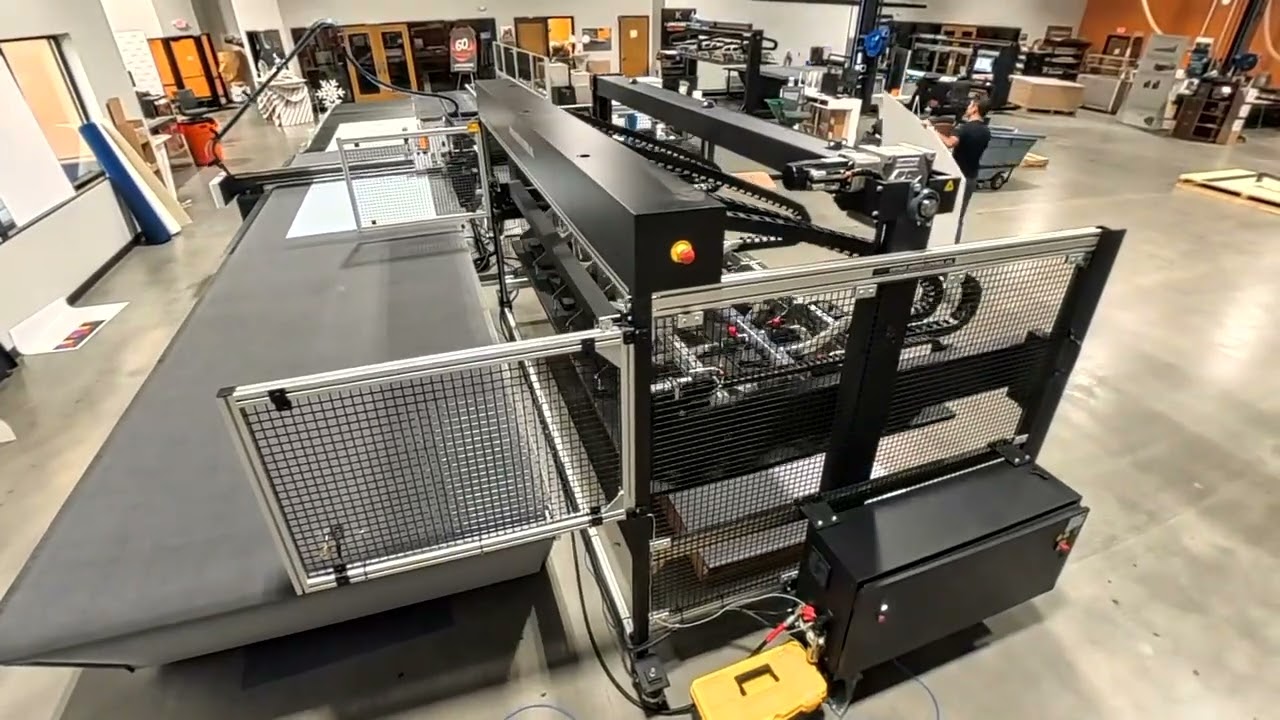
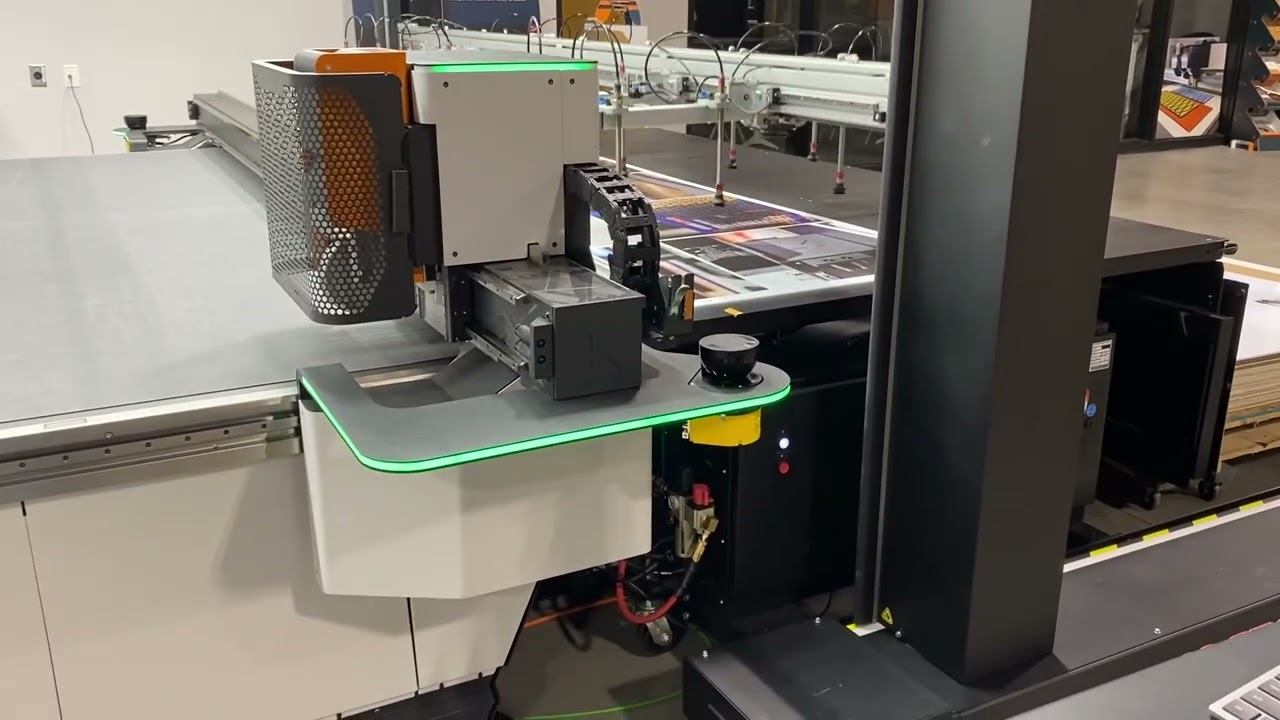
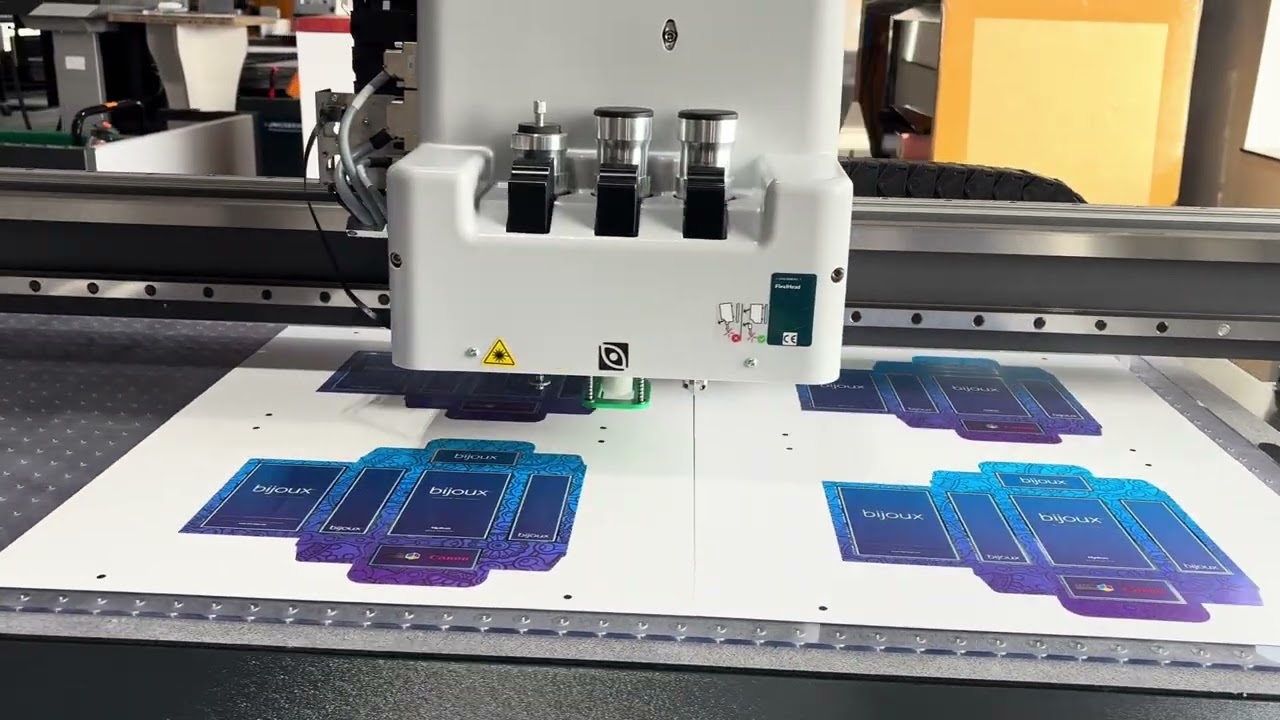
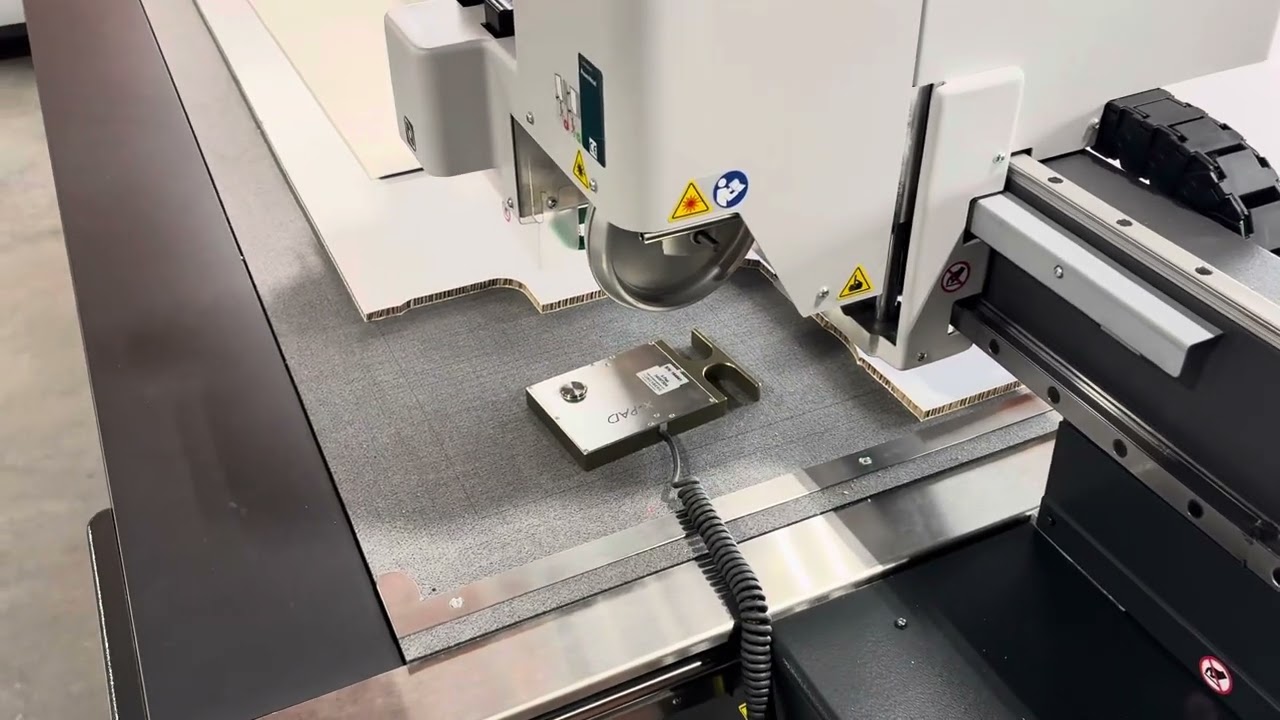
QR Code Production Workflow: Onyx Setup + Kongsberg iPC Integration for Automated Cutting
Автор: Dayton Cut Lab
Загружено: 2026-02-12
Просмотров: 25
Описание:
Streamline your finishing workflow with this step‑by‑step guide to QR‑driven production using Onyx and Kongsberg cutting tables.
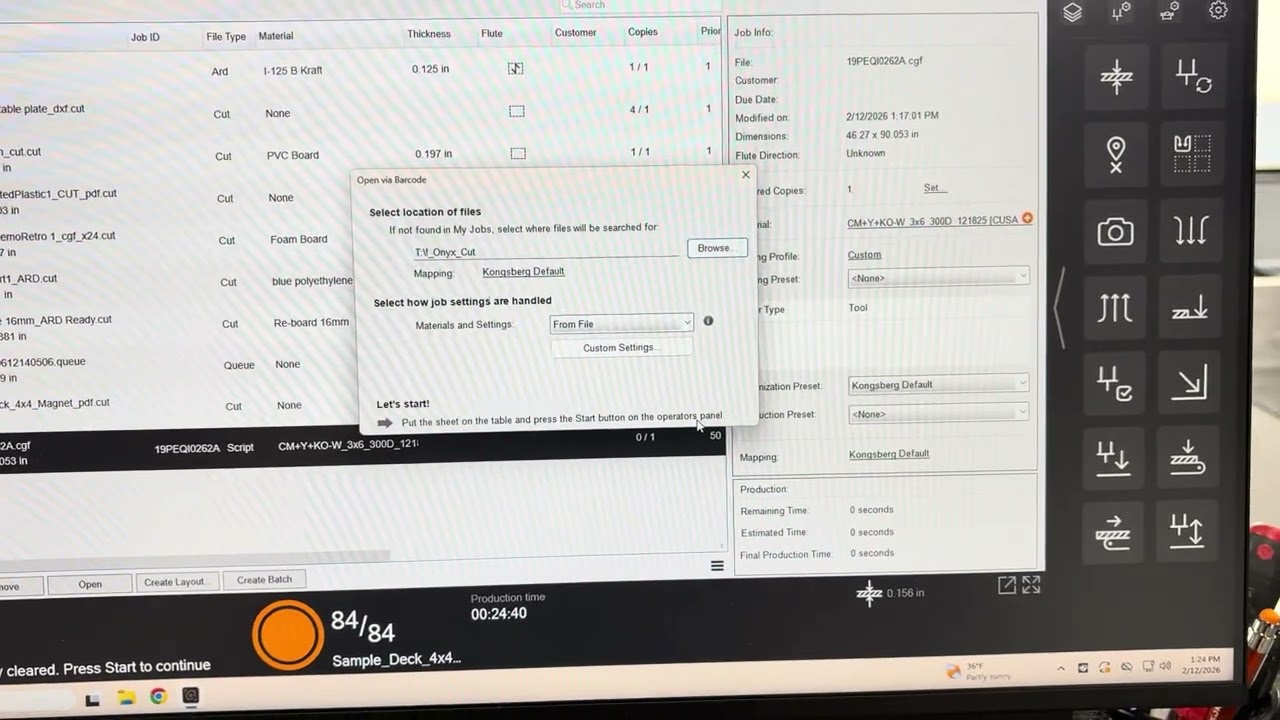
In this video, I walk through how to properly configure Kongsberg iPC output in Onyx, explore the available control options, and demonstrate how the cutter reads and loads QR‑coded jobs directly from the network directory.
After showing the workflow on the Kongsberg table, I return to Onyx to dive into advanced cutting settings, including how to define and manage cut paths for automated finishing.
Whether you're running signage, packaging, or wide‑format graphics, this setup dramatically speeds up your workflow while reducing operator error.
🔍 What You’ll Learn
How to configure iPC output settings in Onyx
Available cut control options when exporting jobs for Kongsberg tables
How Kongsberg iPC reads QR‑coded files from the Onyx network directory
Using ThroughCut vectors and cut path requirements in Onyx
How Onyx can automatically generate cut paths from the image border
Advanced cutting and production settings inside Onyx
🛠 Equipment & Software Featured
Onyx RIP & Cut Workflow
Kongsberg Cutting Table + iPC (Integrated Production Console)
QR‑based network job loading
📈 Who This Video Helps
Wide‑format print shops
Digital finishing operators
Sign & display producers
Teams integrating print + cut automation
Anyone using Onyx with Kongsberg tables for efficient production
#Onyx #Kongsberg #DigitalFinishing #PrintAndCut #WideFormatPrinting
#AutomationInPrint #SignShop #KongsbergCutter #PrintWorkflow #RIPSoftware
Повторяем попытку...
Доступные форматы для скачивания:
Скачать видео
-
Информация по загрузке:


![[#99] Home Assistant – первое знакомство, установка и проблемы](https://imager.clipsaver.ru/zLC8GuOkHl0/max.jpg)