How To Add Toggle Layers To Interactive Maps In R Shiny (Leaflet Tutorial)
Автор: Data For Knowledge
Загружено: 2022-05-25
Просмотров: 2979
Описание:
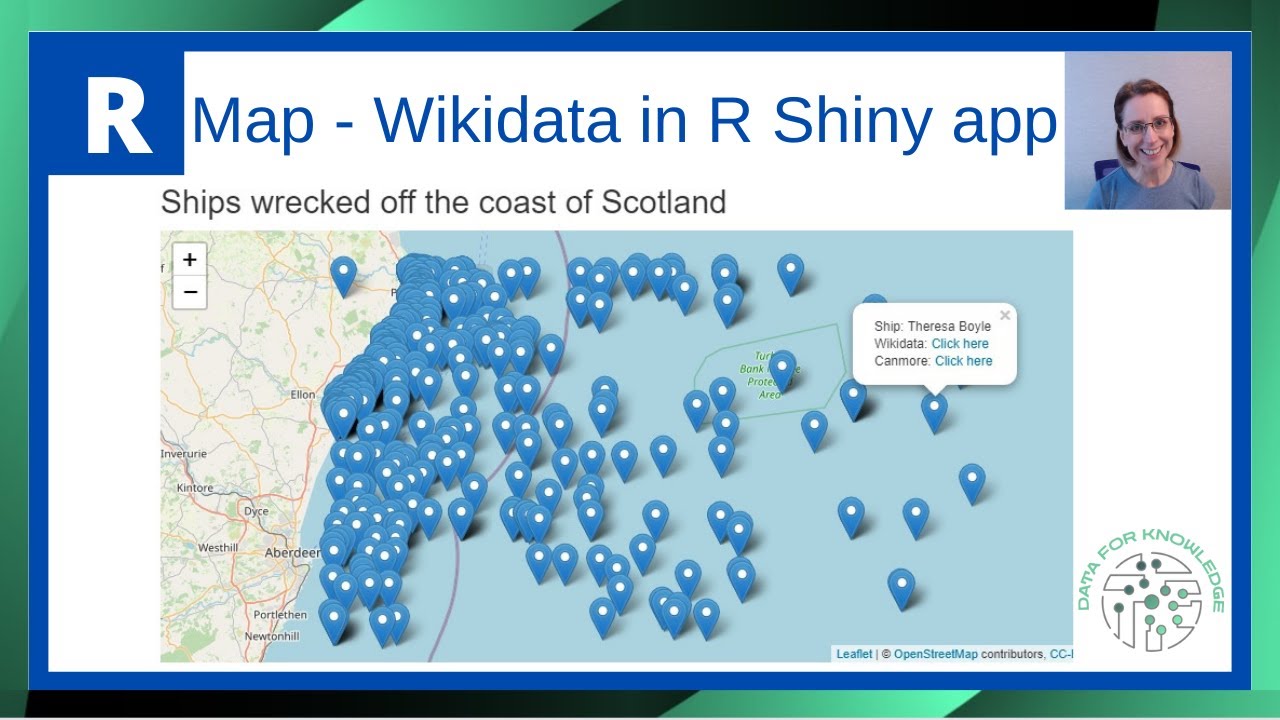
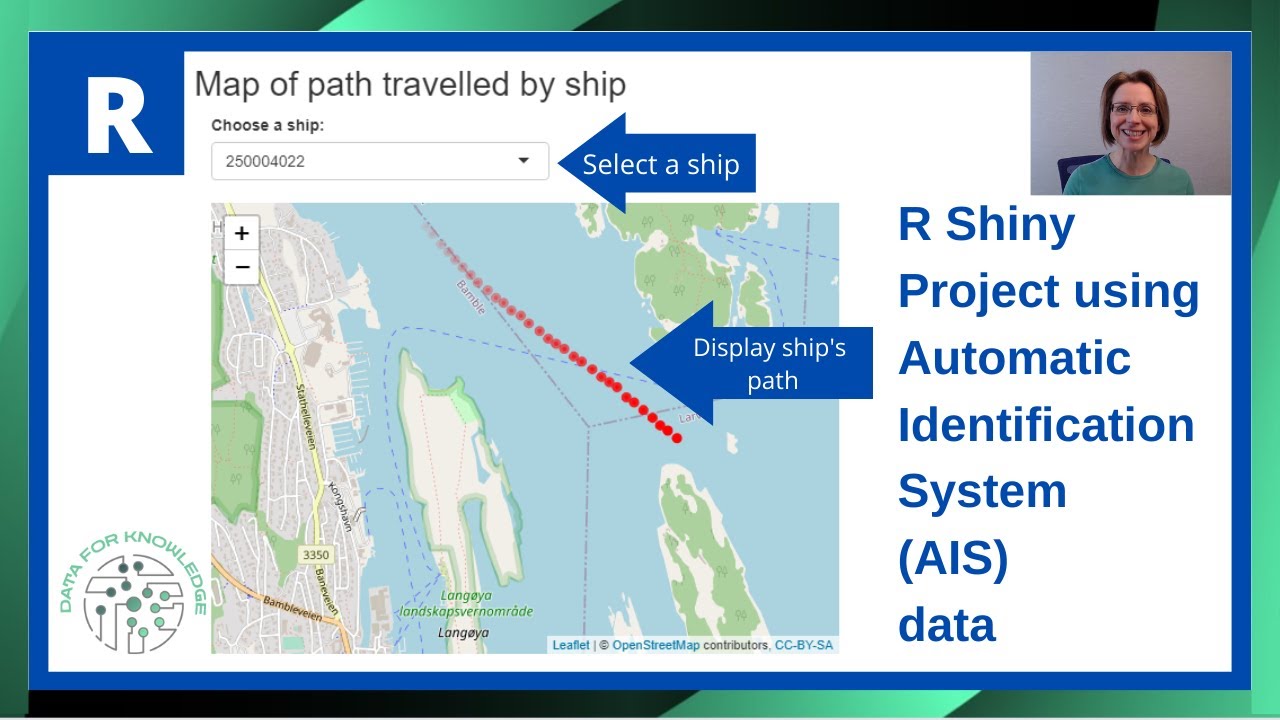
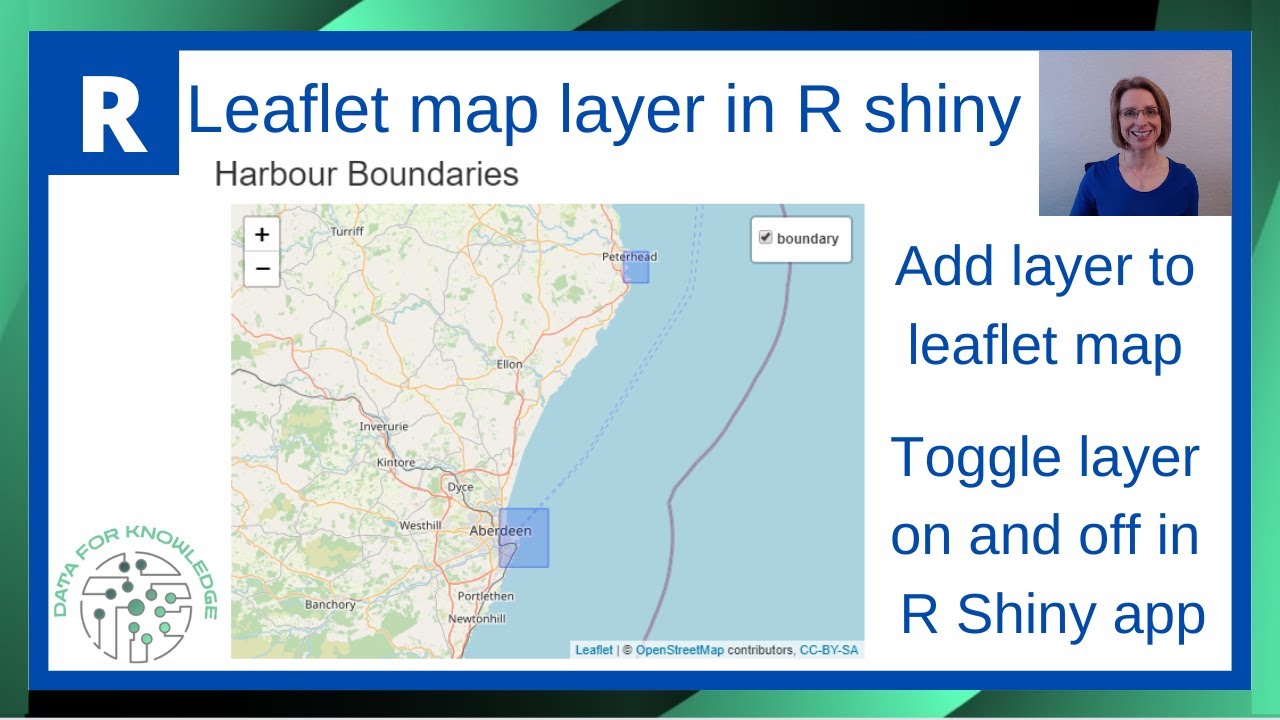
Learn how to create interactive leaflet maps in R Shiny with toggle layer functionality that lets users control what they see! This R Shiny tutorial shows you exactly how to add custom map layers, like rectangle shapes representing harbor boundaries, and give users the power to toggle layers on and off with a simple click.
We'll build a complete Shiny app from scratch using the leaflet package, walking through each step of setting up your interactive map with dynamic layer controls. You'll see how to add customized map elements to your leaflet map, then implement the toggle functionality that makes your R Shiny maps truly interactive and user-friendly.
The leaflet package makes creating these interactive mapping features in Shiny straightforward, and this tutorial breaks down the entire process so you can add toggle layers to any R Shiny mapping project. These techniques work perfectly for displaying multiple data layers that users can show or hide based on their needs, making your Shiny apps more flexible and professional.
📩 Free Newsletter: Practical tips on Data, Tools, & Workflow - https://data-for-knowledge.kit.com/si...
🕒 Timings:
00:00 Intro - Rshiny with leaflet map layers
00:15 Project created
00:30 Set up new R Shiny app
02:40 Add Leaflet map
07:05 Add a harbour boundary to map
09:15 Set up layer toggle
10:40 Additional - add second boundary area to map
🔗Resources:
📚 Reading - Books from Amazon – https://amzn.to/4jVcnLa
📝 Organising my work with Clickup – https://try.web.clickup.com/8emh4z1sj9w6
Disclosure: I am a participant in the Amazon Services LLC Influencers/Associates program and a participant in the ClickUp Affiliate Program, and I may earn a commission if you click on my referral links and make a purchase. This disclosure is in compliance with the Federal Trade Commission's guidelines on endorsements and testimonials.
✍️ My articles on Medium - / paulinecairns
Additional information on using leaflet in R Shiny - https://rstudio.github.io/leaflet/
Working example of toggle facility can be found here https://paulinecairns.shinyapps.io/Ha...
Note: as this is a demonstration video, the harbour boundaries shown are not exact. The locations of the rectangles are merely there to indicate a potential use case for adding a layer to a map.
🔔 Like and subscribe to the channel for more R Programming tutorials!
/ @dfk_data
💥 For more R programming tutorials check out the playlist:
• R Programming Tutorials | Data Analysis, R...
🎬SUGGESTED VIDEOS TO LEARN R:
Don't forget to watch 📽 My other videos. Please check them out:
✅ • How to Create Line Chart in R with Points ...
✅ • R - Merge Multiple CSV Files In R Using Le...
✅ • R Shiny: The EASIEST Way To Build Data Tab...
☕ If this tutorial saved you a headache today, you can support the channel via a 'Thanks' or a coffee: https://buymeacoffee.com/dataforknowl...
👉 Follow me on LinkedIn: www.linkedin.com/in/pauline-cairns-data
#RShiny #Leaflet #InteractiveMaps #ShinyApp #LeafletMap #RProgramming #RStudio #MapLayers #ShinyTutorial #DataVisualization #ToggleLayers #RMapping #ShinyDashboard #LeafletR #InteractiveData
Повторяем попытку...
Доступные форматы для скачивания:
Скачать видео
-
Информация по загрузке:

![Create your first Shiny App in R using Leaflet [Shiny App Tutorial #1]](https://imager.clipsaver.ru/IQfsHnUYrFo/max.jpg)