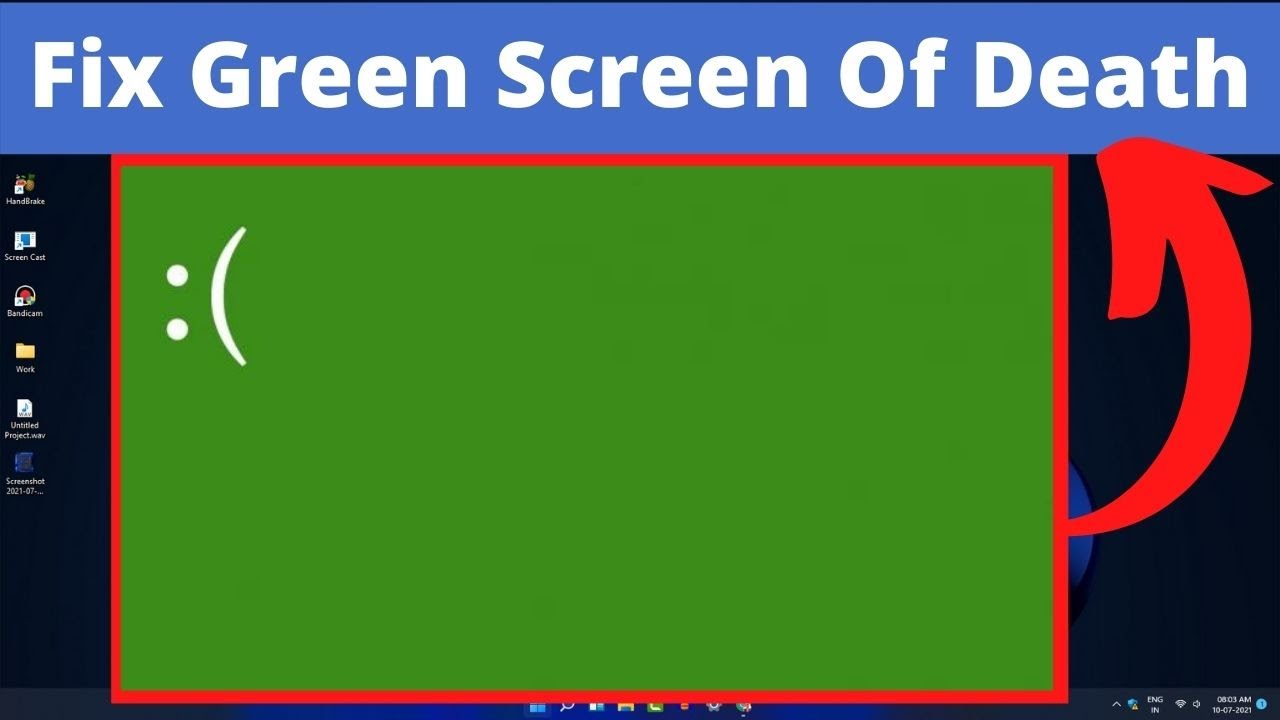
How to Fix Windows 11 Green Screen Of Death (GSOD) Error
Автор: How To MobiPC
Загружено: 2021-07-12
Просмотров: 10119
Описание:
#windows11 #windows11error #windows11errorfix
In this video i will show you how to fix windows 11 green screen of death GSOD error.
in video you will find 8 way to fix this gsod error easily and fast you need only watch video using given step.
Green Screen of Death is no different from the Blue Screen of Death (BSOD), as they both convey a fatal error that’s keeping your PC from functioning properly.
The Green Screen only appears for Insider Preview builds and practically shows the same error codes as the BSOD.
Windows 11 Green Screen Fix: 8 Ways to solve the problem
1. Update your video card drivers
2. Remove unwanted applications
3. Disconnect external peripherals
4. Uninstall antivirus/firewall software
5. Turn off hardware acceleration
6. Pause Windows update service
7. Repair with troubleshooter
8. Reinstall Windows 10 (when installing Windows 11)
Hope this video help to fix green screen of death error.
if this video helpfull for you and want more windows 11 video please subscribe How To MobiPC
/ @howtomobipc
Повторяем попытку...
Доступные форматы для скачивания:
Скачать видео
-
Информация по загрузке: