How To Make Your Own MIUI Themes by using Customize Option
Автор: TECHRIKI
Загружено: 2017-07-15
Просмотров: 812
Описание:
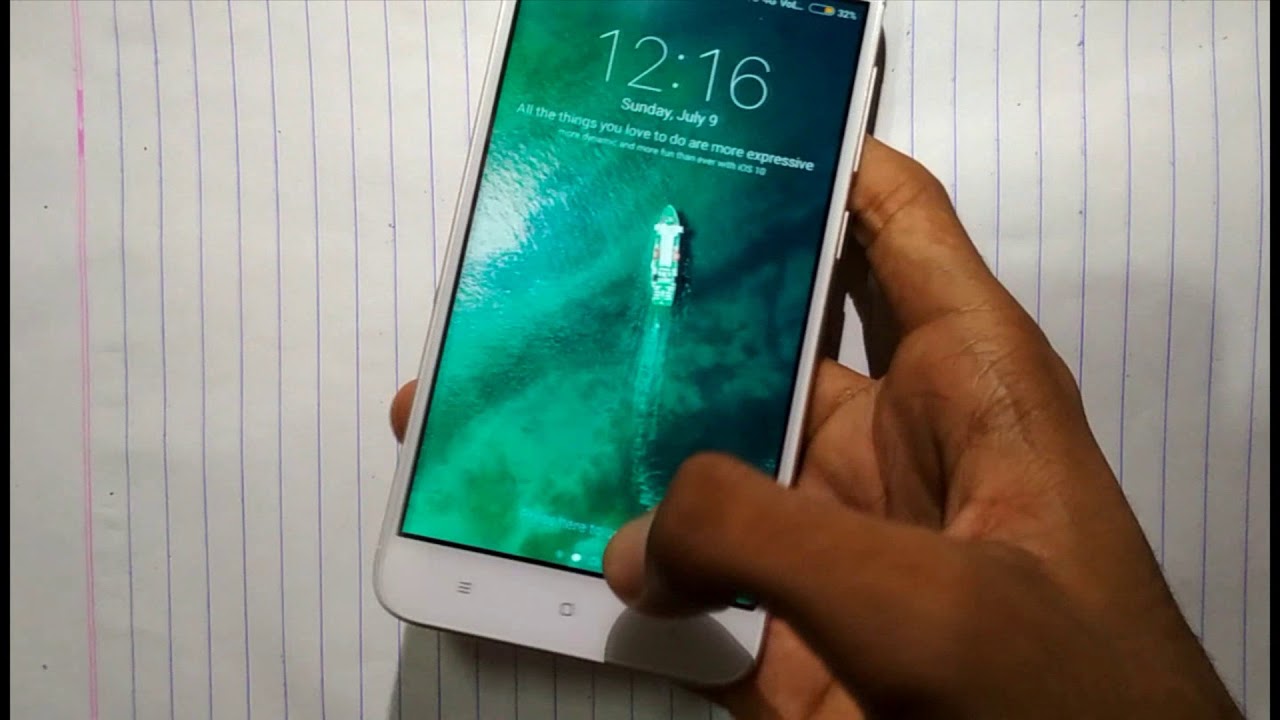
The earlier versions of Themes App comes with MIUI have customize option. But I noticed that the option is missing in the Themes App on my Redmi Note 3 running MIUI 7.
But I have discovered one technique to enable the Customize option in Themes App. Follow the following steps :
1) Open the Themes App, You can clearly see the Customise option is missing.
2) Close the app and go to Settings = Installed Apps = And locate the Themes App
3) Now click on themes app, you can see details about the app there.
4) Now clear the Data and Force Stop the app.
5) Now Open the themes app again, now you have the customize option enabled!
But this option stays only for few seconds, click on that and you can see various options like Boot Animation, Boot Audio, Icon Packs, etc.
~-~~-~~~-~~-~
Hybrid SIM Slot Adapter. Avails You To Run 2 SIM And Micro SD Card, All At A Time ; • Hybrid SIM Slot Adapter. Avails You To Run...
Nokia 6, Nokia 5 and Nokia 3: Top specs, features, India price & everything you must know : • Nokia 6, Nokia 5 and Nokia 3: Top specs, f...
How to Take 360° Photo Using Android Phone || एंड्रॉइड फोन का उपयोग करते हुए 360 ° फोटो कैसे लें : https://www.youtube.com/watch?v=HHrsH...
How To Upload Your Song on ITUNES SAAVN HUNGAMA GAANA etc || earn money || get famous : https://www.youtube.com/watch?v=s36PQ...
how to download GTA5 for pc free full version in 20min ( 100% Working Tutorial ) : https://www.youtube.com/watch?v=IYKPz...
Redmi Pattern Reset And Hard Reset all redmi models easy step 100% working : https://www.youtube.com/watch?v=BQRBd...
Hey guys don't miss to subscribe my channel
/ techriki
Thanks for Watching ! :)
Повторяем попытку...
Доступные форматы для скачивания:
Скачать видео
-
Информация по загрузке: