Automate Revit Schedules with Dynamo – Complete Tutorial
Автор: AutoBIM
Загружено: 2026-03-01
Просмотров: 101
Описание:
In this video, you'll learn how to fully automate Revit schedule creation using Dynamo — saving you hours of repetitive manual work! Imagine having 20 panels or wall elements, each needing its own schedule on a separate sheet. Instead of doing that one by one, Dynamo handles it all automatically.
This is a complete beginner-friendly walkthrough — every node is explained clearly so you can follow along and apply it to your own projects right away.
✅ What You'll Learn:
Why manual schedule creation becomes a bottleneck in large Revit projects
How to use the Create Schedule node with Category, Name & Schedule Type inputs
How to explore all available fields using the Schedulable Fields node
How to add specific fields (Family & Type, Level, Sill Height) using the Add Fields node
How to verify and reuse the entire workflow for any category — Doors, Windows, Walls & more
🎓 Complete Dynamo Course (Udemy) 👇
https://www.udemy.com/course/learn-dy...
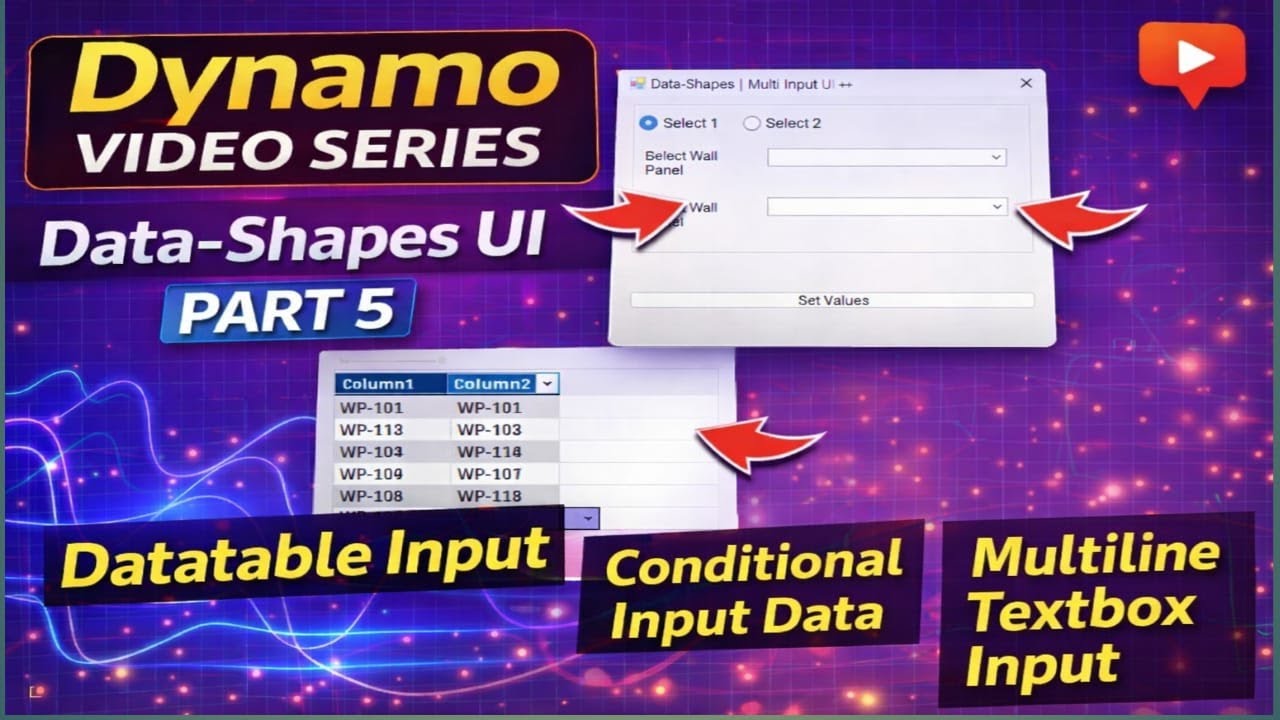
📺 Complete Data Shapes UI Dynamo Playlist 👇
• Data-Shapes UI in Dynamo | Complete UI Tut...
👍 If you found this video helpful, please LIKE and SHARE it!
🔔 SUBSCRIBE to the channel and hit the Bell Icon so you never miss a new video!
💬 Have questions? Drop them in the COMMENTS — I'll reply to every one!
🔁 Share with your BIM/Revit friends and colleagues!
#Dynamo #RevitBIM #BIMAutomation #DynamoForRevit
Повторяем попытку...

Доступные форматы для скачивания:
Скачать видео
-
Информация по загрузке:




![[Tekla Structures 2026] Integration with Autodesk Revit Preview](https://imager.clipsaver.ru/MX_IDCzNvBA/max.jpg)