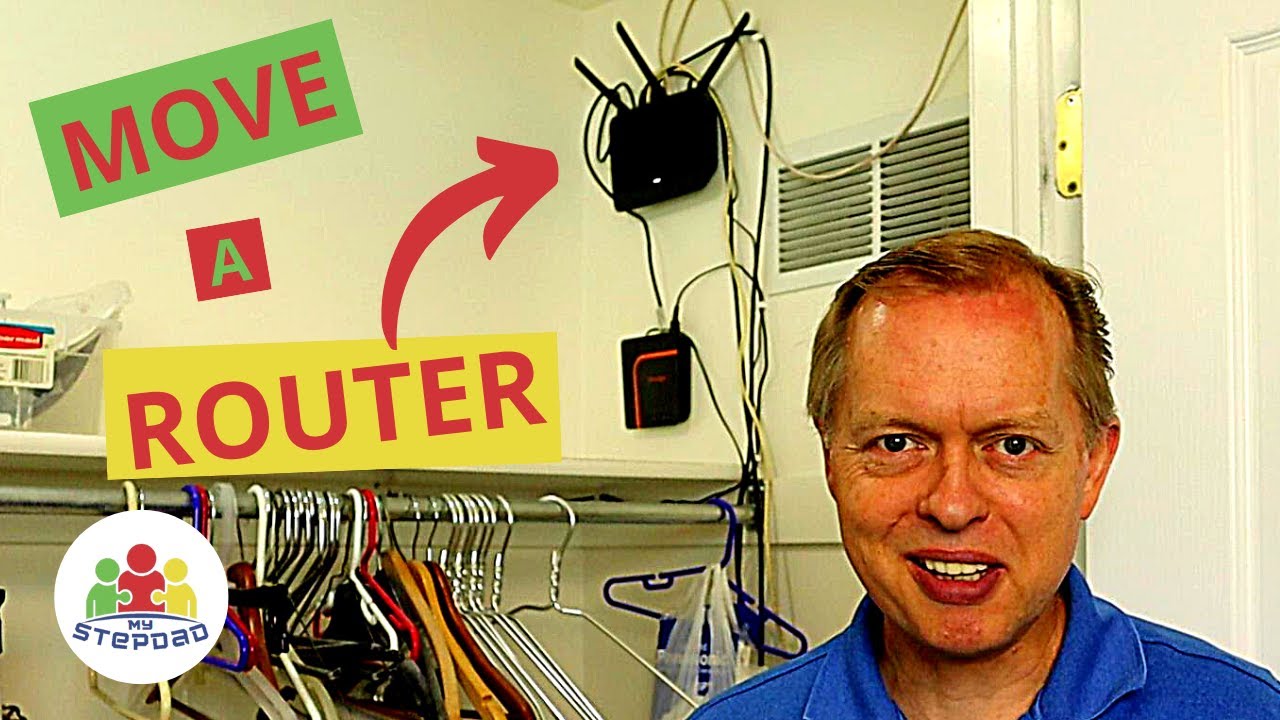
Move Internet To Another Room In My House / No Internet Connection In Another Room
Автор: ShonT
Загружено: 2023-05-21
Просмотров: 16109
Описание:
Here is a quick tutorial on how to move your internet (modem and router) to another room in your house or apartment.
Problem:
Your internet provider connected your internet (modem and router box(es) to a room that's not ideal. You want to move your internet connection to another part of your house for a stronger signal, convenience, or because you want to hardwire your ethernet to an electronic device located elsewhere. You tried connecting your modem to another cable outlet in your house only to discover there was no connection for internet there. You think you need to contact your internet service provider for assistance.
Solution:
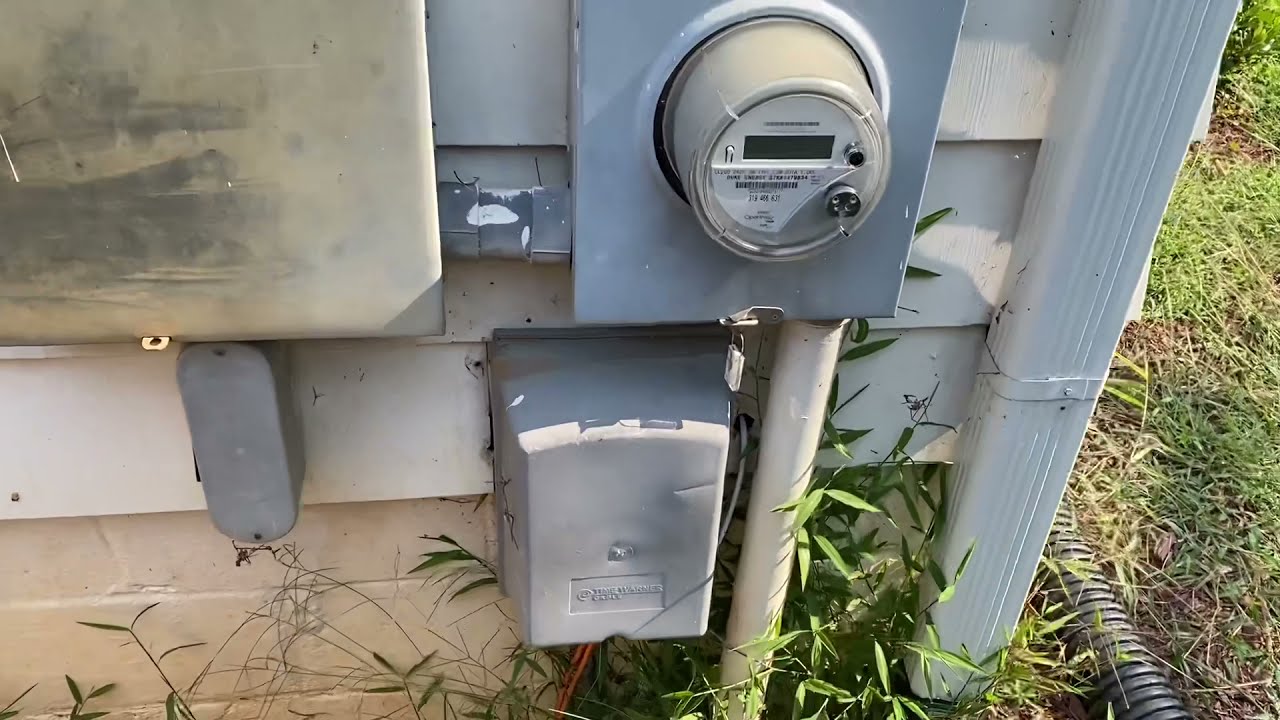
This is an easy fix if you have access to your exterior cable box where the internet and or cable service comes into your house. Note: I only have internet service, not cable TV or satellite so your equipment may look different from mine.
Step 1: Make sure you have internet already coming into your house. If you aren't subscribed to an active internet service this will not work. I have Spectrum (Charter) internet. 2. Have a device already connected to your internet to test with e.g. your mobile phone or a computer. 3. Connect your modem and router to your preferred room. Note: You may have separate modem and router boxes or there may be one box that combines the two. 4. Locate your exterior cable box that brings the internet from the street into your house. This box should be attached to your house on the outside near your electric meter. If not, check inside a closet. DO NOT attempt to access the cable box at the street. 4. Open the box and see which of the black coaxial cables is connected to the adapter. There should be two or more cables attached to the adapter as seen in the video. One cable comes from the box located at the street and the other comes from inside your house. You want the black or white cable that comes from inside your house. There should be multiple cables. In my case I had four there unattached. Three of those four cables is what I wanted to work with. Disconnect the coaxial cable that is currently plugged in. Test your internet using your mobile phone or a computer to see if you still have an internet connection. If not, then you just discovered which cable was connecting you to internet in the room your modem and router were previous located. Attach a different coaxial cable to the adapter. Then repeat your test of your internet connection. If you still don't have a connection, then unscrew the coaxial cable and try the next cable available in the box. Keep testing until you get the cable that works.
Hopefully this helps, but drop a comment if you run into trouble. This should save you time from contacting your service provider and having them come out to do the same thing.
Повторяем попытку...

Доступные форматы для скачивания:
Скачать видео
-
Информация по загрузке: