Apply Governance Policies to Pre-Existing Teams in MS Teams with Teams Manager
Автор: Solutions2Share
Загружено: 2023-04-05
Просмотров: 7501
Описание:
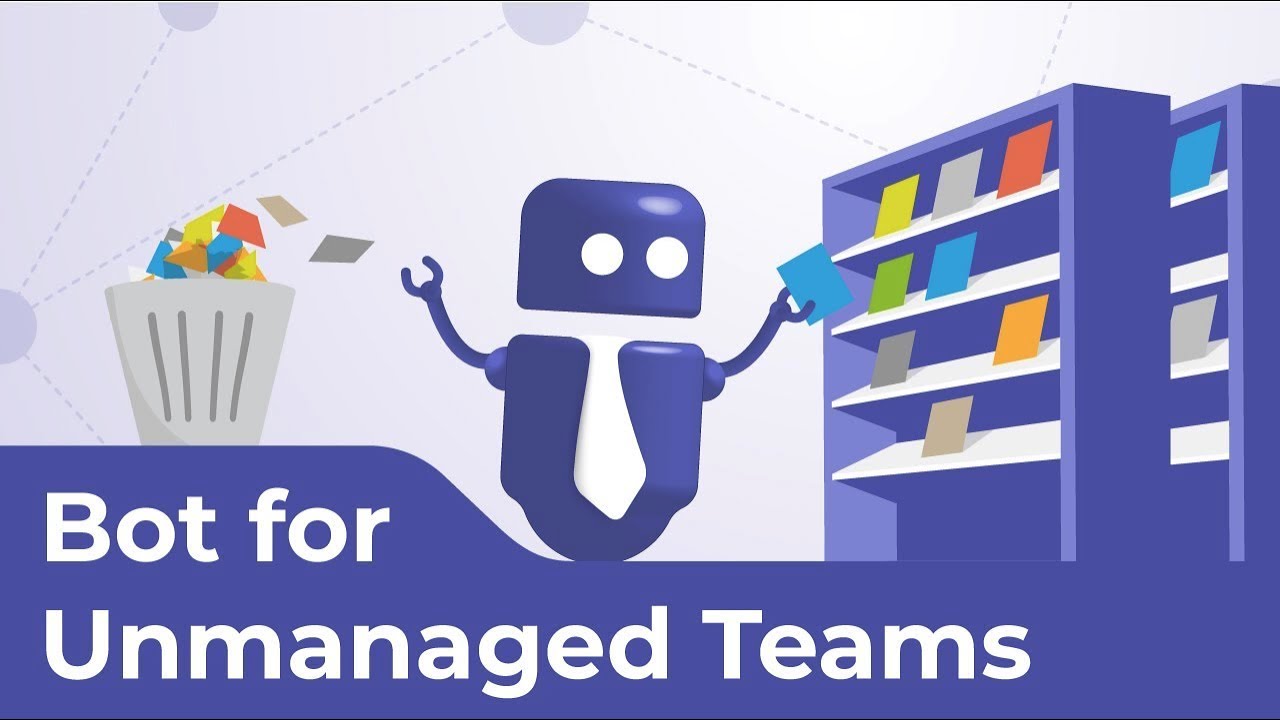
In this tutorial we provide a step-by-step guide on how to assign naming conventions and a life cycle to existing unmanaged teams in Microsoft Teams using Teams Manager and its bot.
The video begins by instructing users to open Teams Manager in Microsoft Teams and go to the settings tab. Users must have access to Expert Mode to use the feature. Under Governance, users can click on Unmanaged Teams and select which teams to convert, whether they require approval for the process, and which teams to exclude. Users can then start the process by clicking on Start Converting Teams and Start Bot. The Teams Manager chatbot will notify all team owners of the conversion, and the owner can then select a template matching the team's governance policies. If the template has metadata assigned to it, the user must fill it in for the conversion. After approval from the owner, the naming convention and life cycle will be assigned to the team and displayed as an active team in Teams Manager's Teams tab.
The video provides a detailed explanation of the conversion process, demonstrating how Teams Manager can make it easier to manage unmanaged teams in Microsoft Teams.
----------------------------------------
Start optimizing your governance in Microsoft Teams:
Download Teams Manager in the Teams app store at
https://teams.microsoft.com/l/app/870...
For more information, please visit https://www.solutions2share.com.
#BotsForTeams #GovernanceInMicrosoftTeams #MicrosoftTeams
Повторяем попытку...
Доступные форматы для скачивания:
Скачать видео
-
Информация по загрузке:


