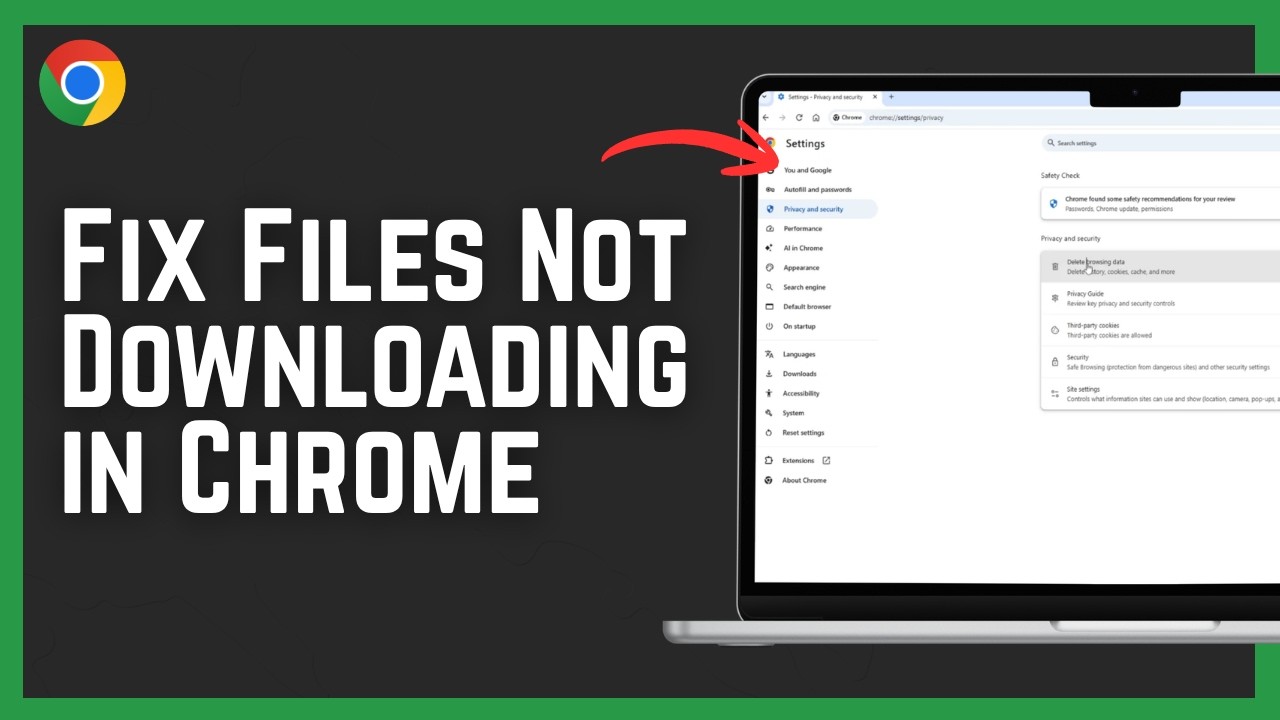
How To Fix Files Not Downloading in Google Chrome 2026
Автор: Fix It
Загружено: 2026-08-20
Просмотров: 111
Описание:
Are your files not downloading in Google Chrome? 🌐⬇️ This step-by-step 2026 guide will show you how to fix download problems in Google Chrome and get your files downloading normally again.
What You’ll Learn in This Video:
How to fix files that won’t download in Google Chrome
How to check Chrome download settings and permissions
How to clear cache and fix common browser issues
How to disable extensions that may block downloads
Tips to fix failed, stuck, or interrupted downloads
Whether your download is not starting, keeps failing, gets stuck, or Chrome is blocking a file, this tutorial will walk you through simple solutions to fix the problem.
📌 Chapters:
⏱ 0:00 - Introduction
⏱ 0:10 - How To Fix Files Not Downloading in Google Chrome 2026
👍 Like, Comment & Subscribe for more Google Chrome tips, browser fixes, and helpful tech tutorials!
🔔 Tap the bell icon to stay updated with our latest how-to videos.
#GoogleChrome #ChromeDownload #ChromeFix #DownloadProblem #GoogleChrome2026 #BrowserTips #TechTutorial
Disclaimer: This video is for educational purposes only. We are not affiliated with Google or Google Chrome. Features and settings may vary depending on your device, operating system, and browser updates.
Повторяем попытку...
Доступные форматы для скачивания:
Скачать видео
-
Информация по загрузке: