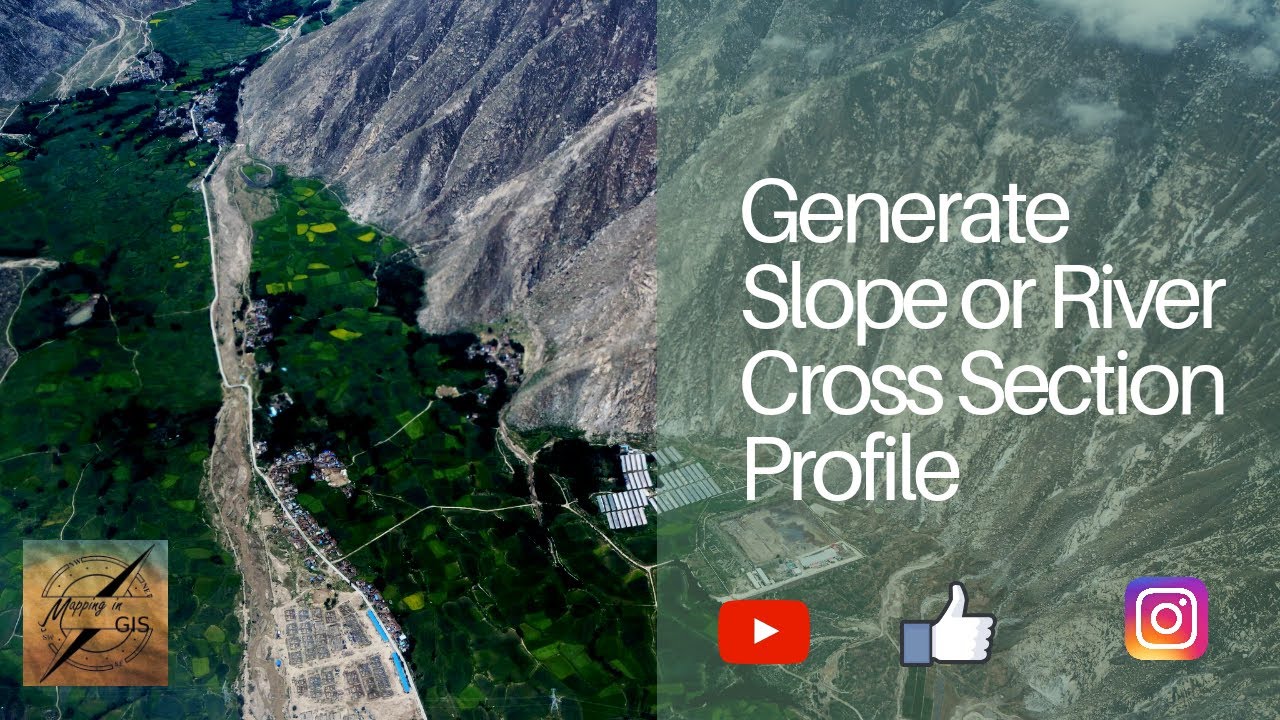
Generate Slope or River Cross Section Profile using Google Earth Pro – Mapping in GIS
Автор: Mapping in GIS
Загружено: 2020-04-10
Просмотров: 3485
Описание:
Generate Slope or River Cross Section Profile using Google Earth Pro – Mapping in GIS
This tool in Google Earth allows you to explore the elevations of a particular path through the Elevation Profile. You will generate a profile by first creating a line (path), and then right clicking it in your places menu and choose show elevation profile.
Now Generate Elevation Profile in Google Earth Pro with the best graph visualization of elevated region through line datasets.
This video demonstrates how to create an elevation profile in Google Earth using the path tool.
Viewing slope in Google Earth through an oblique perspective, through use of the path profile tool, and by calculation of percent slope
Generate Slope or River Cross Section Profile using Google Earth Pro – Mapping in GIS
🔔 You want so see more videos like this? Then subscribe and turn on notifications! 🔔
👍Like My Facebook Page: / mapping-in-g. .
🎥Subscribe to My Channel and Get More Great Tips: / mappingingis
📷Follow me on Instagram: / mappingingis
🐦Follow me on Twitter: / mappingin
#MappinginGIS #GoogleEarthPro
Повторяем попытку...
Доступные форматы для скачивания:
Скачать видео
-
Информация по загрузке:

![Google Earth App Tutorial [Digital globe]](https://image.4k-video.ru/id-video/DLLv84L8k-k)


![The Pirate Caribbean Hunt, [Online Multiplayer] Matches.](https://image.4k-video.ru/id-video/Ht7QBkYF8Dg)