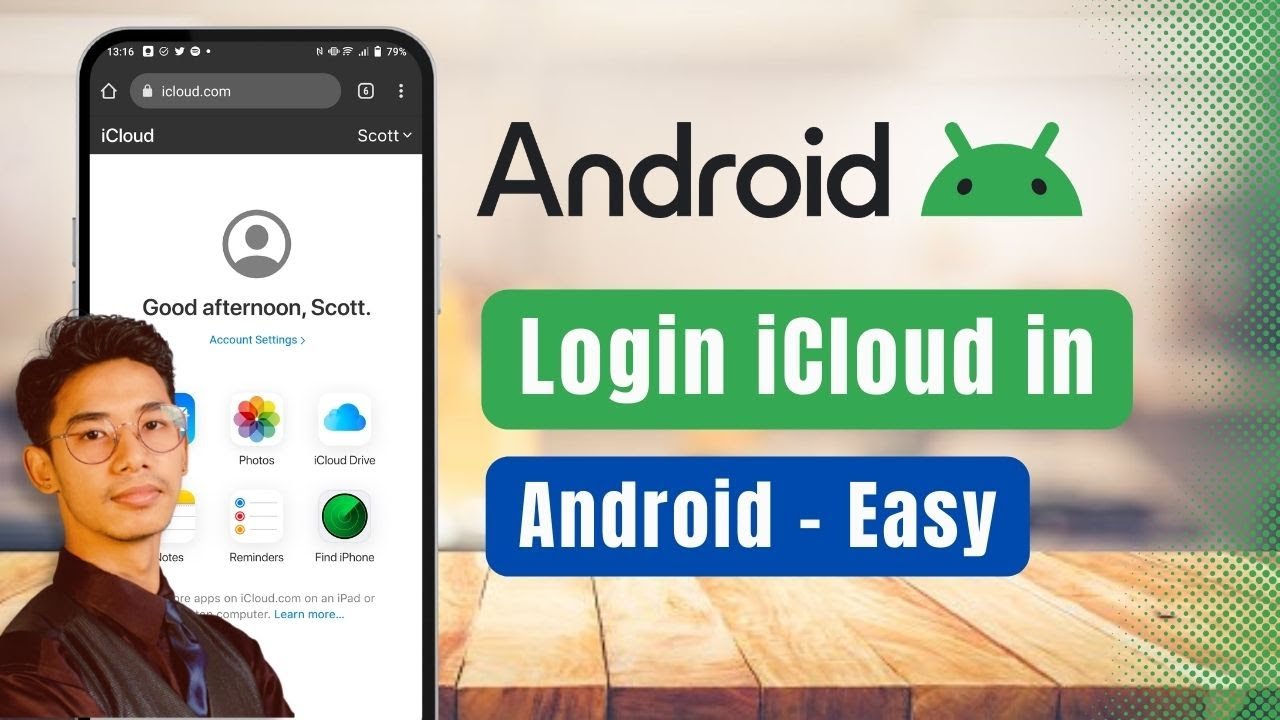
How to Login iCloud in Android !
Автор: App Ultra
Загружено: 2024-08-22
Просмотров: 6225
Описание:
Even if you don't have an iPhone, you can still log into your iCloud account on your Android device. Today, we will learn how to do just that. Without further ado, let's get started with today's video.
To log into iCloud on an Android device, follow these simple steps. First, open any web browser on your Android device and go to icloud.com. Once you navigate to the website, you will see the iCloud login interface.
Tap on the "Sign In" button. Enter the email address associated with your Apple ID, then enter your password and hit the arrow button to proceed. For security purposes, you might receive a verification code sent to your email or phone number. Enter the verification code to complete the login process.
Once verified, you will be successfully logged into your iCloud account on your Android device. From here, you can access your iCloud services, such as Mail, Contacts, Photos, and more.
By following these steps, you can easily log into your iCloud account on Android. I hope this video helped you! If you have any questions, queries, or doubts, feel free to leave them down in the comment section below. Thank you for watching till the very end of this tutorial, and see you soon in the next video!
0:00 Introduction
0:13 Open Browser and Navigate to iCloud.com
0:22 Enter Apple ID Email and Password
0:41 Verify with Security Code
0:53 Access iCloud on Android
1:02 Conclusion and Additional Help
#iCloudOnAndroid #AppleID #TechTutorial #iCloudLogin #AndroidTips #CrossPlatformAccess #TechHelp #HowTo #iCloudAccess #AndroidTutorial
Social Links:
Facebook - / ssktechin
Instagram - / geekhowto
Email - [email protected]
Повторяем попытку...
Доступные форматы для скачивания:
Скачать видео
-
Информация по загрузке: