ZEBLAZE Stratos 2 Ultra - How to Set Custom Watch Face
Автор: HardReset_Pro
Загружено: 2026-02-11
Просмотров: 13
Описание:
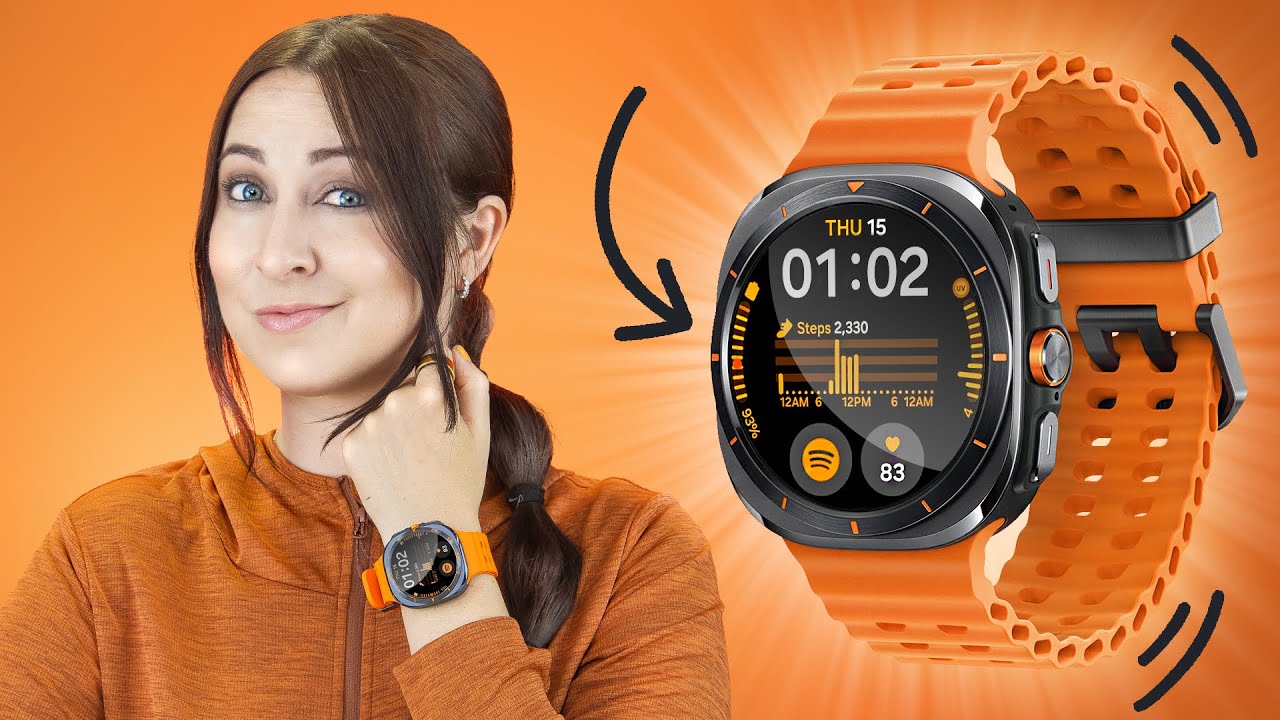
Learn how to set a custom watch face on your ZEBLAZE Stratos 2 Ultra using the Glory Fit Pro app. In this video you will see both options: take a new photo with your phone camera or select an existing image from your album, crop the picture, choose the clock position, and download & sync the watch face to your paired Stratos 2 Ultra. Make sure the watch is paired with the phone and that Glory Fit Pro has the required permissions before starting.
How to set a custom watch face on ZEBLAZE Stratos 2 Ultra?
How to use Glory Fit Pro to add a photo watch face on ZEBLAZE Stratos 2 Ultra?
Where is Album Watch Face in Glory Fit Pro for ZEBLAZE Stratos 2 Ultra?
0:00 Intro & requirements
0:12 Open Glory Fit Pro and select your device
0:50 Open Watch Face Market → More → Album Watch Face
0:58 Add background: Take pictures (camera) option
1:16 Take photo, crop and select clock position
1:52 Download and sync to the watch
2:12 Select from album method and crop image
3:02 My album watch faces - reapply saved faces
3:20 Wrap up and tips
#ZEBLAZE #Stratos2Ultra #WatchFace #GloryFitPro
Find out more:
https://www.hardreset.info/devices/ze...
Follow us on Instagram ► / hardreset.info
Like us on Facebook ► / hardresetinfo
Tweet us on Twitter ► / hardreseti
Support us on TikTok ► / hardreset.info
Use Reset Guides for many popular Apps ► https://www.hardreset.info/apps/apps/
Повторяем попытку...

Доступные форматы для скачивания:
Скачать видео
-
Информация по загрузке: